
HOW WE GRADE DEVICES
4 grades.
1 same check.
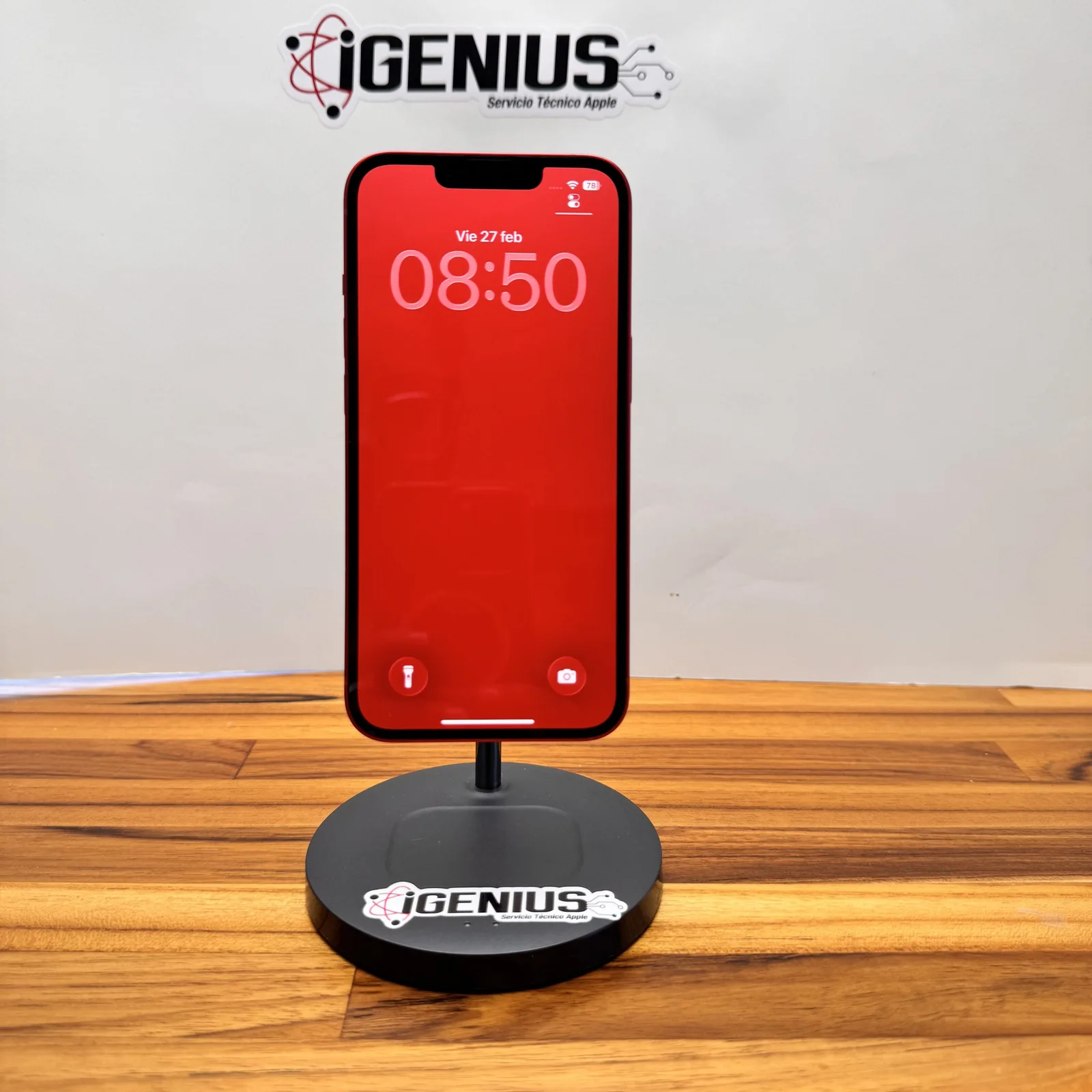
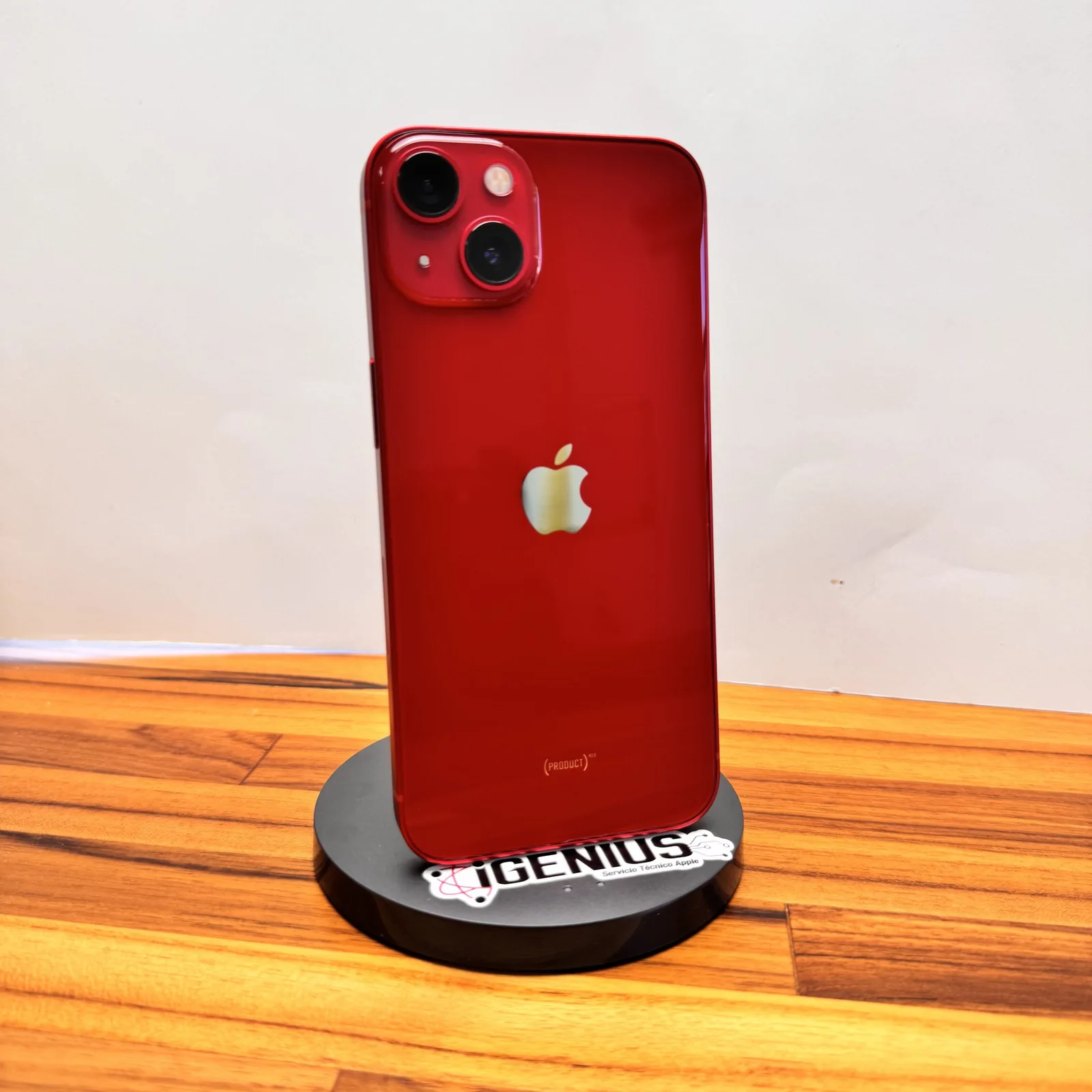
Every pre-owned device passes the same check in our laboratory. What changes from one grade to the next is not how it works, but how much the use shows.
01 · GRADE A
Like new
For those who want a device that looks new and to pay less than for a new one.
- Screen with little to no scratches, and no cracks.
- Housing with no scuffs, dings or dents.
- At a glance you can hardly tell it was used.
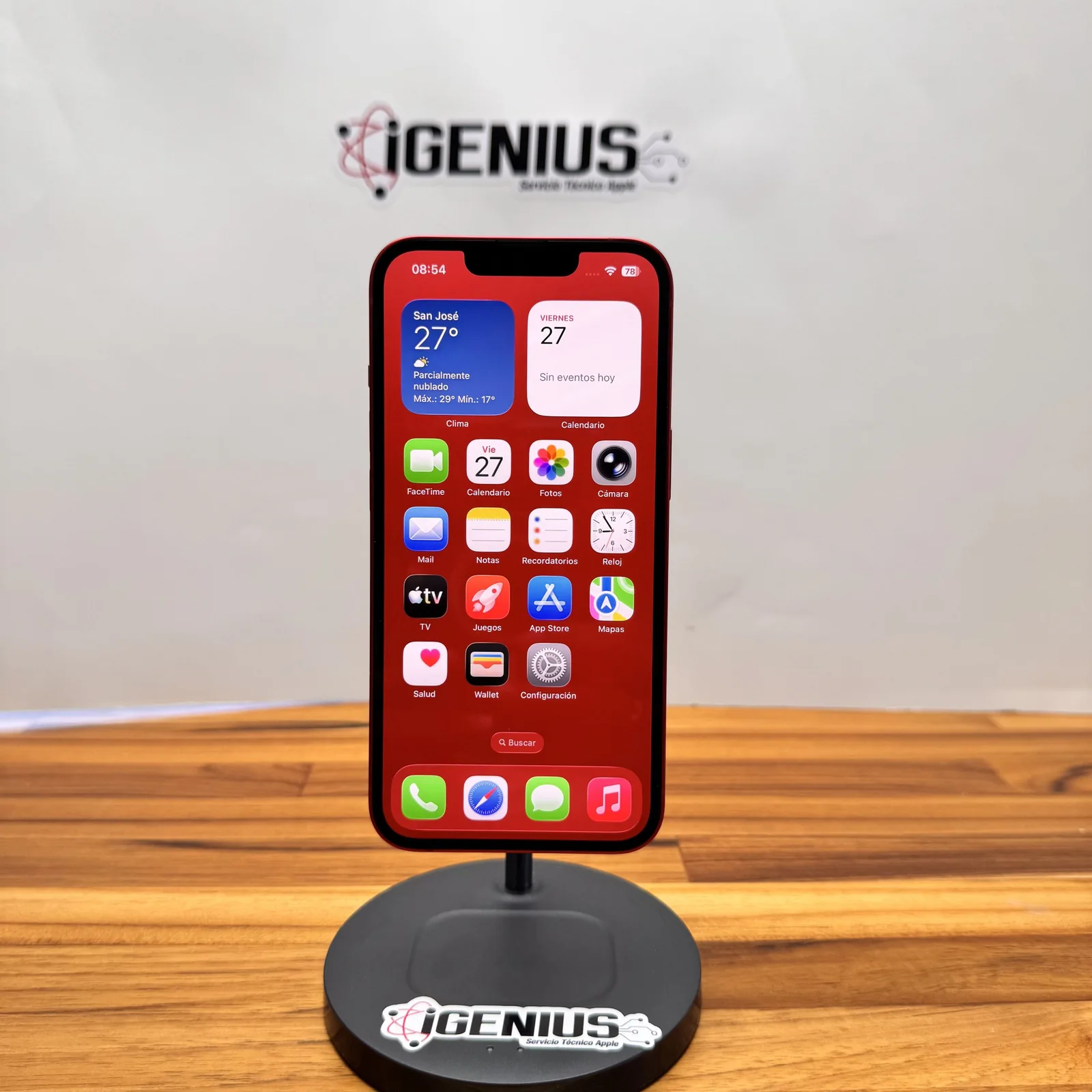
02 · GRADE B
Excellent
The middle ground: it looks very good up close and costs less than a Grade A.
- Screen with very minor scratches, visible only up close.
- Housing with very minor scuffs and no dents.
- It shows very little sign of use.
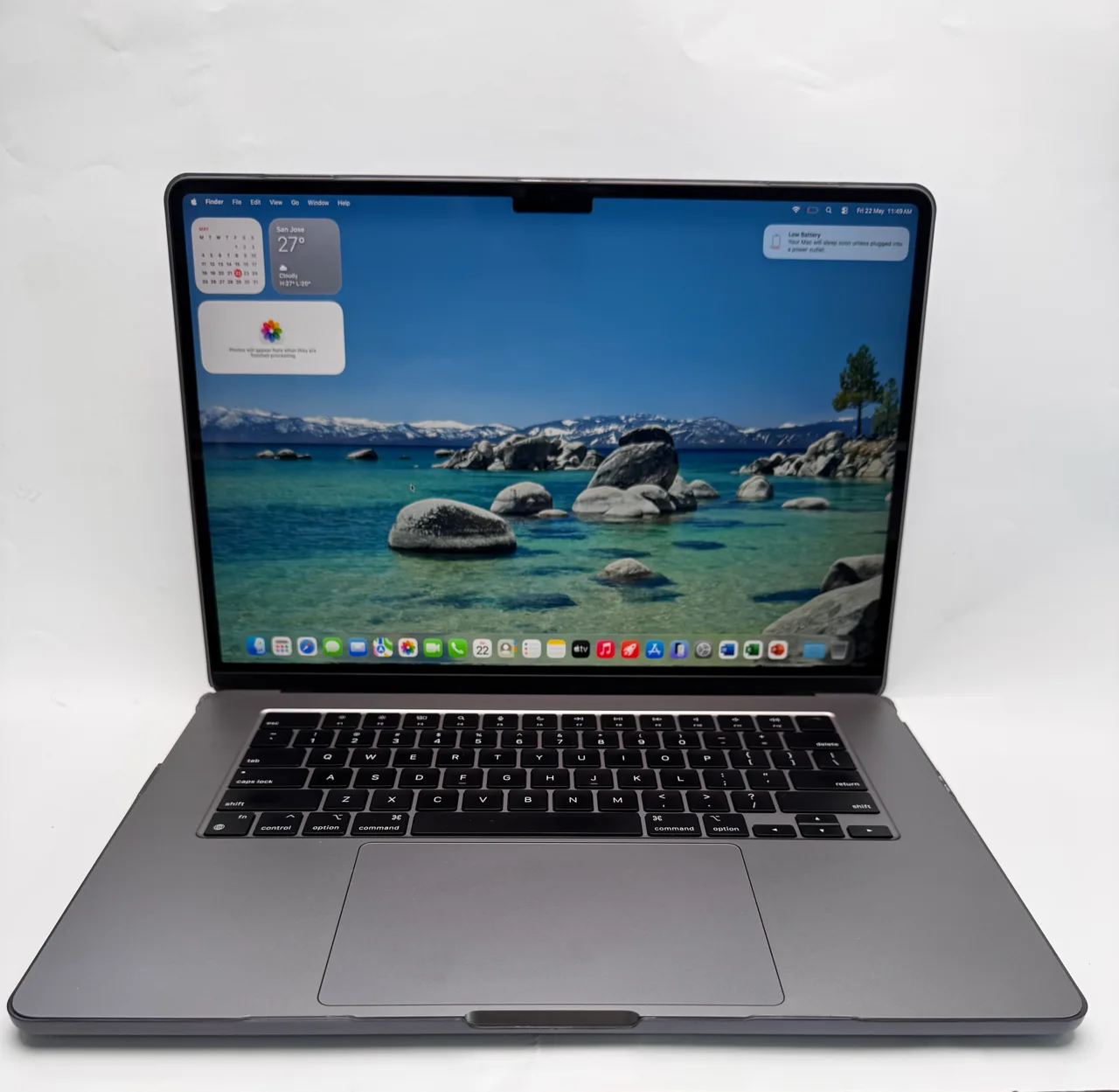
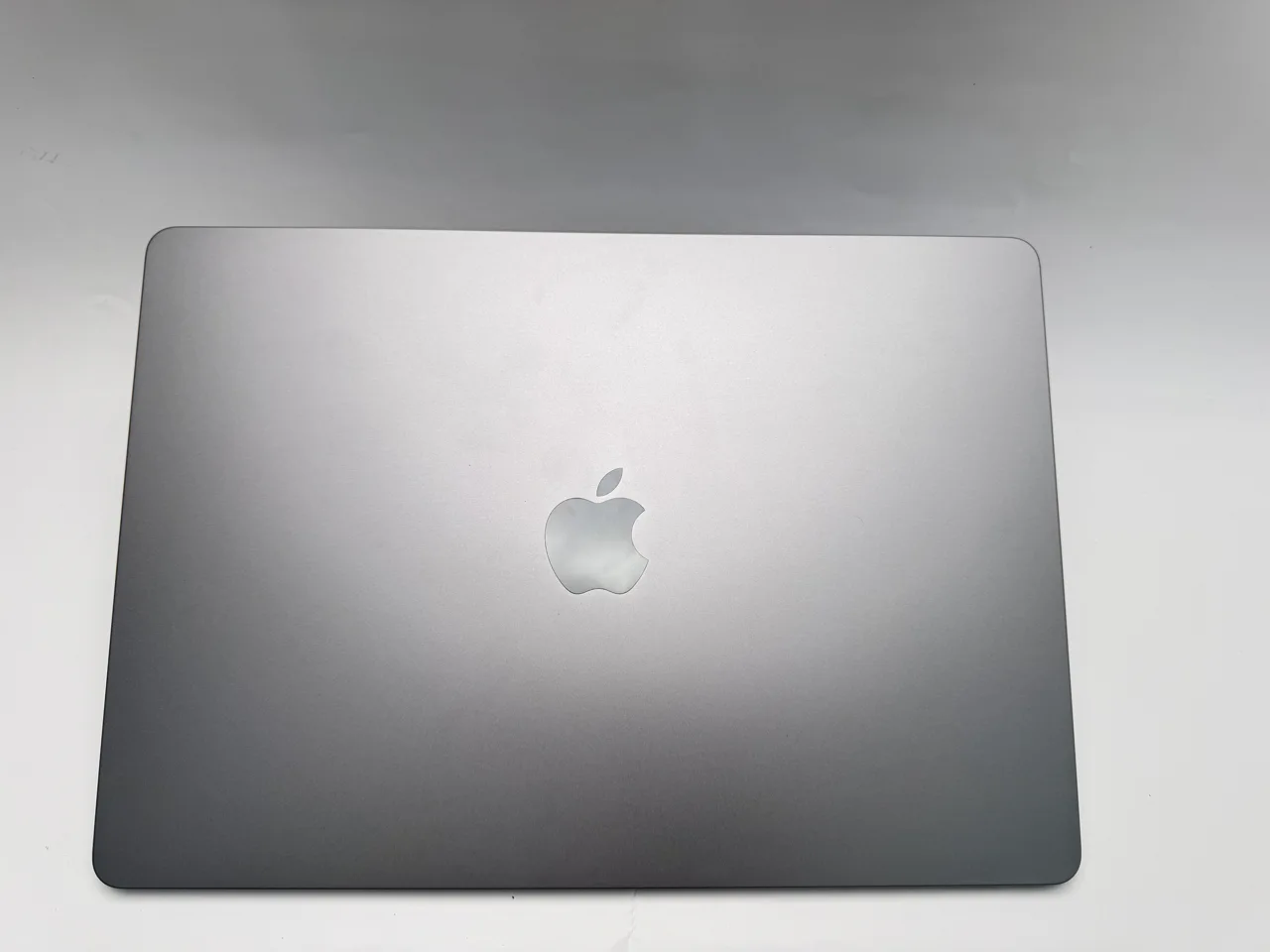
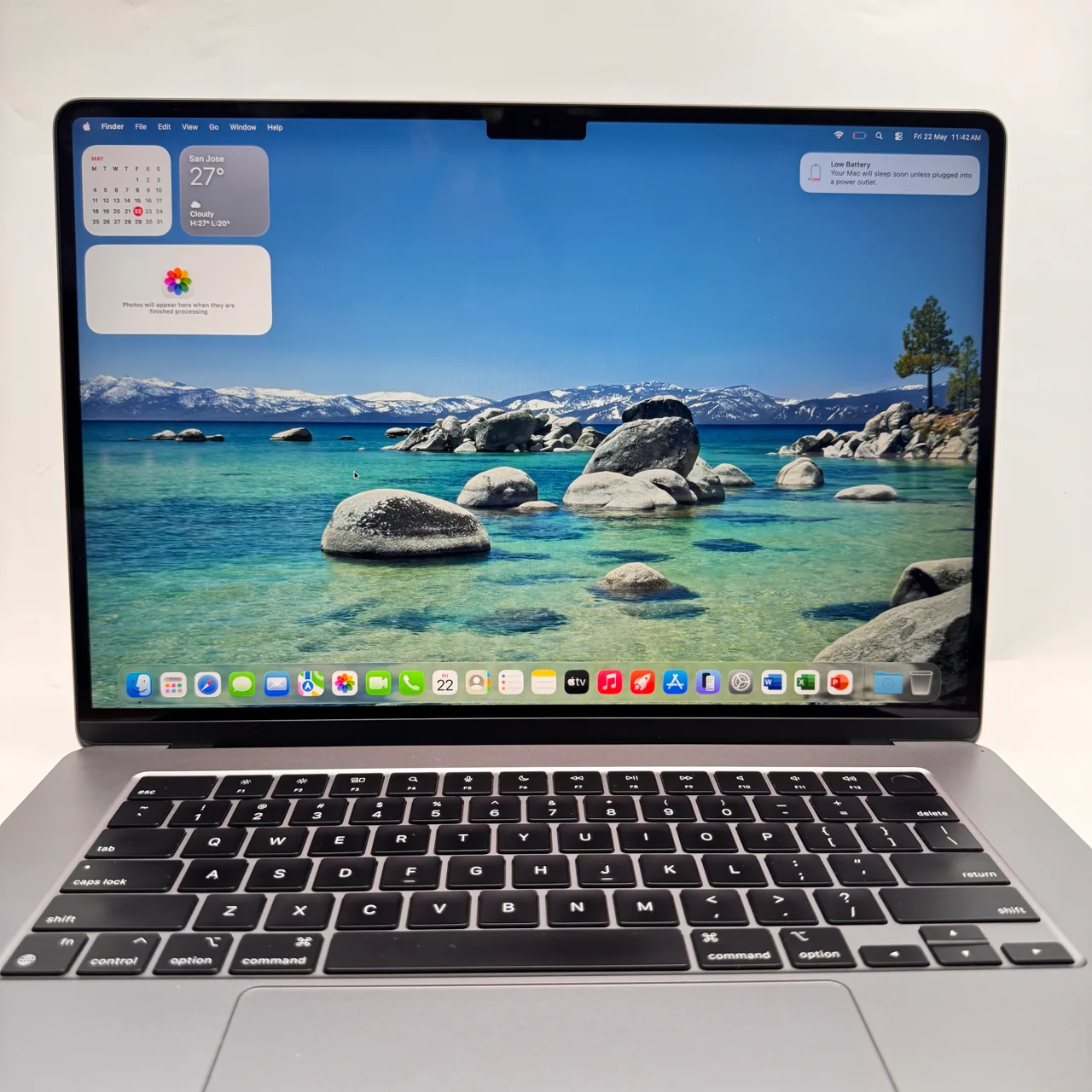
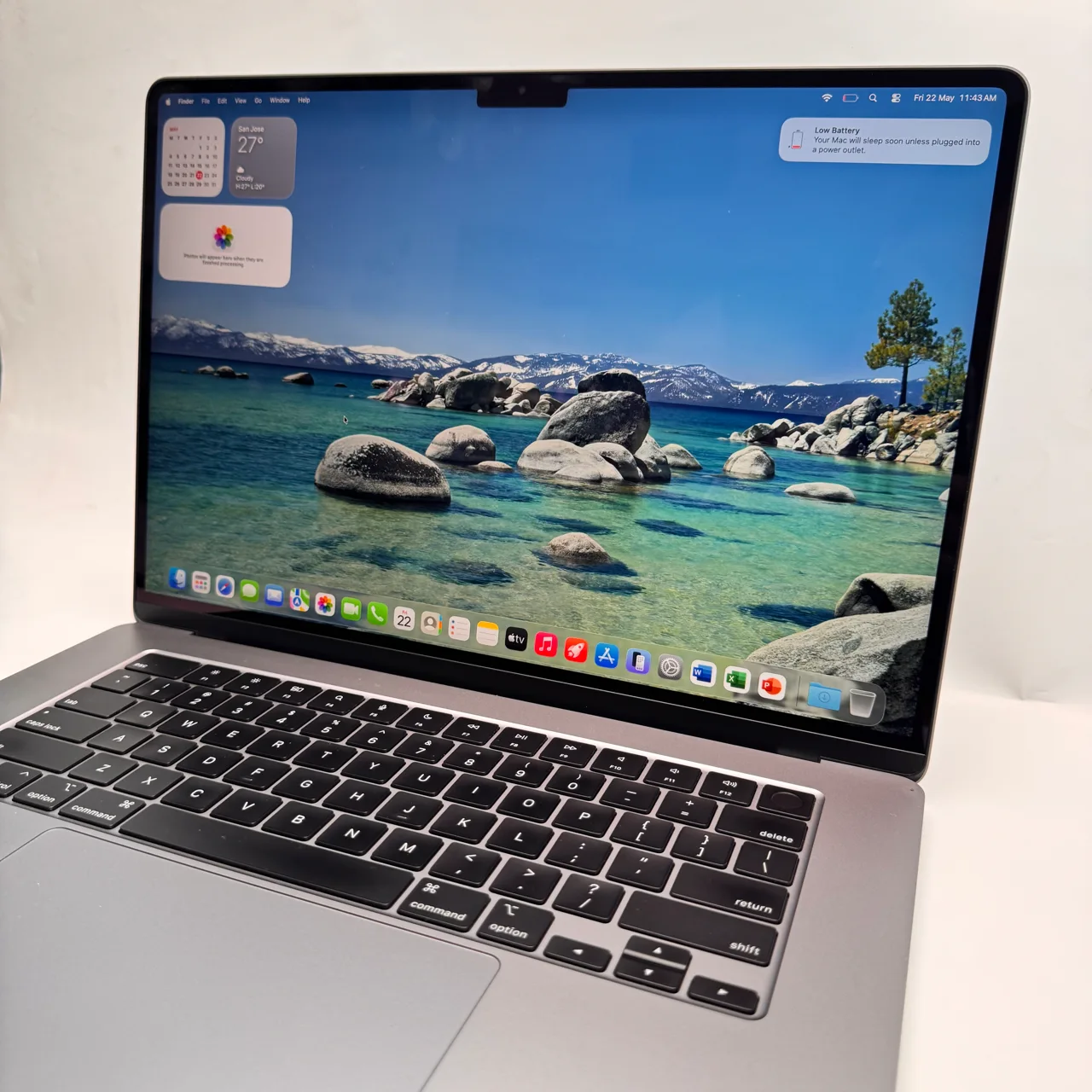
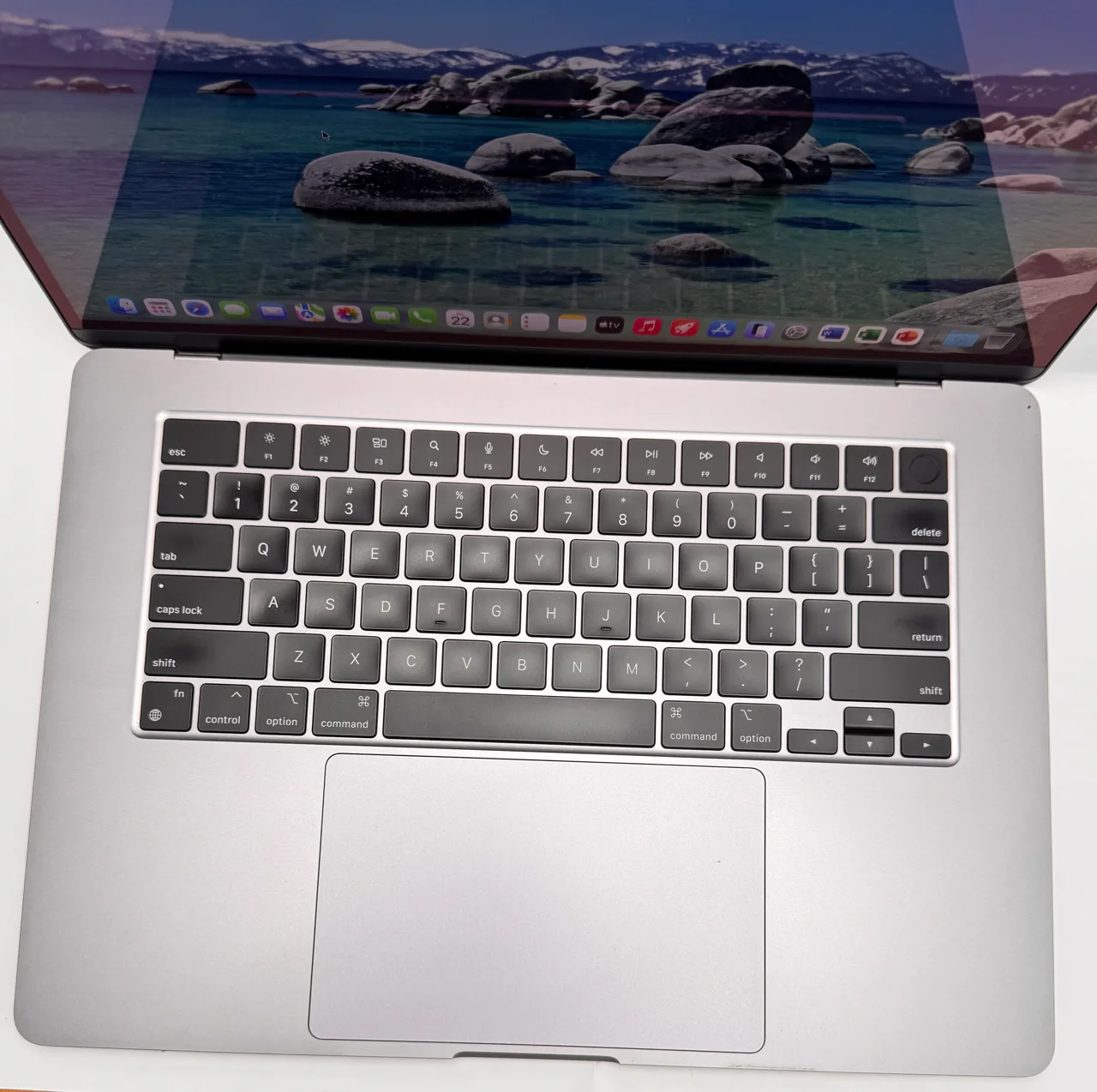
03 · GRADE C
Good
For those who use a case and would rather save than have a spotless device.
- Screen with more scratches, and no cracks.
- Housing with visible scuffs; it may have a small ding on a corner.
- The imperfections show, but do not affect how it works.
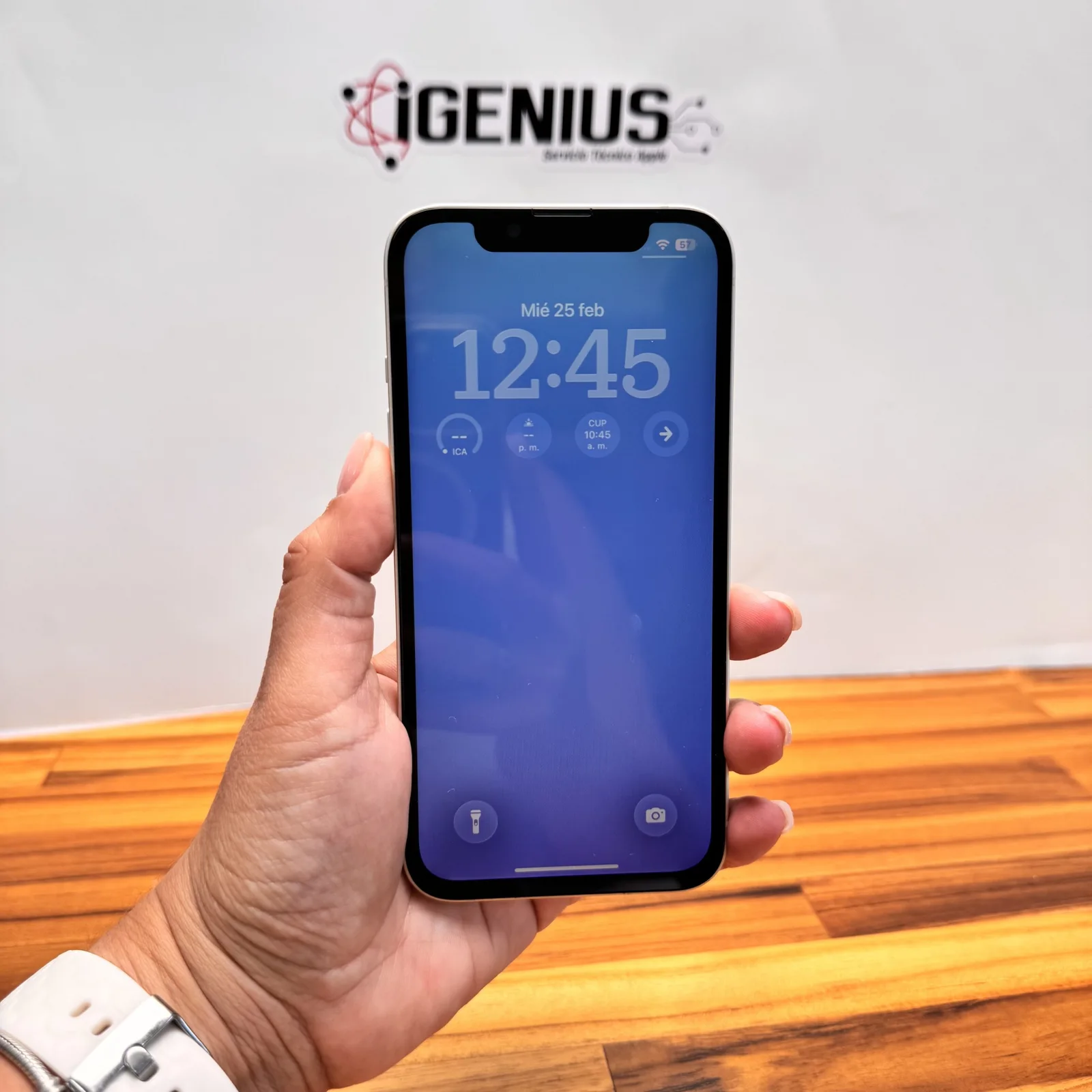
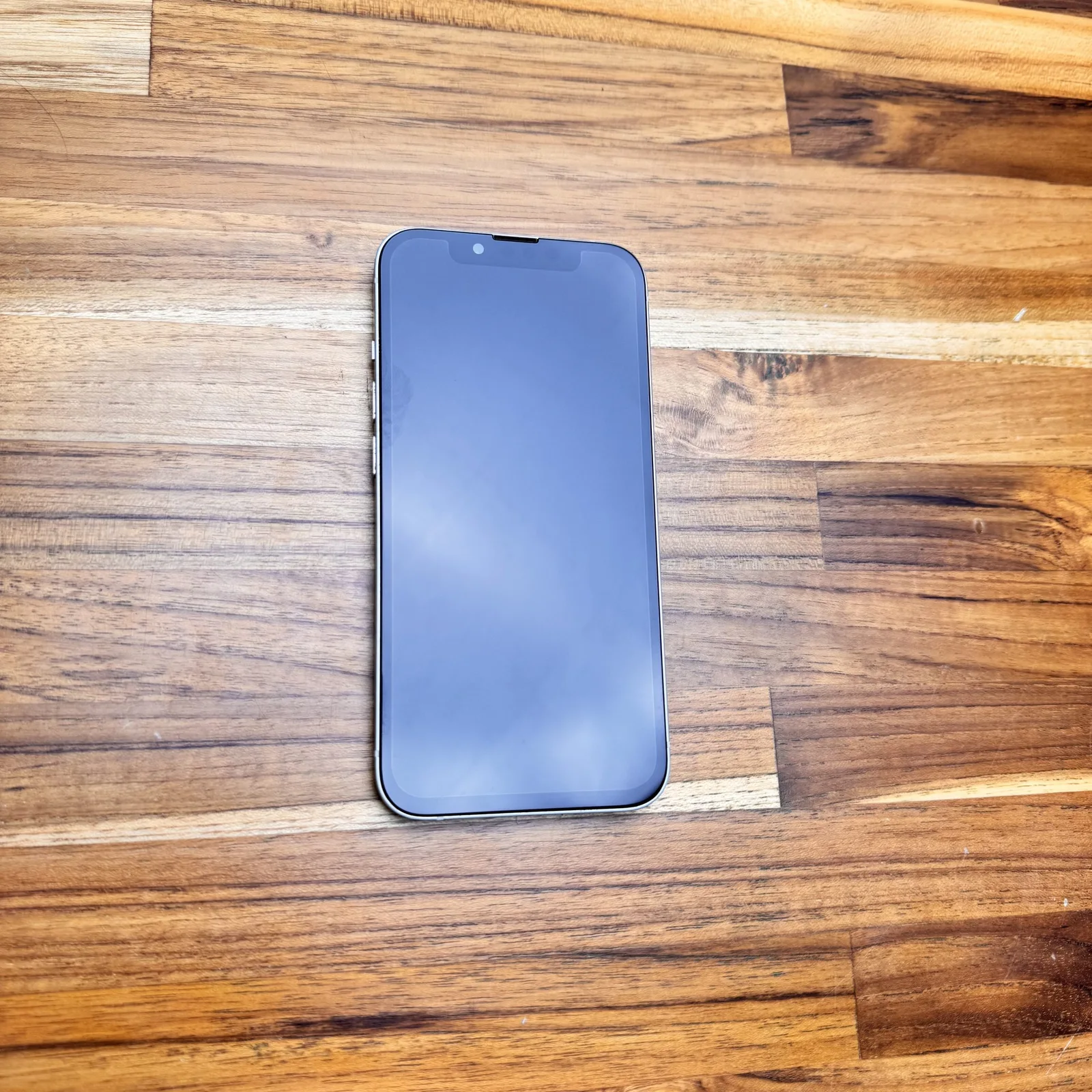
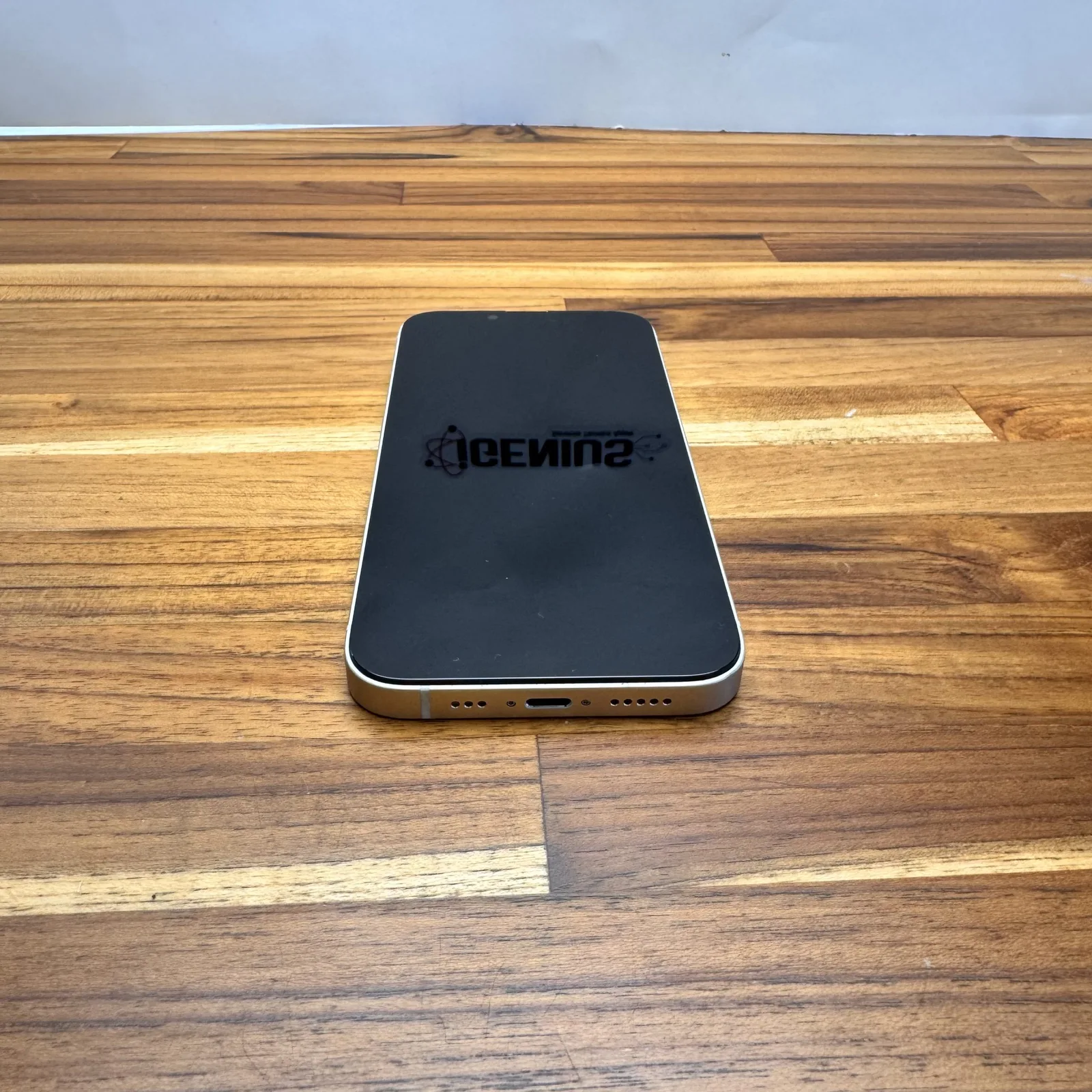
04 · GRADE D
Fair
The lowest price on the scale, for those who want a device that works well and do not mind how it looks.
- Screen with heavier scratches, and no cracks.
- Housing with visible scuffs and dents.
- The use shows at a glance; the device is sound and works well.
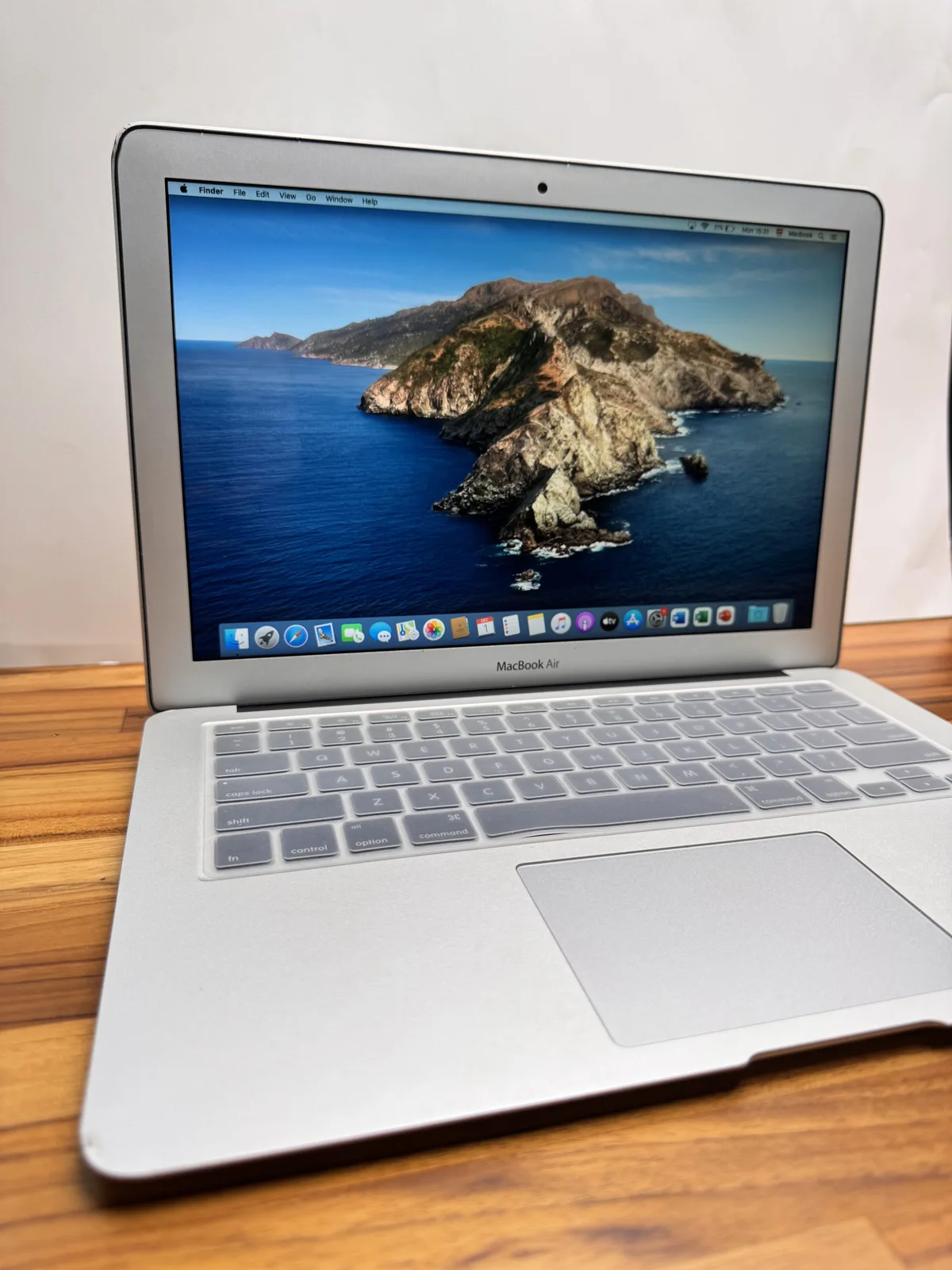
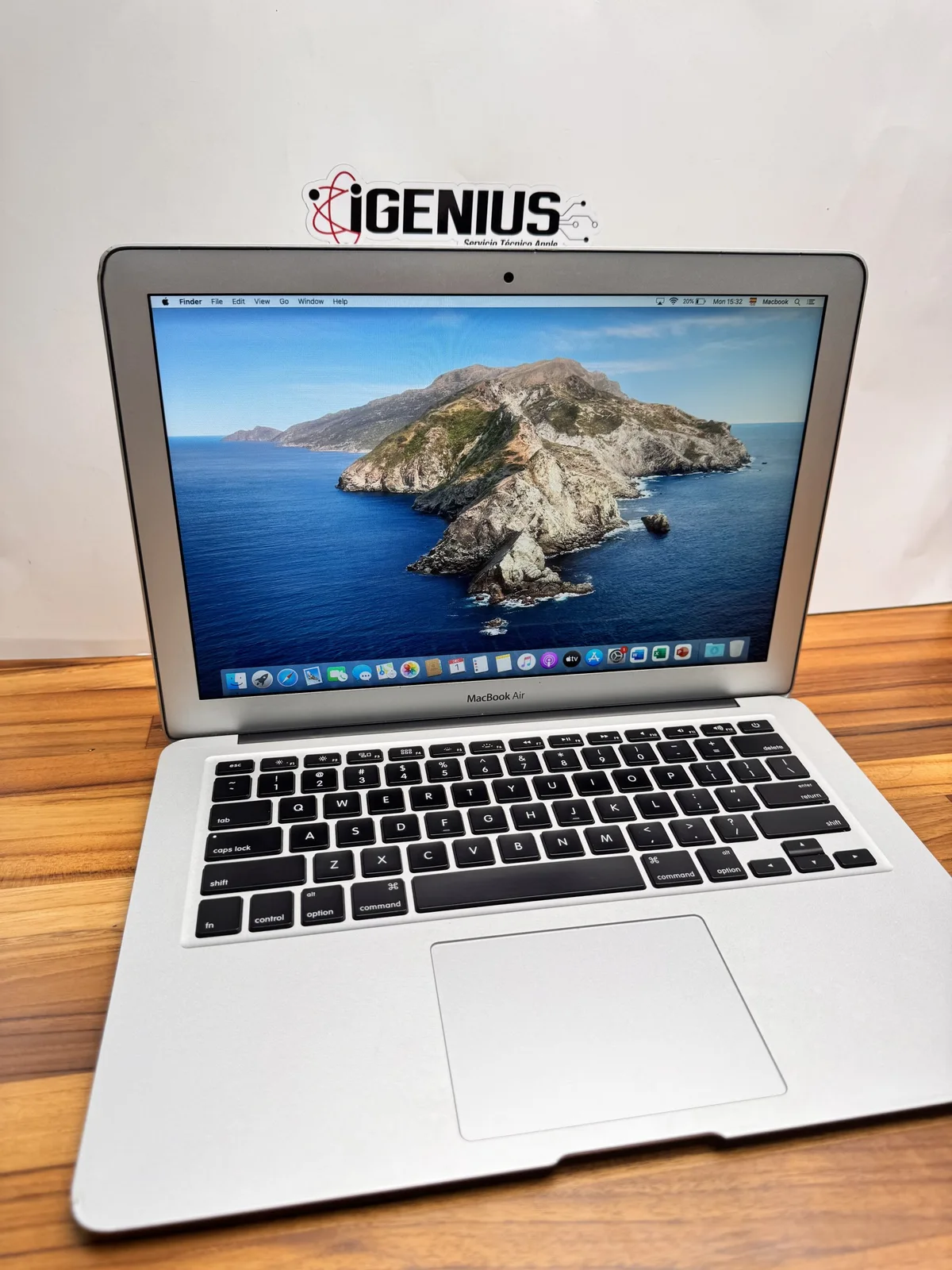
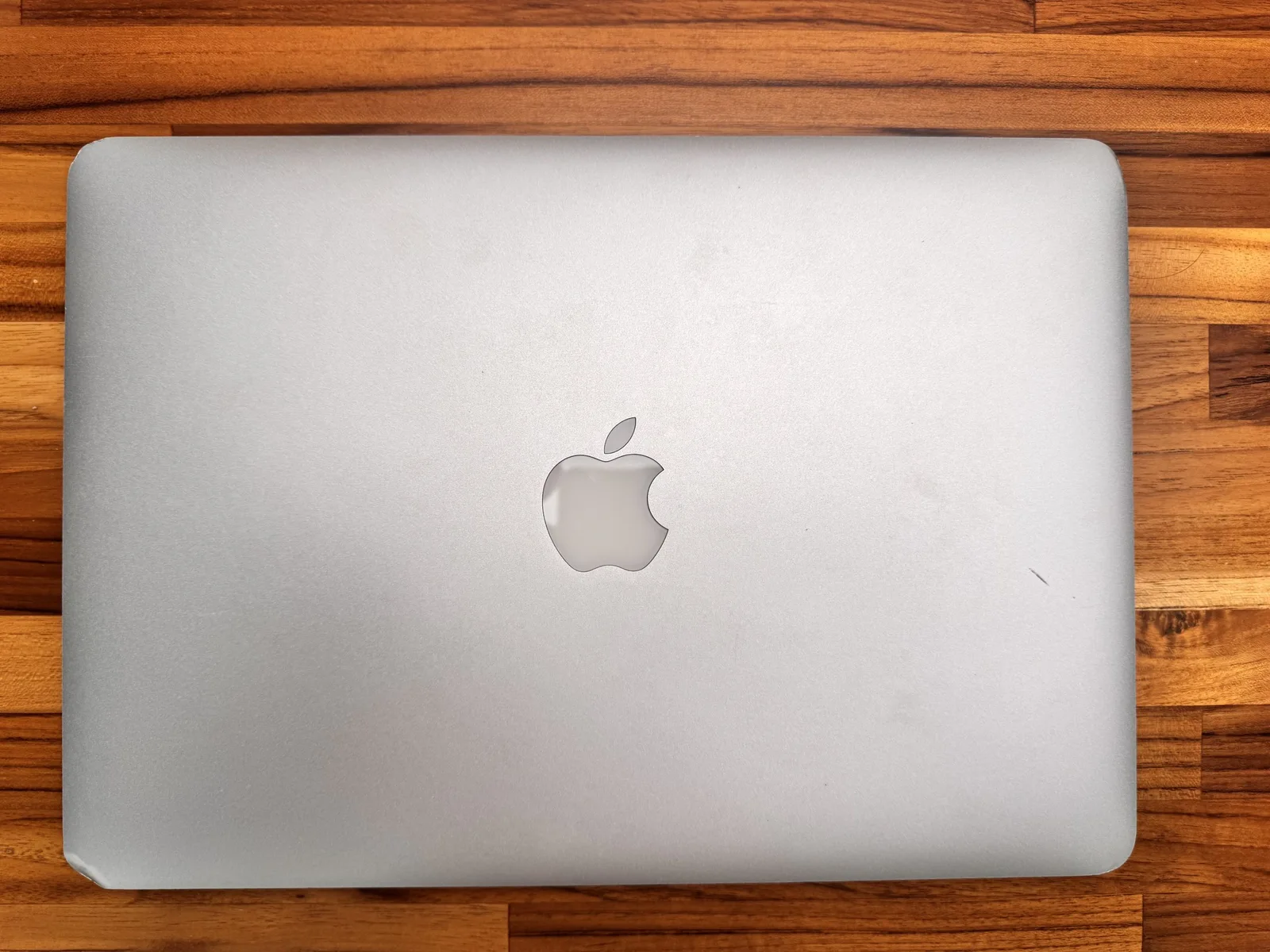
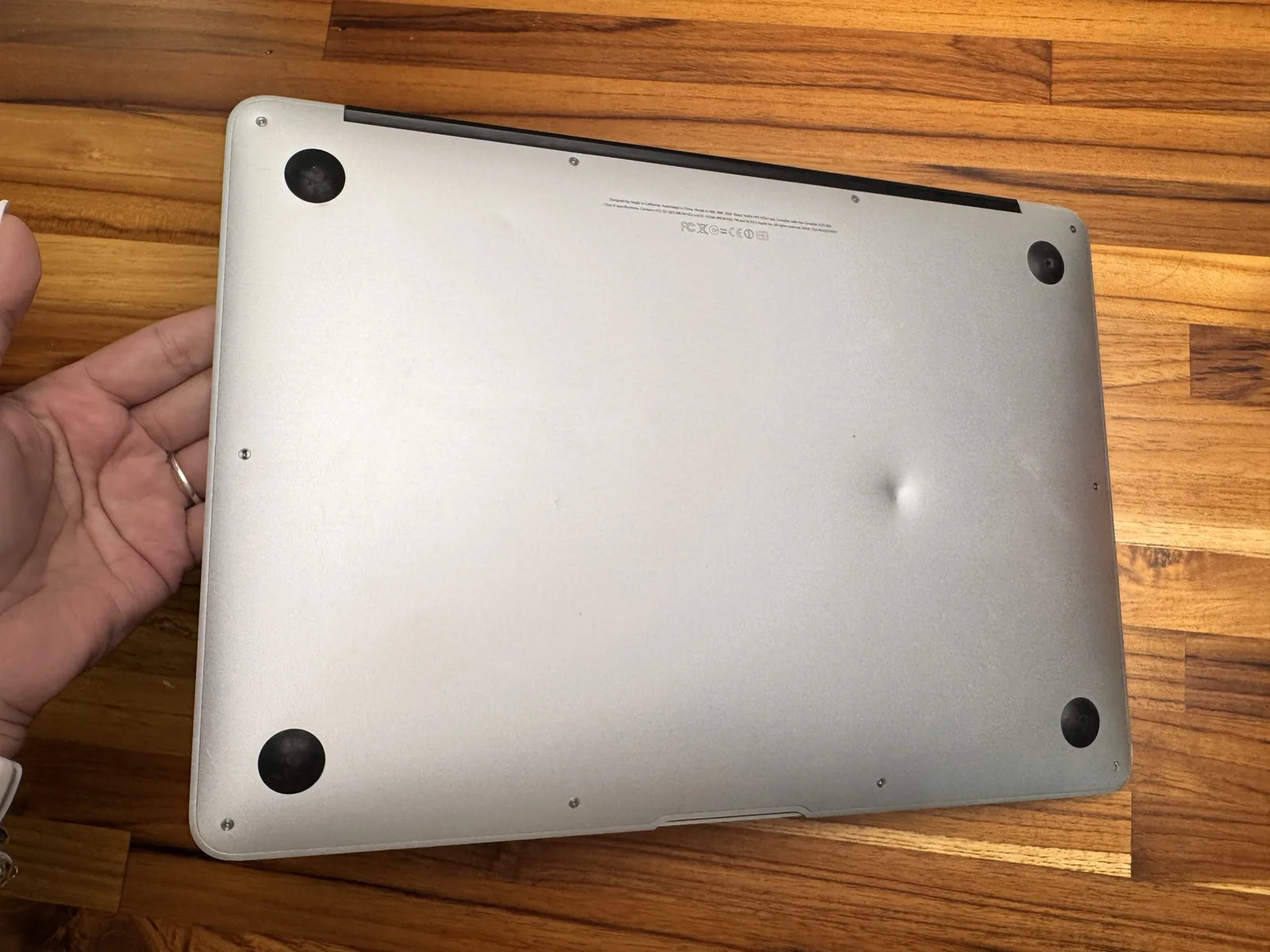
GRADE ID · ONE DECLARED FAULT
Face ID or Touch ID fault
For those who do not need face or fingerprint unlock and want to pay less.
It is the only grade in which something does not work, which is why it sits apart from the A to D scale. It applies to iPhone, iPad and Mac. It looks like a Grade B or C device; what changes is that unlocking with your face or fingerprint is not available.
iPhone
Face ID on models without a Home button; Touch ID on models with one.
It unlocks with a passcode.
iPad
Touch ID in the Home button or the top button; Face ID on iPad Pro.
It unlocks with a passcode.
Mac
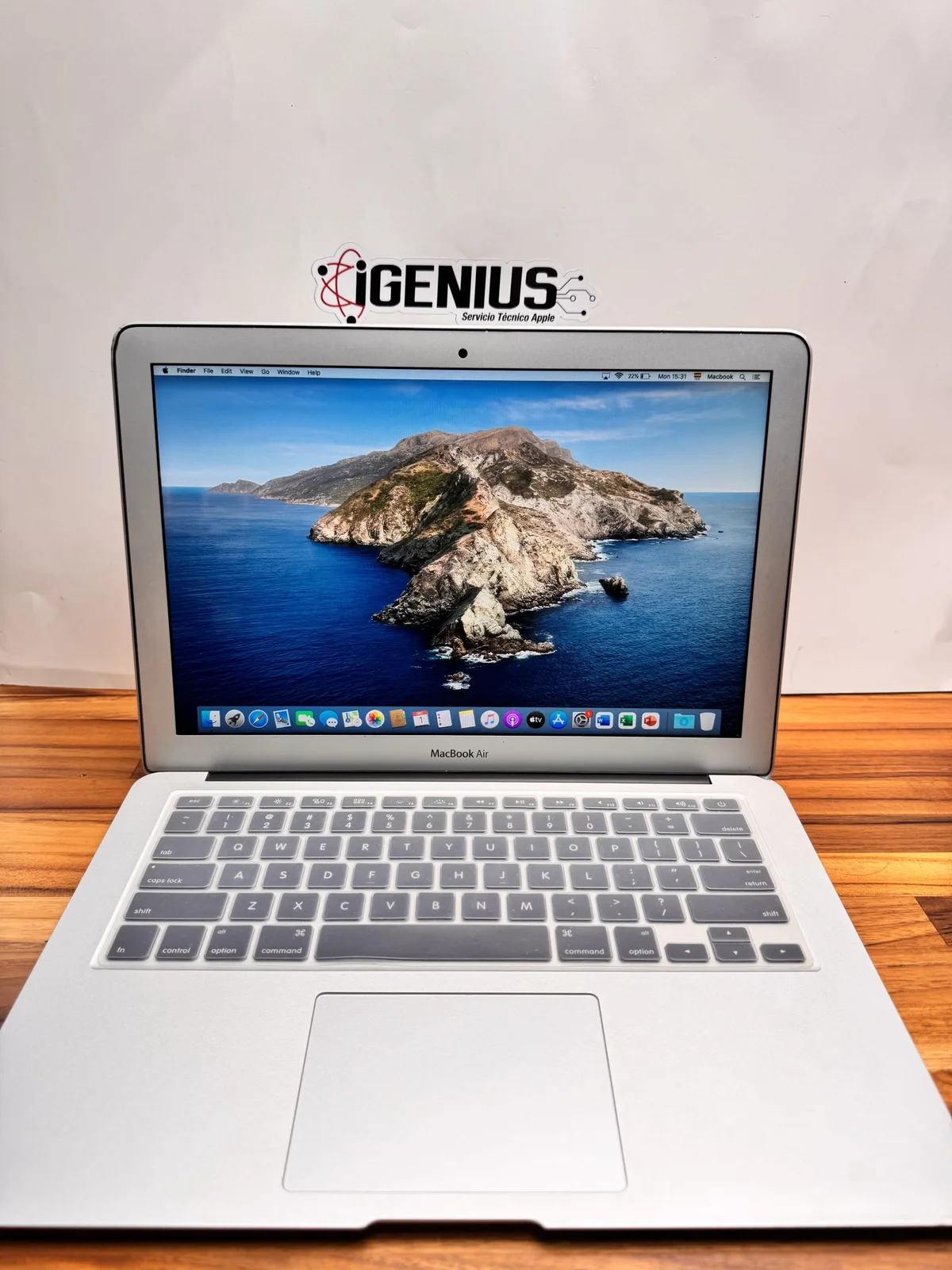
Touch ID on the keyboard of the MacBook Air and MacBook Pro models that have it.
You sign in with a password.
What works
- Screen, cameras, audio, connections and charging pass the same check as any other device.
- Purchases, apps and Apple Pay are confirmed with the passcode or password.
- The 3-month iGenius warranty covers the rest of the device.
What does not
- Unlocking the device with your face or fingerprint.
- Confirming purchases or passwords with your face or fingerprint.
- Turning it on later: the sensor is paired to each device at the factory and, as a rule, cannot be replaced.
AT A GLANCE
The four grades, side by side.
| ALike new | BExcellent | CGood | DFair | |
|---|---|---|---|---|
| Screen | Little to no scratches | Very minor scratches | More scratches, no cracks | Heavier scratches, no cracks |
| Housing | No scuffs or dents | Very minor scuffs, no dents | Visible scuffs and small dings | Visible scuffs and dents |
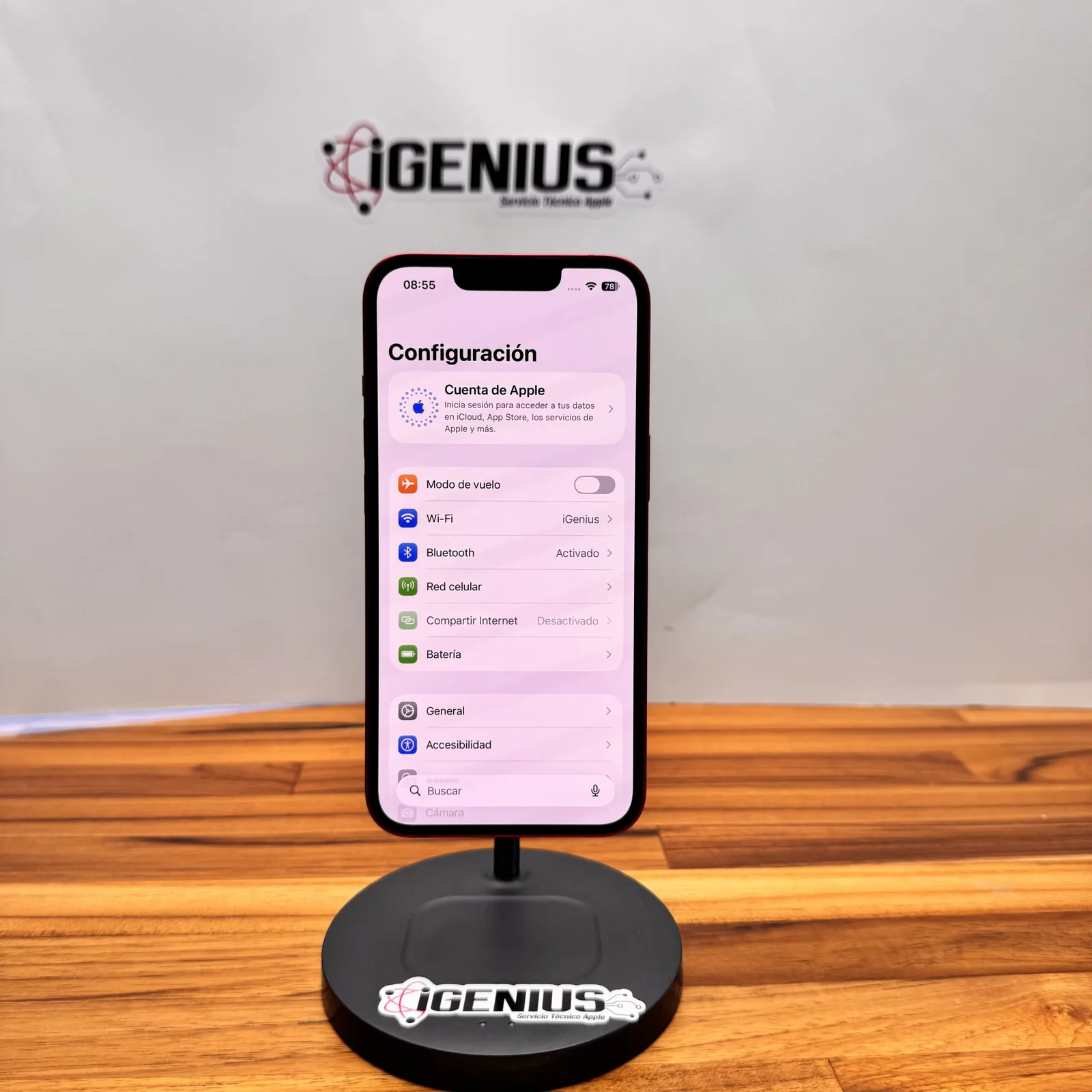
| Function | Everything works | Everything works | Everything works | Everything works |
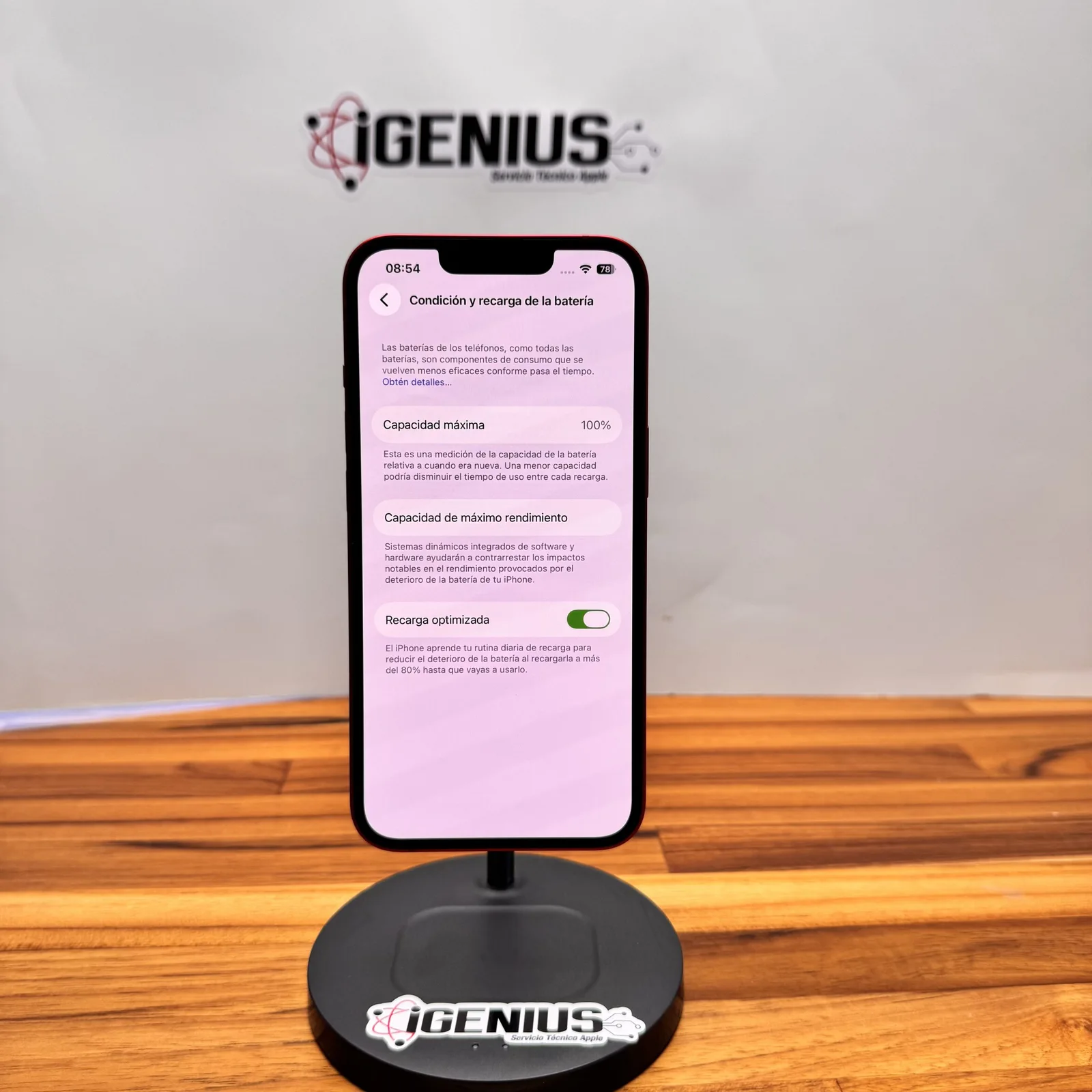
| Battery | Percentage on each listing | Percentage on each listing | Percentage on each listing | Percentage on each listing |
| Warranty | 3 months | 3 months | 3 months | 3 months |
THE CHECK
28 points. The same for all.
Before it is listed, every device goes across our bench. If something does not pass the check, it is repaired or it is not sold.
Origin and locks
- Clean IMEI or serial number
- No iCloud lock
- No carrier lock
- No remote management (MDM)
- No system modifications
Screen and touch
- Picture with no spots or lines
- Touch across the whole screen
- Brightness and True Tone
- Glass with no cracks
Cameras and audio
- Front and rear cameras
- Video recording
- Microphones
- Speakers and earpiece
Sensors and buttons
- Face ID or Touch ID
- Buttons and switches
- Proximity and light sensor
- Vibration
Connections
- Wi-Fi and Bluetooth
- Cellular network and SIM reading
- GPS
- Ports
Battery and charging
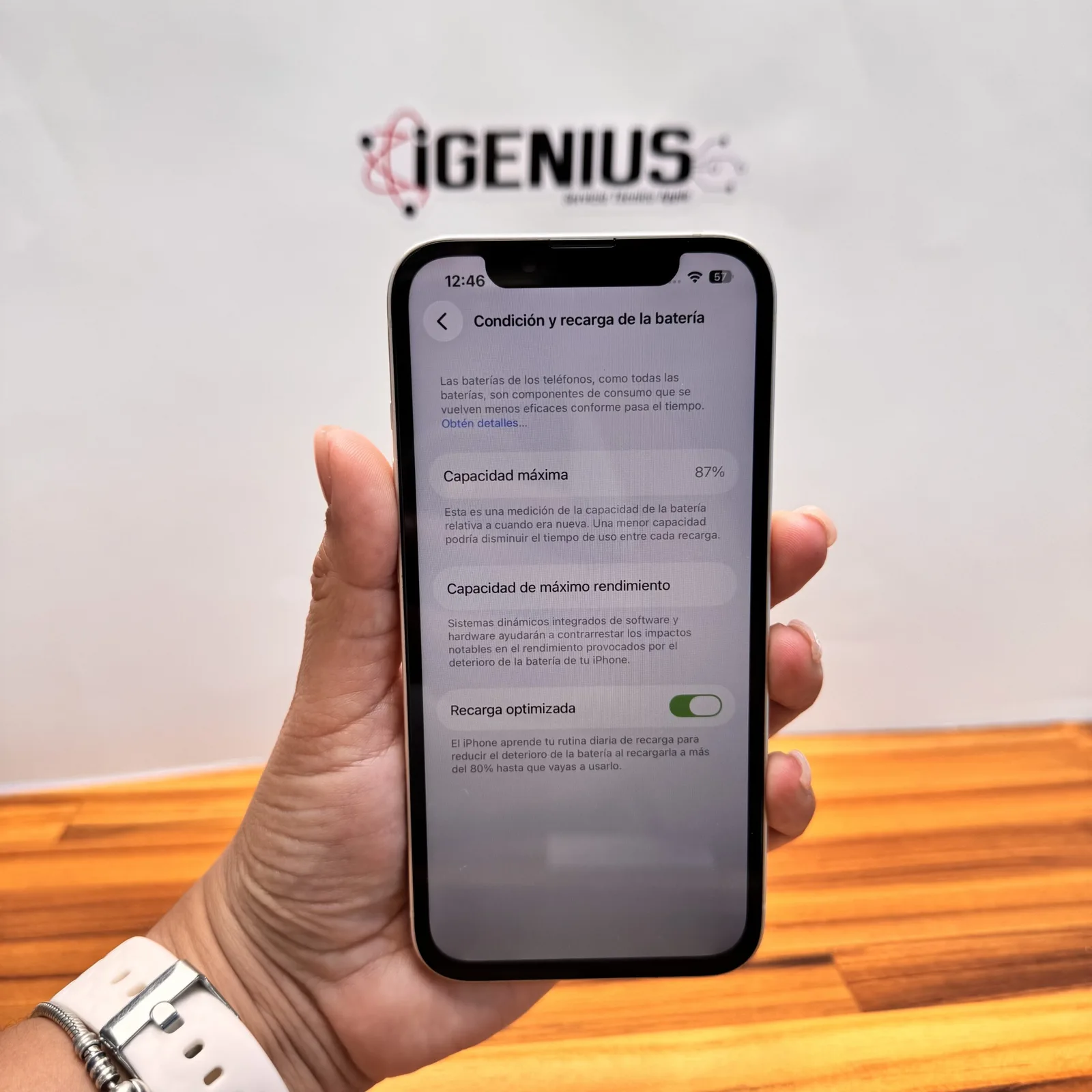
- Battery health, as a percentage
- Charge cycles on a Mac
- Charging by cable
- Power-up and start
Inside and parts
- No signs of liquid contact
- No missing parts
- Replaced parts, declared on the listing
THE BATTERY IS REPORTED SEPARATELY
25% off the battery replacement.
A spotless device can have a worn battery, and the other way round. That is why each listing shows battery health as a percentage. If the iPhone or MacBook you choose is under 90%, we replace the battery at 25% off when you ask for it at the time of purchase.
THE PROMISE
The same for every grade.
- 3-month iGenius warrantyIt covers how the device works from the day you buy it.
- Checked by our techniciansIt passes the full check in our laboratory before it is listed.
- Free of locksNo iCloud lock, no carrier lock, no remote management and a clean IMEI.
- Wiped and ready to useNo data from the previous owner, and with the system up to date.
BEFORE YOU BUY
What we are asked most.
Does the grade say anything about how the device works?
No. From Grade A to D, the grade describes appearance only: every device works and passes the same check. The one exception is the "Face ID or Touch ID fault" grade, which says so in its name.
What if the battery is under 90%?
The device works normally and its page shows the exact percentage. On an iPhone or MacBook with battery health under 90%, we offer 25% off the battery replacement when you ask for it at the time of purchase.
Do the devices have replaced parts?
Some do. When a device has a replaced part, such as the screen or the battery, we say so on its page, along with any notice the system shows for that part.
What warranty do pre-owned devices have?
Three months of iGenius warranty, the same for every grade.
Why does it cost less than a new one?
Because it has had an owner. The price drops with the model, the battery and the grade; how it works and the warranty are the same across the scale.
Now you know how we grade.
Choose your device with the grade, battery and price in plain view.
See the devices