
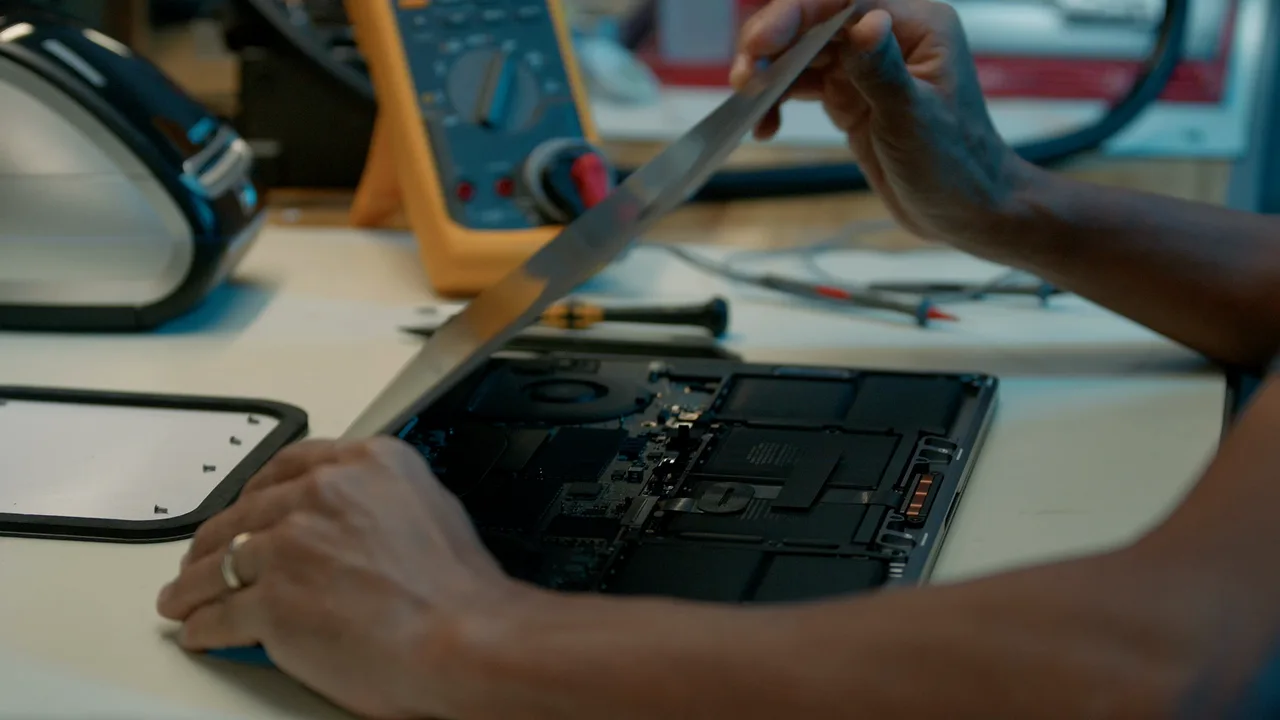
YOUR MAC. IN CAPABLE HANDS.
MacBook and iMac repair in Costa Rica
MacBook, iMac, Mac mini, Mac Studio and Mac Pro, Intel or Apple silicon, diagnosed at component level in a real laboratory.
THE SERVICE
We repair your Mac at our laboratory in Grecia, Alajuela, and receive devices from anywhere in Costa Rica through Correos de Costa Rica. We handle screen, battery, charging, maintenance and logic board faults, data rescue and storage upgrades; you get a quote after the diagnosis and before any repair. Written warranty: 3 months on part replacements and 6 months to 1 year on logic board repairs.
- Written warranty
- 3 months on part replacements; 6 months to 1 year on logic board repairs.
- Usual turnaround
- Same-day diagnosis. With the part in stock, common repairs such as a screen or battery are usually ready the same day, in 1 to 3 hours; if the part has to be ordered, 1 to 2 weeks. Logic board and liquid damage repairs: 3 to 7 business days. We confirm the time with the diagnosis.
- How to get it to us
- At the store, through Correos de Costa Rica from anywhere in the country, or by courier in San Ramón, Palmares, Alajuela, Heredia, San José and the Greater Metropolitan Area.
START WITH WHAT YOU NOTICED
What’s wrong with your Mac?
Choose a symptom. Diagnosis helps us find the cause.
SERVICE, EXPLAINED CLEARLY
Beyond replacing a part.
Understand first. Then repair.
We inspect, explain the options and confirm an estimate before authorized work.
Why iGeniusRequest a Mac inspection · Call 4200-0707 · Business service
Cannot see your model? Send us the device name and fault. We handle inquiries about recent and older devices, confirming available service for each version.
What is wrong with your Mac?
Broken screen, dark spots or intermittent image: we inspect the screen assembly and connections to determine the fault’s cause.
Short battery life or a computer that will not charge: we assess the battery, charger, port and charging circuit.
MacBook or iMac will not turn on: diagnosis helps distinguish a damaged part from a logic board fault.
Liquid damage: we assess the components’ condition and repair possibilities. If you need your files, tell us before authorizing work.
Keyboard, trackpad, port or sound faults: we check the affected component and its connection to the rest of the computer.
Slowness, restarts or macOS problems: we inspect the symptom and maintenance or correction options appropriate to the model.
MacBook and iMac logic board repair
An electronic fault does not always require replacing the whole board. Our board-level work includes circuit diagnosis and component repair when the damage permits. Viability depends on the computer and fault found; we explain the options before a decision.
Learn about our logic board repair and microelectronics service and warranty conditions.
Data rescue
If your Mac will not turn on or had a spill, we can assess rescuing your files. On Macs with a removable drive or SSD we copy the information straight from the drive. On models with soldered storage (T2 chip and Apple silicon) the data is encrypted and tied to the logic board, so the board has to be repaired first. Tell us from the start that the data is your priority: data rescue is assessed and quoted separately from the repair, and it is not always possible.
More storage capacity
On some Mac models we can expand the storage. On those with a removable SSD or drive, the drive is replaced with a larger one; on some with soldered storage we assess replacing the memory chips on the logic board. We confirm whether your model allows it, the capacity available and the cost before accepting the work.
Intel Mac and Apple silicon: identify your model
Tell us whether you have a MacBook Air, MacBook Pro, iMac or Mac mini, its year, and its Intel or Apple silicon chip. If it uses M1, M2, M3, M4 or M5, include that detail: parts and procedures vary between generations. We will confirm availability and options for your exact model.
If the Mac turns on, open the Apple menu and choose About This Mac. You can also use Apple’s guides to identify your MacBook Air or MacBook Pro. Do not publish your serial number; share it directly with the workshop if needed.
Mac service for businesses and work devices
Does your business have several Macs needing service? Ask about coordinating an inventory inspection. Send us quantities, models, faults and which are operational priorities. This lets us assess the work, repair options and return of each device.
Personal attention, explanation of the diagnosis and warranty are central to our service. Agree on backup and information-handling needs with us before handing over devices.
Questions before repairing your Mac
How much does MacBook repair cost?
It depends on the model, part and diagnosis. Send us the model and a description of the fault to guide the inquiry; a broken screen and a logic board fault require different work.
What warranty does the repair have?
The warranty varies according to the work performed. Read our warranty page and confirm the coverage for your repair.
Can I send my Mac from elsewhere in Costa Rica?
Yes, you can ask us to coordinate shipping. Before sending it, confirm the address, packaging and transport service through our contact page.
A workshop with experience and verifiable reviews
More than 15 years repairing Apple products. Google Maps showed a rating of 5.0 out of 5 with 98 reviews when checked on October 7, 2026. Read current customer reviews.
We are 175 meters east of Palí, Grecia, Alajuela. Tell us your Mac model and fault. We also service iPhone and iPad.
See our workshop’s work
We share our own photographs of devices opened at iGenius and explain how we assess dust buildup and liquid-damage inquiries. See Apple device maintenance and inspection in our workshop.
Apple repair for customers throughout Costa Rica
We receive and return devices through Correos de Costa Rica nationwide. We also coordinate courier service in the Greater Metropolitan Area (GAM) and the Western Region. You can inquire from any province, whether for a personal device or a business inventory.
Before sending your device, write to us with the model and fault to arrange receipt and confirm the options, transport cost and timing. Diagnosis and parts availability are assessed for each device.
How to send your device for repair · Arrange via WhatsApp · Inquire by email
FROM OUR LABORATORY
Care is in the details.
A closer look at our workshop. Each procedure is assessed for the device and its condition.
EVERY GENERATION HAS ITS DETAILS
Find your Mac.
Every model has its own page. Service feasibility and parts are checked for each version.
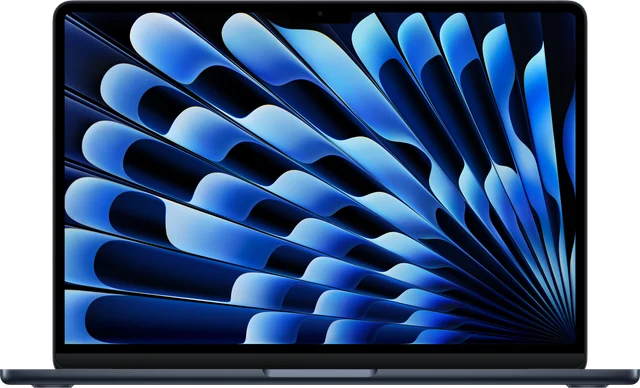 MacBook Air M5A3449 · A3448
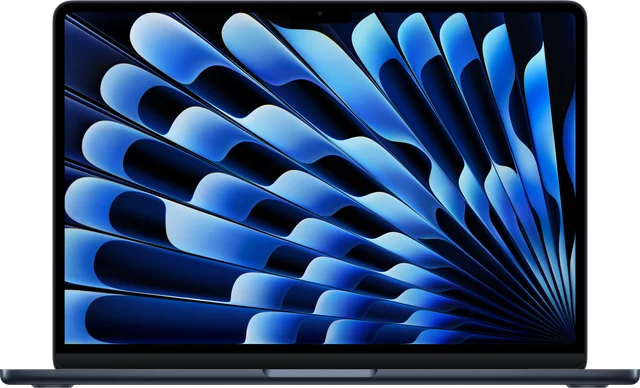 MacBook Air M4A3240 · A3241
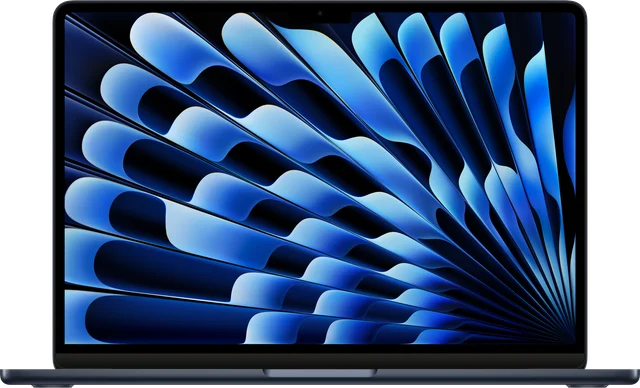 MacBook Air M3A3113 · A3114
 MacBook Air M2A2681 · A2941
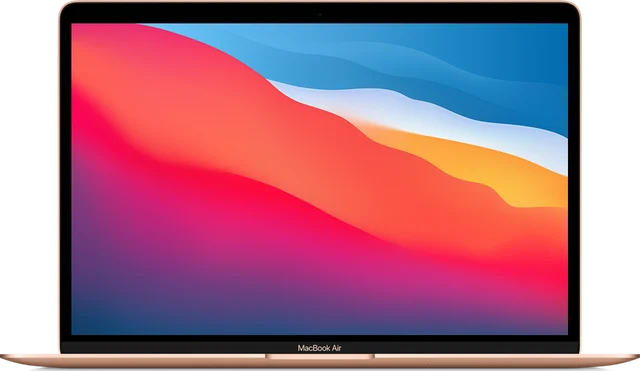 13-inch MacBook Air A2337 (M1)A2337
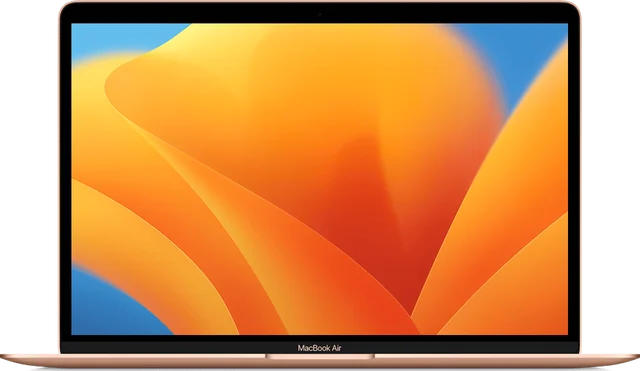 13-inch MacBook Air A1932A1932
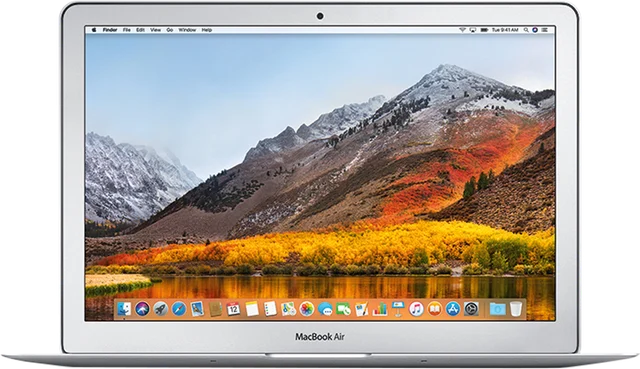 13-inch MacBook Air A1466A1466
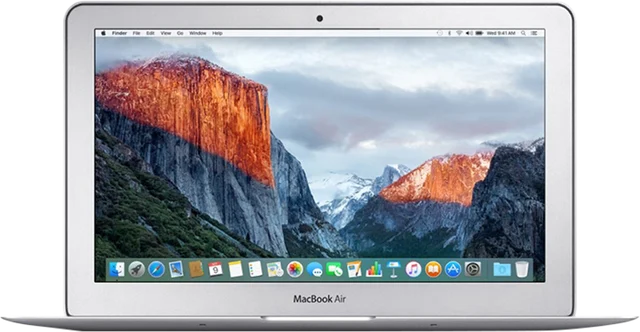 11-inch MacBook Air A1465A1465
 13-inch MacBook Air A1369A1369
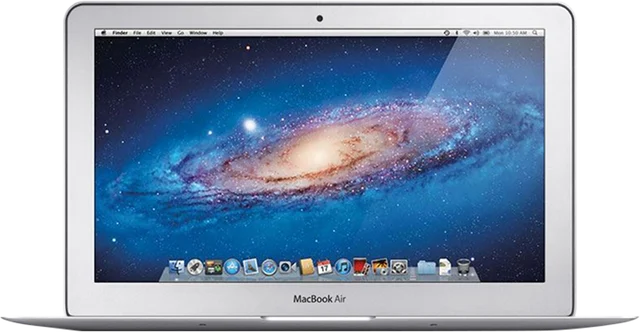 11-inch MacBook Air A1370A1370
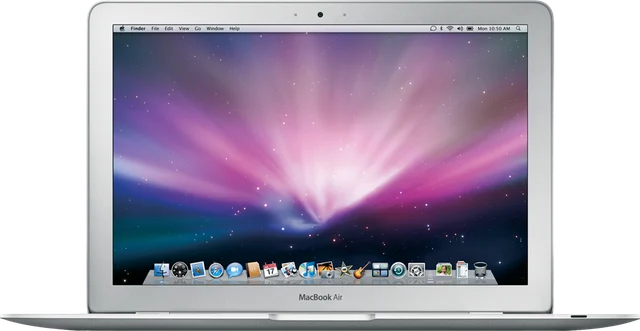 13-inch MacBook Air A1237A1237
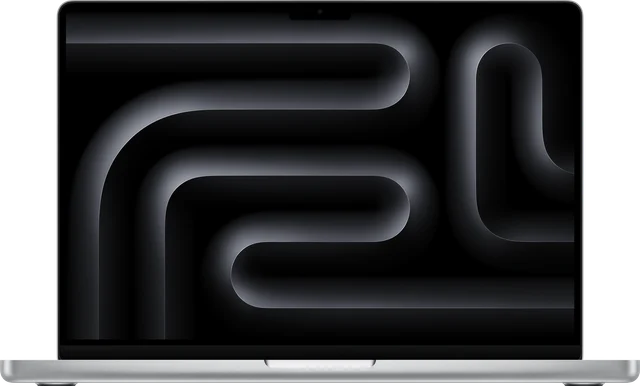 MacBook Pro M5A3434 · A3426 · A3427 · A3428 · A3429
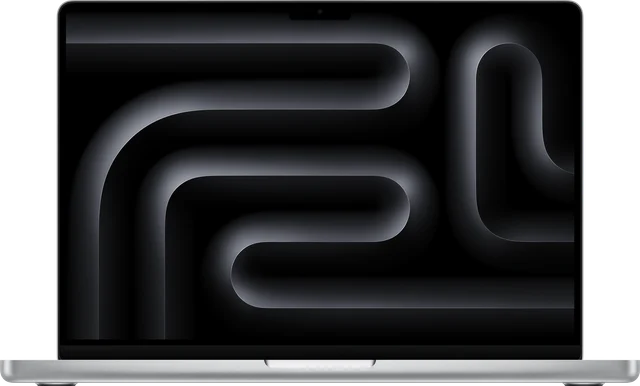 MacBook Pro M4A3112 · A3401 · A3403 · A3185 · A3186
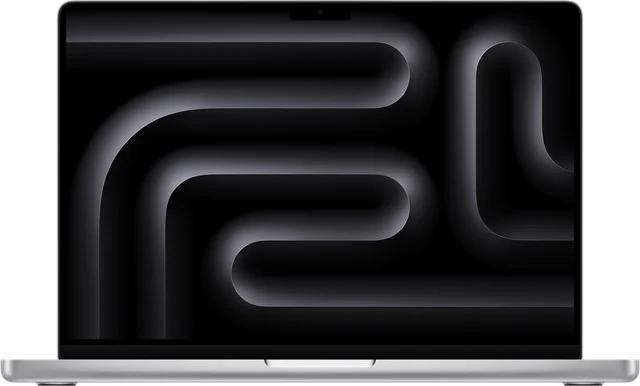 MacBook Pro M3A2918 · A2992 · A2991
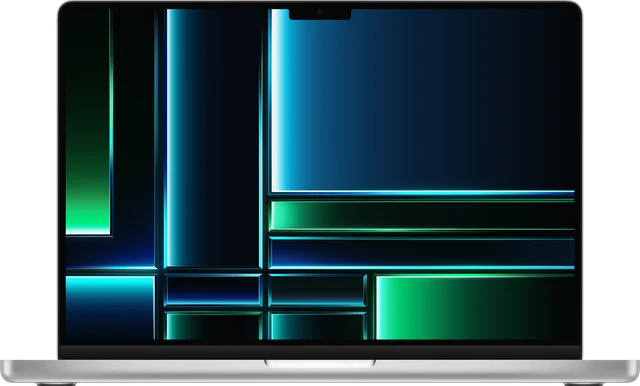 MacBook Pro M2A2338 · A2779 · A2780
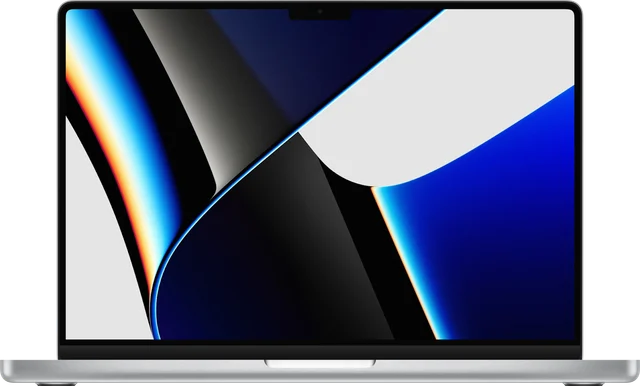 MacBook Pro M1A2338 · A2442 · A2485
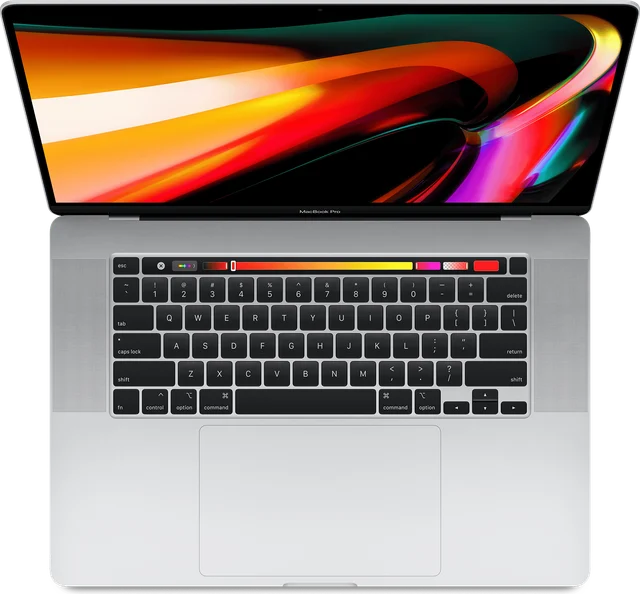 16-inch MacBook Pro A2141A2141
 15-inch MacBook Pro A1990A1990
 13-inch MacBook Pro A2159A2159
 13-inch MacBook Pro A1989A1989
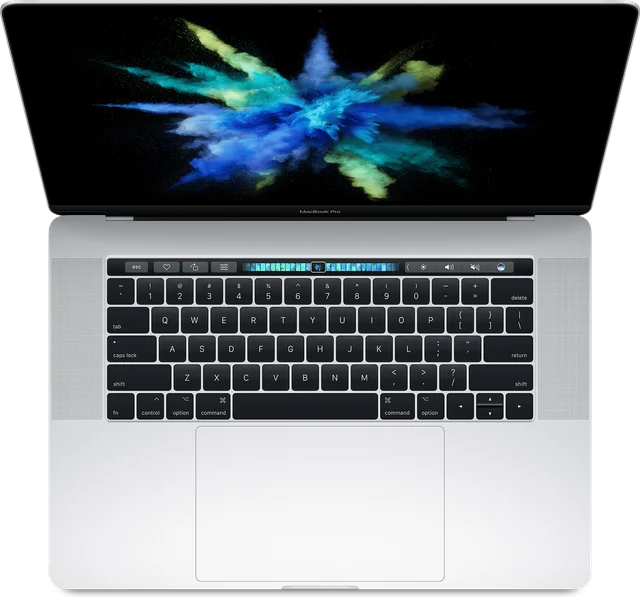 15-inch MacBook Pro A1707A1707
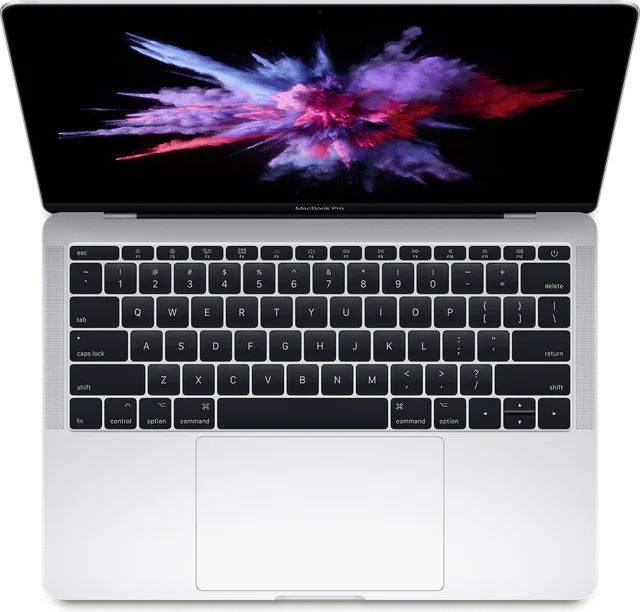 13-inch MacBook Pro A1708A1708
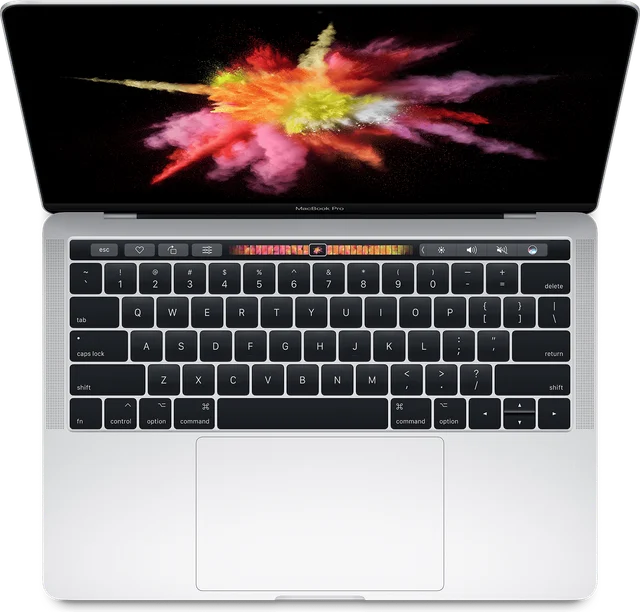 13-inch MacBook Pro A1706A1706
 13-inch MacBook Pro A1502A1502
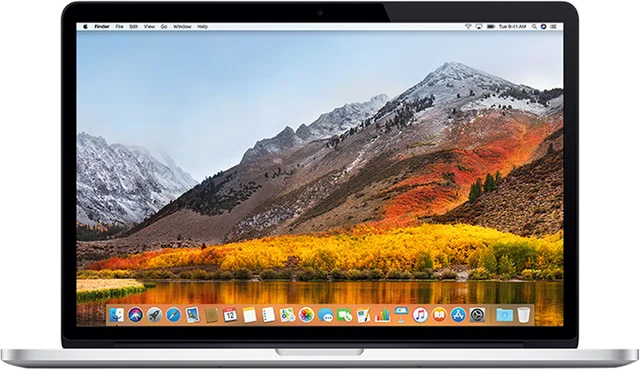 15-inch MacBook Pro A1398A1398
 13-inch MacBook Pro A1425A1425
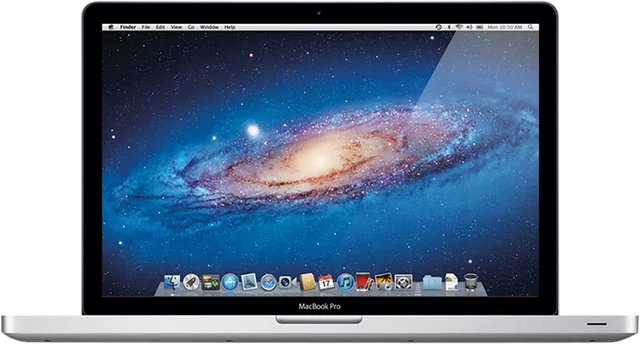 15-inch MacBook Pro A1286A1286
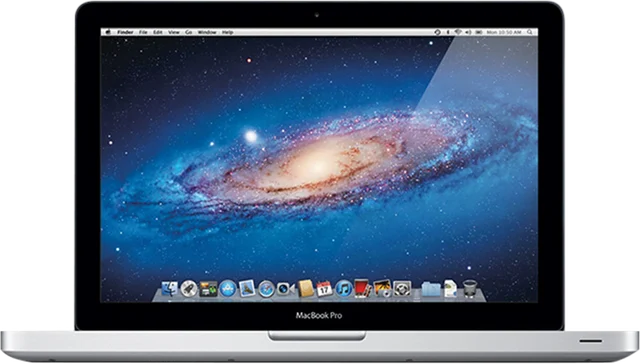 13-inch MacBook Pro A1278A1278
 17-inch MacBook Pro A1297A1297
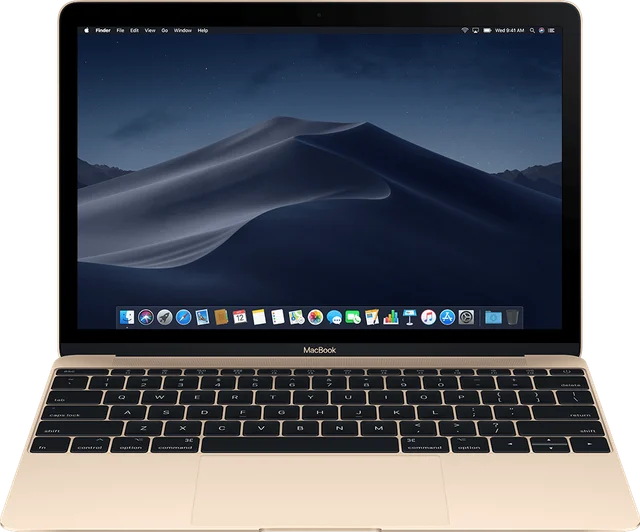 12-inch MacBook A1534A1534
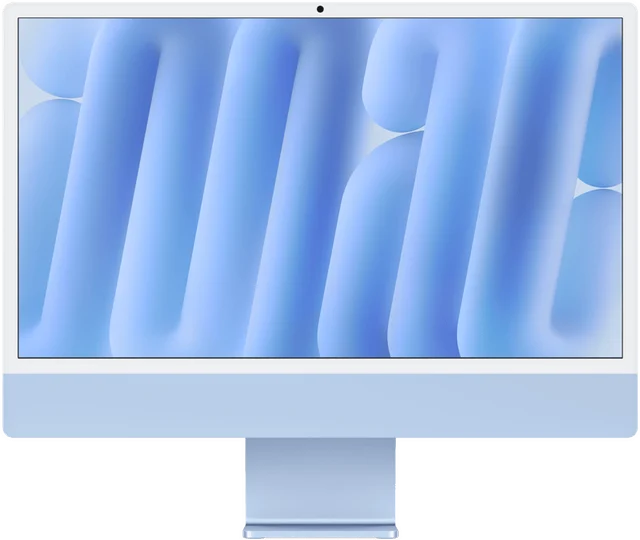 24-inch iMac M4A3137 · A3247
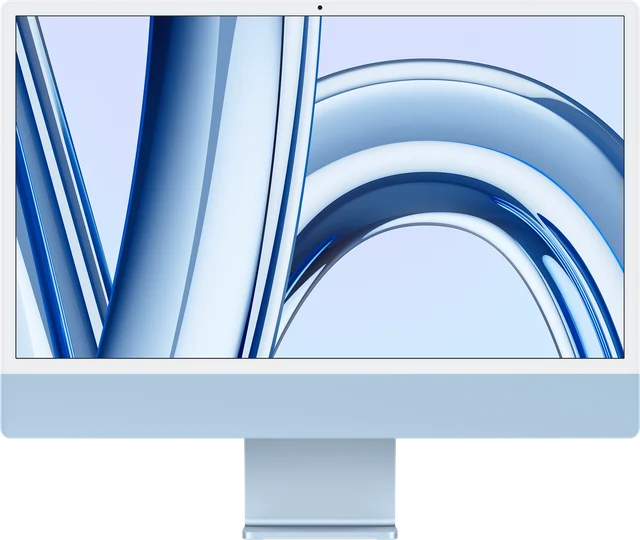 24-inch iMac M3A2873 · A2874
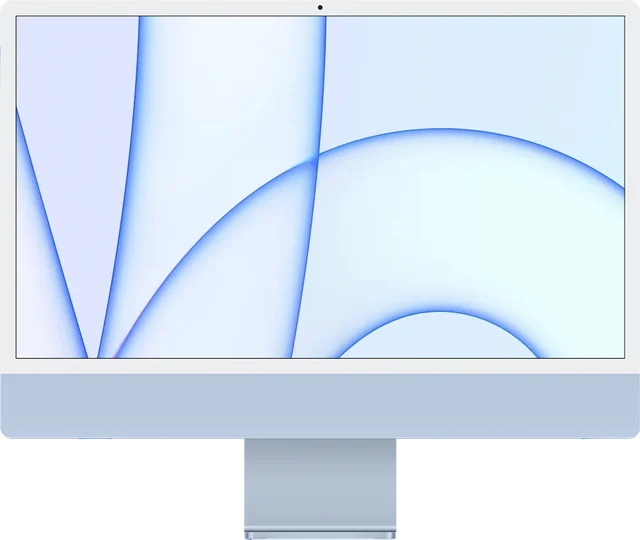 24-inch iMac M1A2438 · A2439
 27-inch iMac Retina 5K A2115A2115
 21.5-inch iMac A2116A2116
 27-inch iMac Pro A1862A1862
 27-inch iMac A1419A1419
 21.5-inch iMac A1418A1418
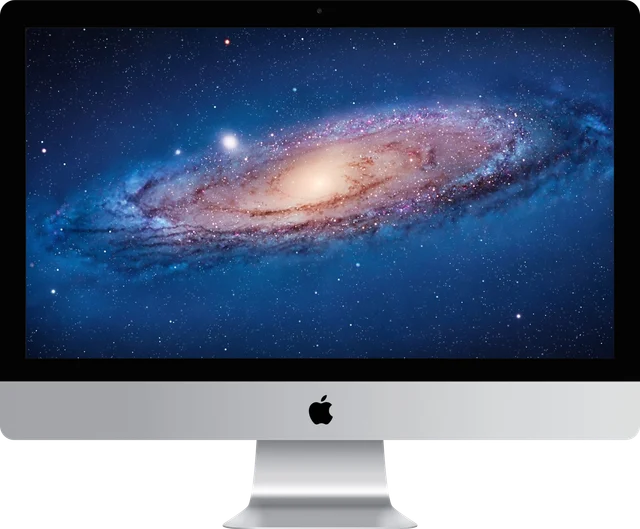 27-inch iMac A1312A1312
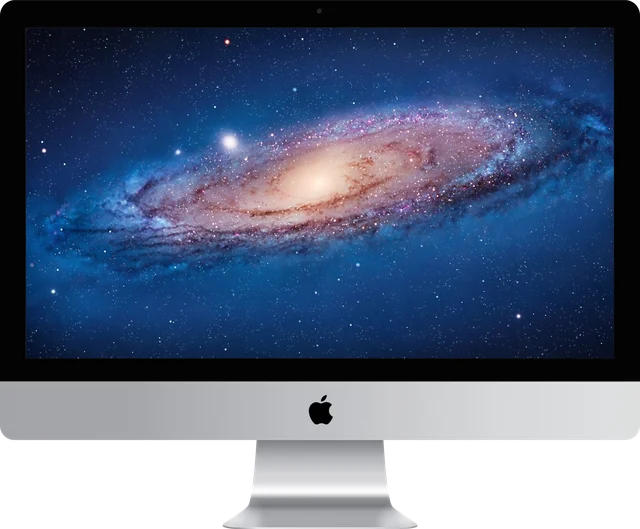 21.5-inch iMac A1311A1311
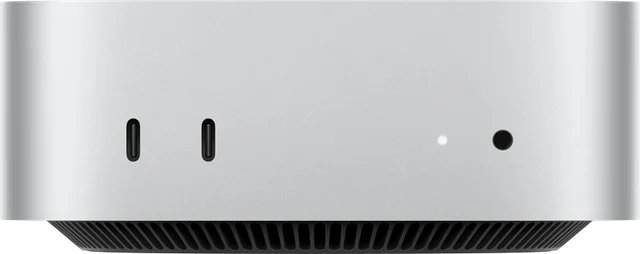 Mac mini M5 Pro and M6A3535 · A3534
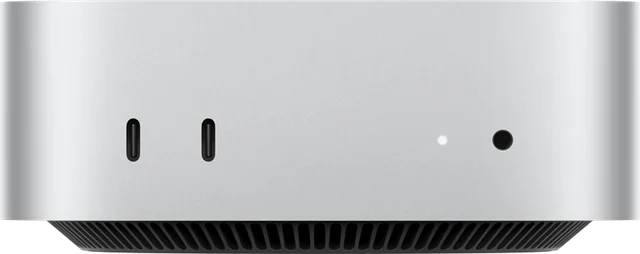 Mac mini M4 and M4 ProA3238 · A3239
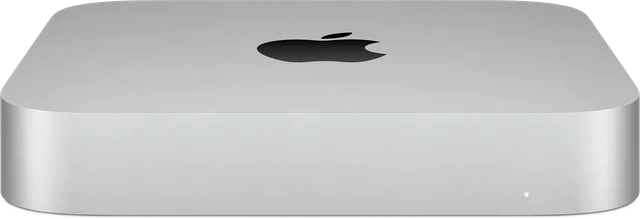 Mac mini M2 and M2 ProA2686 · A2816
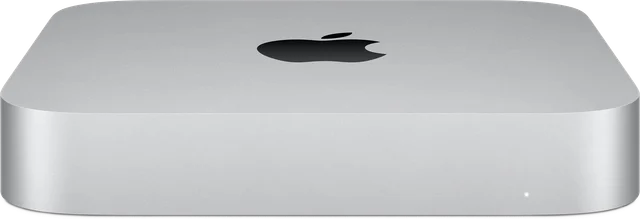 Mac mini A2348 (M1)A2348
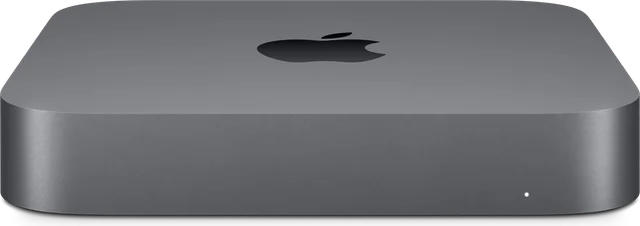 Mac mini A1993A1993
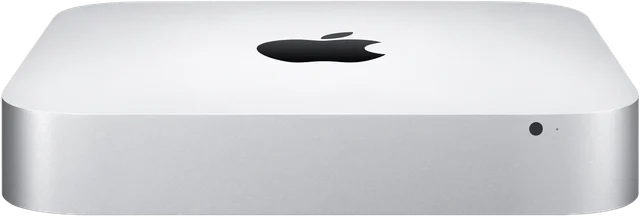 Mac mini A1347A1347
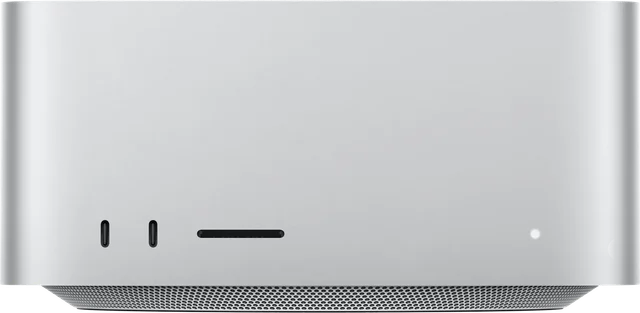 Mac StudioA2615 · A2901 · A3143 · A3389
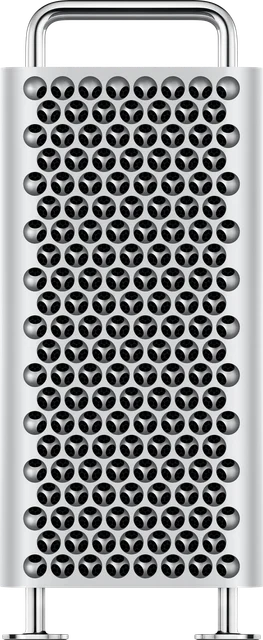 Mac ProA1991 · A2304 · A2786 · A2787
That model isn’t listed. Tell us the exact name and we’ll help.
Image credits
Product images: Apple Inc.
Nationwide service
Three ways to get your device to us.
Wherever you live. People bring and send us devices from Guanacaste to the southern zone.
Visit our store
Bring it in person. We receive it at the store and our technicians examine it in the laboratory.
- Monday to Friday, 9 a.m. to 6 p.m.
- Saturdays, 9 a.m. to 5 p.m.
- Closed from 1 to 2 p.m.
Mail it with Correos de Costa Rica
From anywhere in the country. We send it back the same way.
- Write to us before you send it
- We explain how to pack it and where to send it
- We let you know when it arrives
Our messenger picks it up
Our messenger collects it and brings it back repaired.
- San Ramón, Palmares and Alajuela
- Heredia and San José
- The rest of the Greater Metropolitan Area
Even if your Mac won’t work, we can talk.
Leave a phone number or email so we can reply. You can send your inquiry from this page without WhatsApp.
Repair my Mac