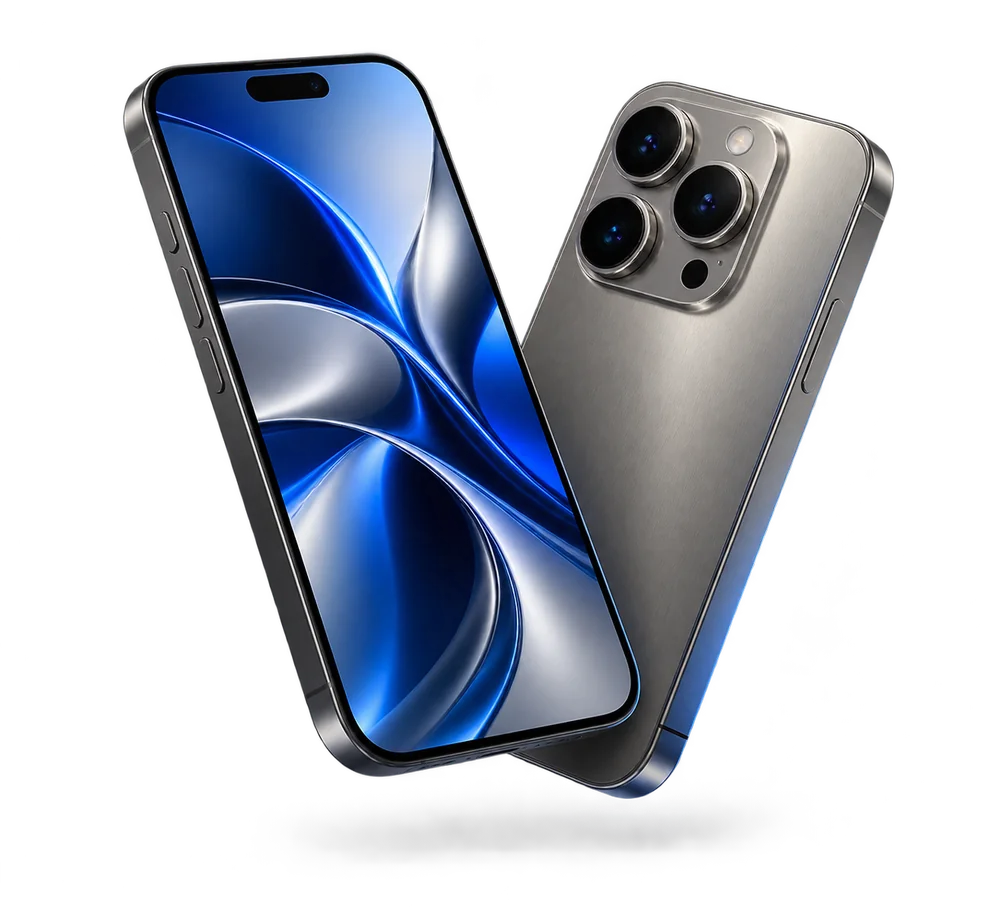
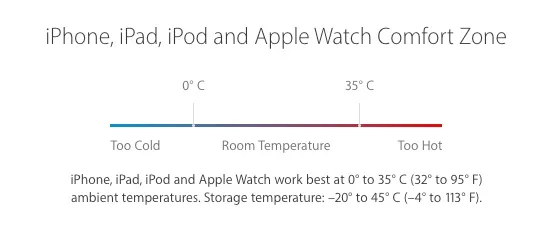
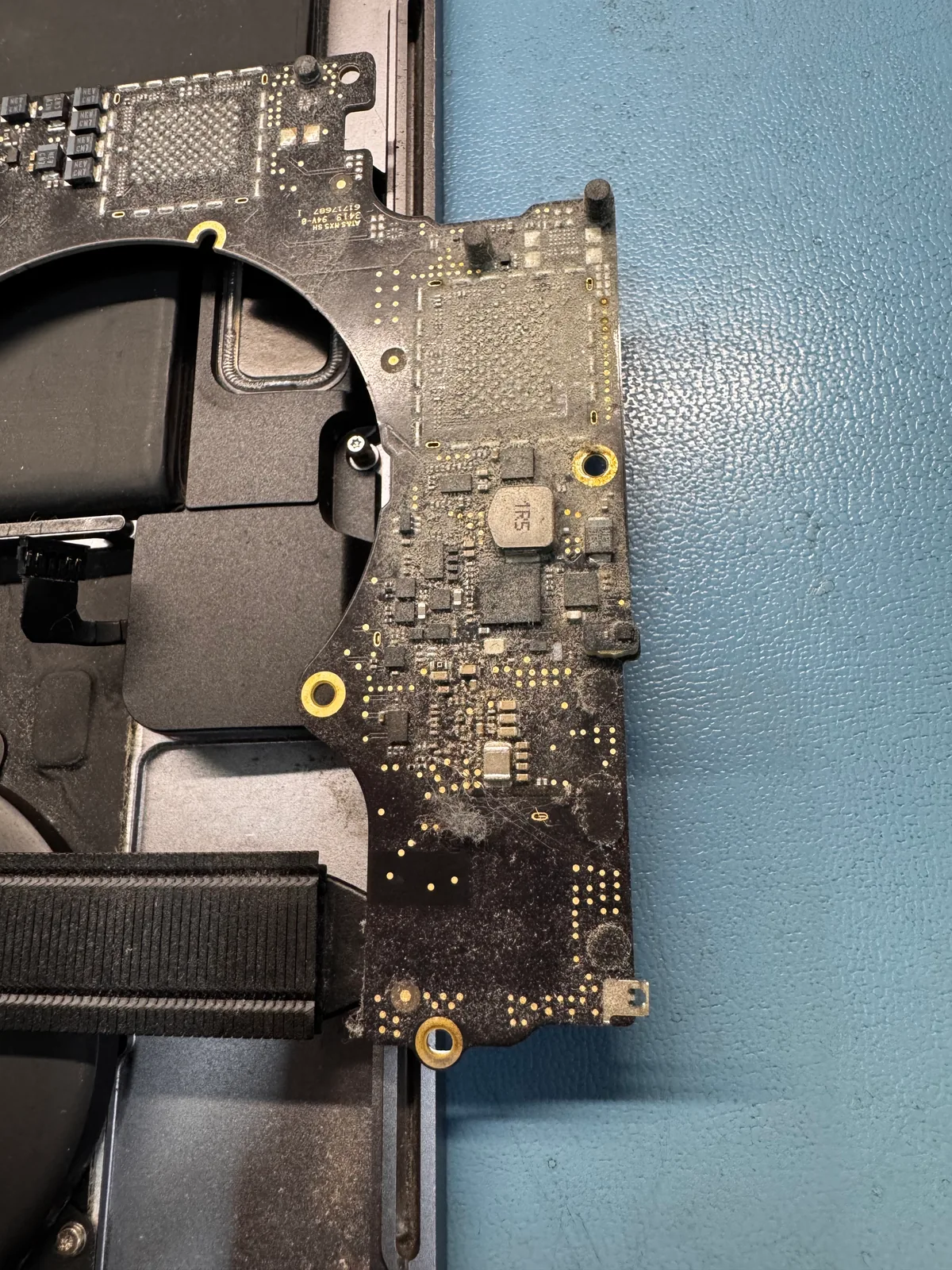
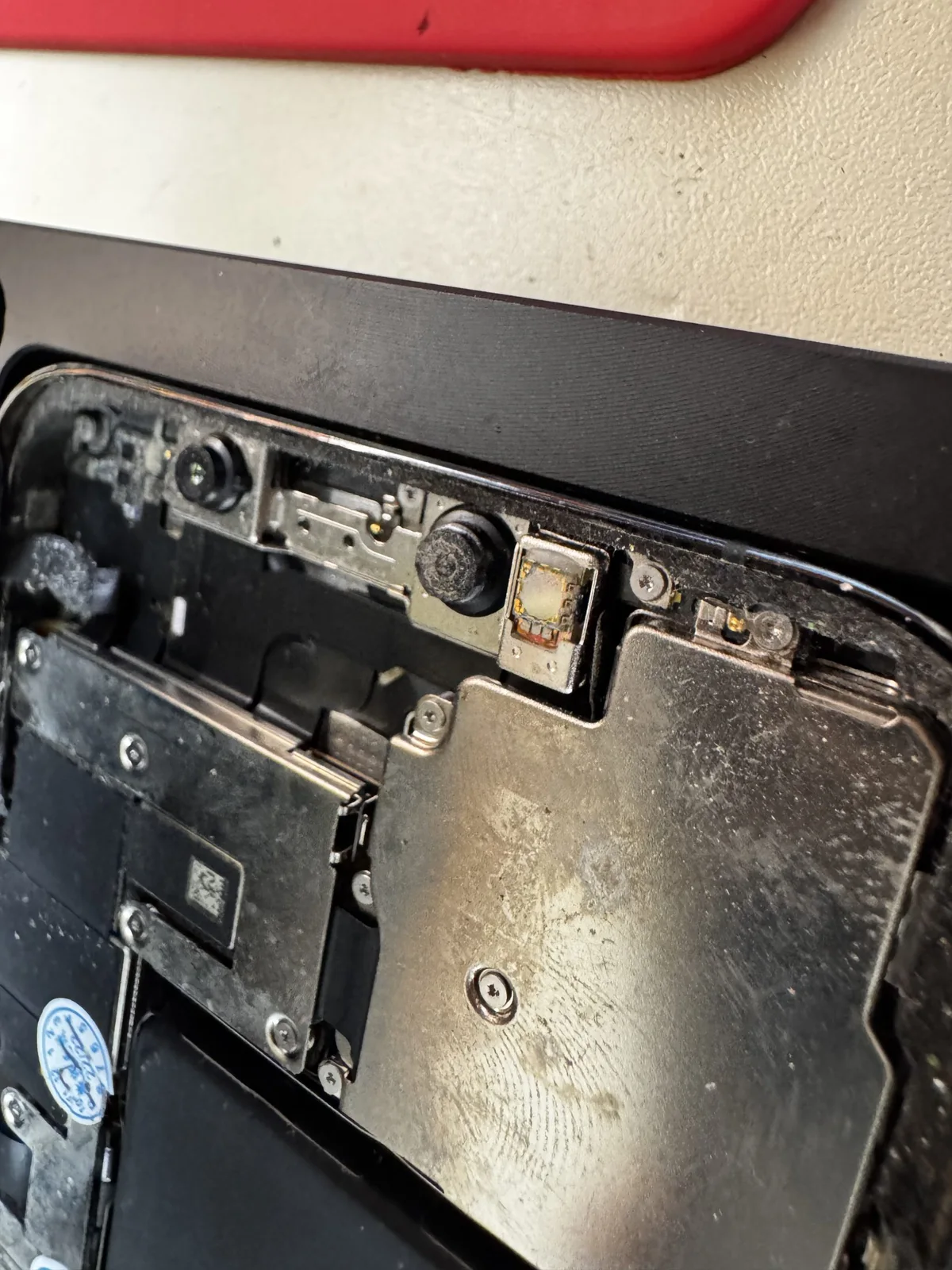
These are the workshop's own photographs of opened devices at iGenius in Grecia, Costa Rica. Many incoming devices need maintenance for dust buildup or inspection after liquid exposure. The photographs show interiors and inspection work; each diagnosis and result is confirmed separately.
Dust buildup: what needs inspection
Visible dirt helps assess cleaning needs, but a photograph alone cannot explain overheating, shutdowns or noise. The workshop checks ventilation, components and behavior before recommending maintenance.
iGenius photograph: visible dust buildup before maintenance.
Liquid-damage inquiries
For a liquid-exposed device, we need to know what happened, when and how it behaves. Diagnosis determines affected components and whether electronic repair is viable. We do not promise recovery based only on a photograph.
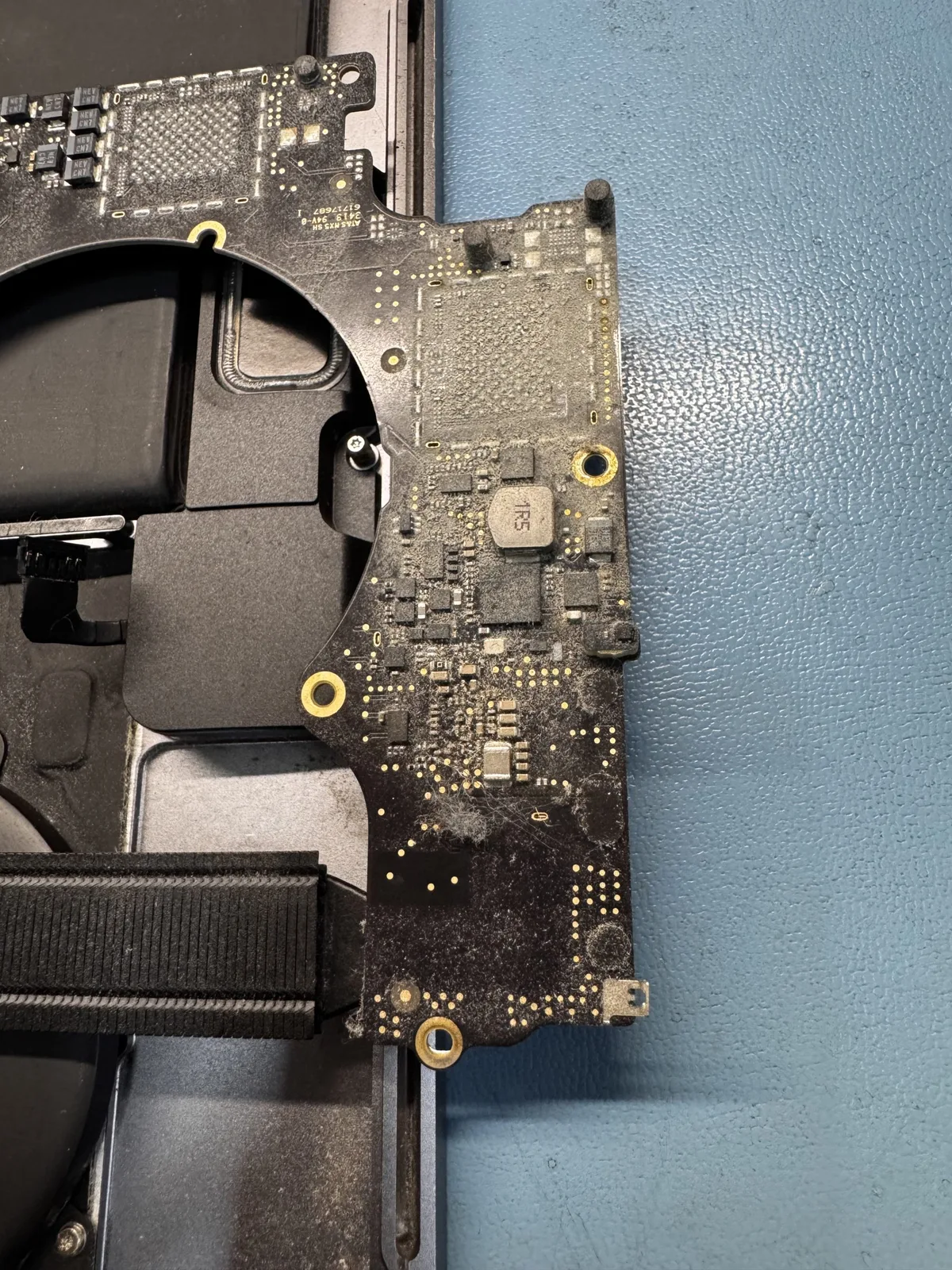
Component inspection at iGenius. Workshop photograph.
Why the device is opened and inspected
Charging faults, black screens and restarts can have different causes. Physical inspection and workshop checks distinguish maintenance, part replacement and logic-board repair.
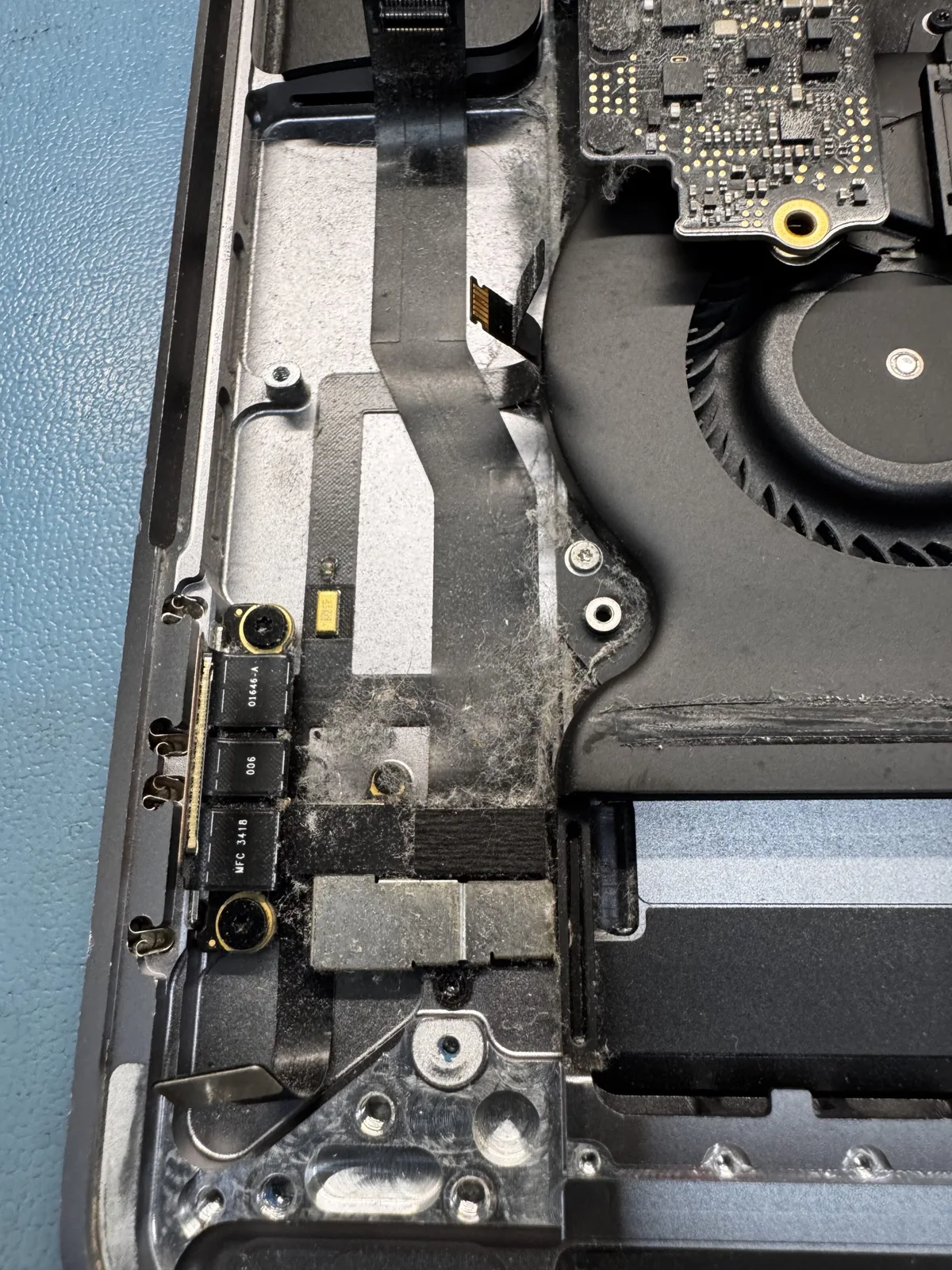
iGenius photograph of an opened MacBook under inspection.
The workshop also receives inquiries about Apple Watch and other Apple products. Give the generation and symptom to confirm service scope and parts availability.
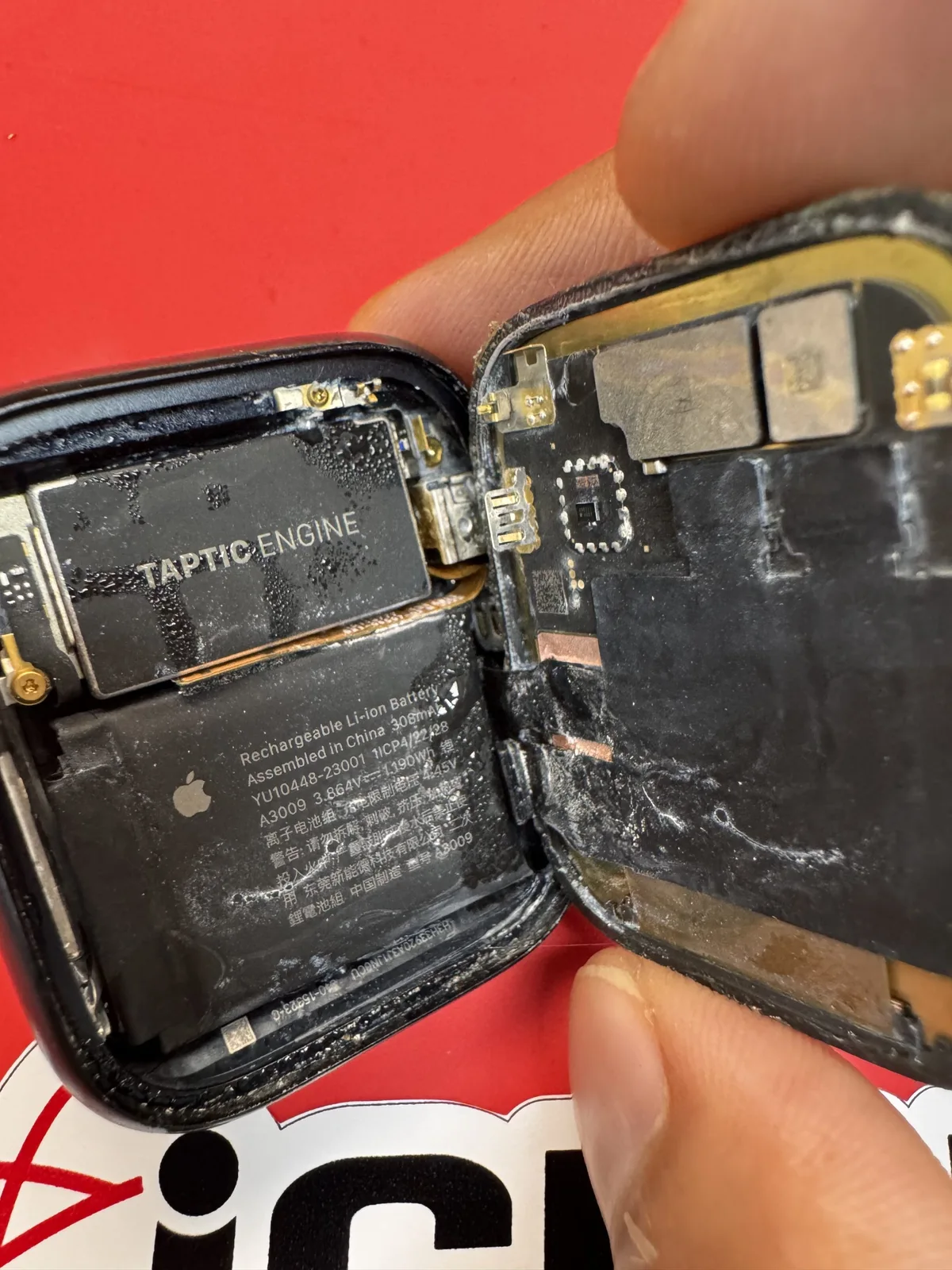
Apple Watch opened for inspection at iGenius. Workshop photograph.
Diagnosis, explanation and warranty
The source reports more than 15 years of Apple experience. Options and an estimate are explained before authorized work. Read the warranty conditions and confirm coverage for the service.
Mention files that need preserving when arranging inspection. Device repair and data recovery require different assessments.
Personal devices and business inventories
For several devices, send a list with model, fault and priority. Each can be assessed and its required work explained. See our guide to organizing an Apple repair inventory.
Tell us what is happening with your device
See services for MacBook, iMac and Mac mini, iPhone and iPad. For electronic faults, see Mac logic-board repair.
Ask on WhatsApp. If you cannot use WhatsApp, use the email form. The source lists 175 meters east of Palí, Grecia, Alajuela; telephone 4200-0707.
Original photographs from the iGenius workshop in Grecia, Costa Rica.