GUIDES AND KNOWLEDGE

How to remove unwanted calendar events or supposed viruses from your iPhone

Constant notifications in your iPhone calendar can become a real nuisance.
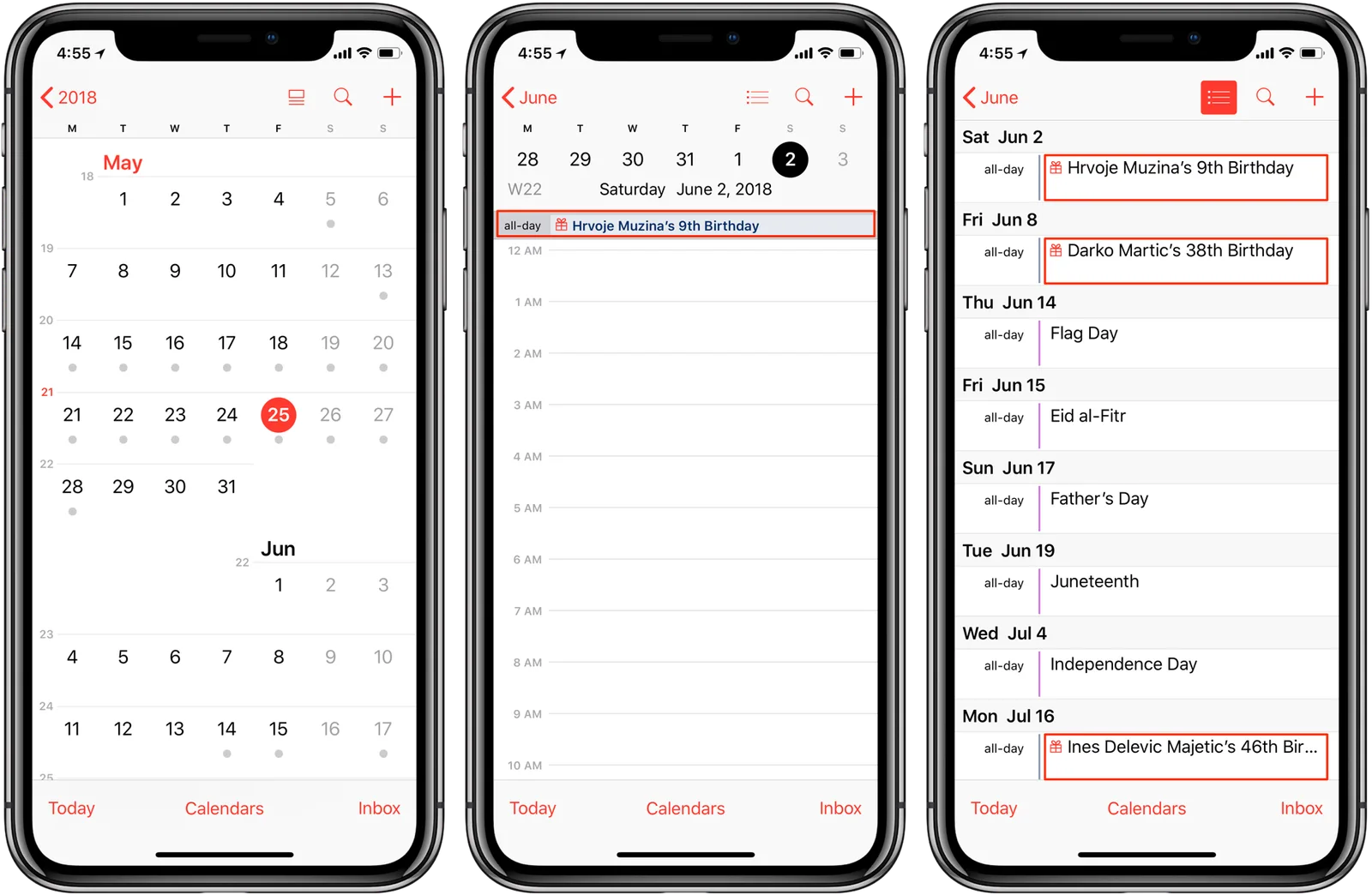
There are two possible ways to solve this common problem:

From the Calendar app:

  1. Open Calendar.
  2. Select Calendars at the bottom of the screen.
  3. Find any calendars you do not recognize and select the information icon.
  4. Scroll down and select Delete Calendar.

From Settings:

  1. Open Settings.
  2. Select Calendar.
  3. Select Passwords & Accounts.
  4. Select Subscribed Calendars.
  5. Find calendars you do not recognize and select Delete Account.

These simple steps should stop notifications about events you do not recognize. If you have followed the steps and still have the same problem, contact us; we will be happy to help.

Keep reading

Let’s talk about your device.

Leave an available contact method, even if your phone isn’t working. You can send your inquiry from this site.

iPhone repair at iGenius

Repair my device

Your privacy,
your choice.

You can allow optional Google Analytics measurement to help us improve this page. We don't send your inquiry content, passwords or device details. You can browse without this measurement.

Read privacy policy
STEP 1 OF 51 of 5

REPAIR REQUEST

Which device needs repair?

Choose one. Next we ask for the model and the fault.

Choose your device