Certificates used to sign electronic receipts expire 24 months after issue. Follow these steps to renew them.
How to renew Ministry of Finance certificates
Users of our Telémaco system receive a notification 30 and 20 days before expiry, followed by daily notifications from 15 days before expiry. To renew the certificates, follow the steps below.
1. Go to https://www.hacienda.go.cr/ATV/Login.aspx.
2. Sign in with your identification number and password. If you do not have an account, use Create User Account.
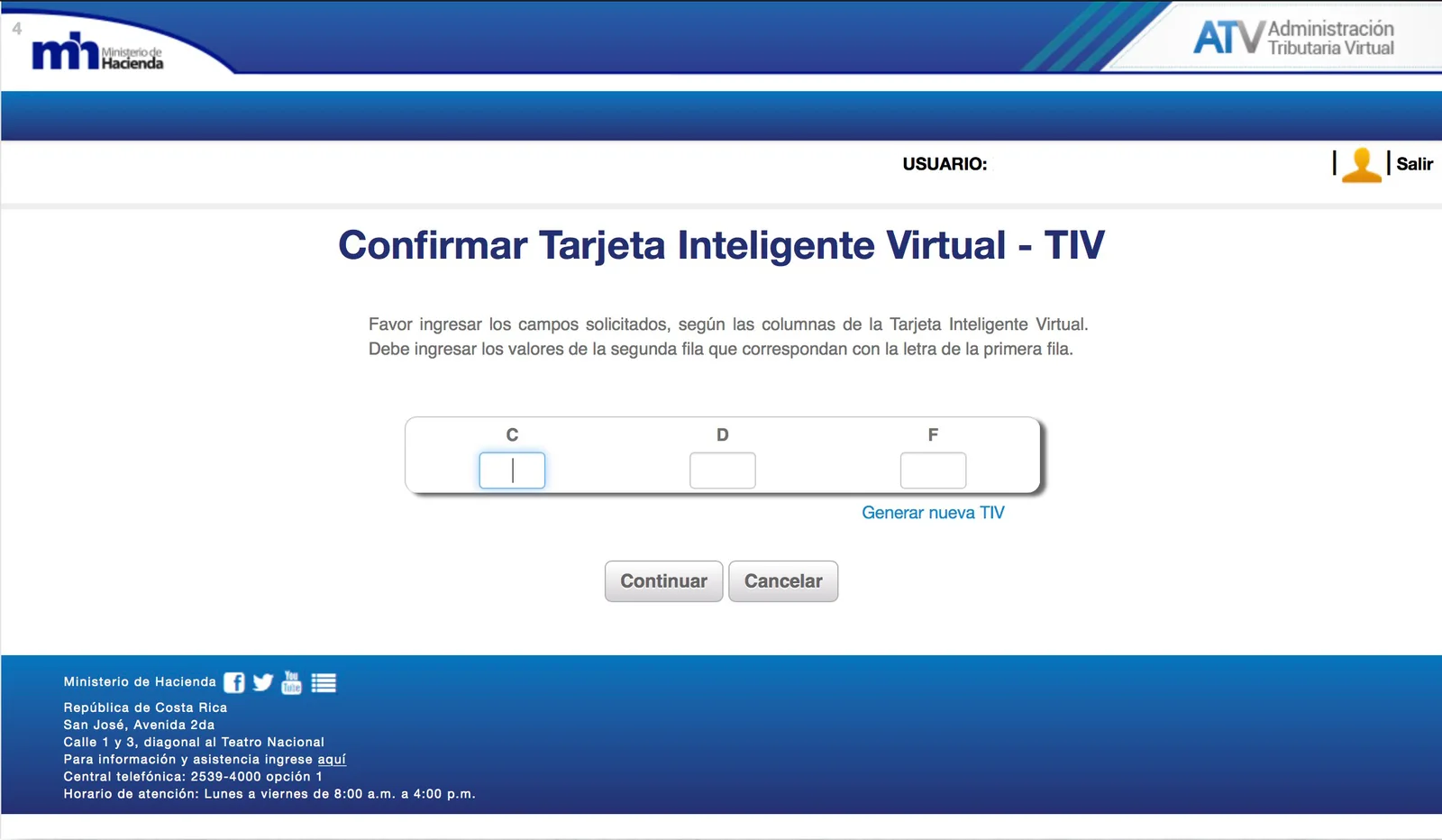
3. Enter the requested information from your Virtual Smart Card (TIV), then select Continue.
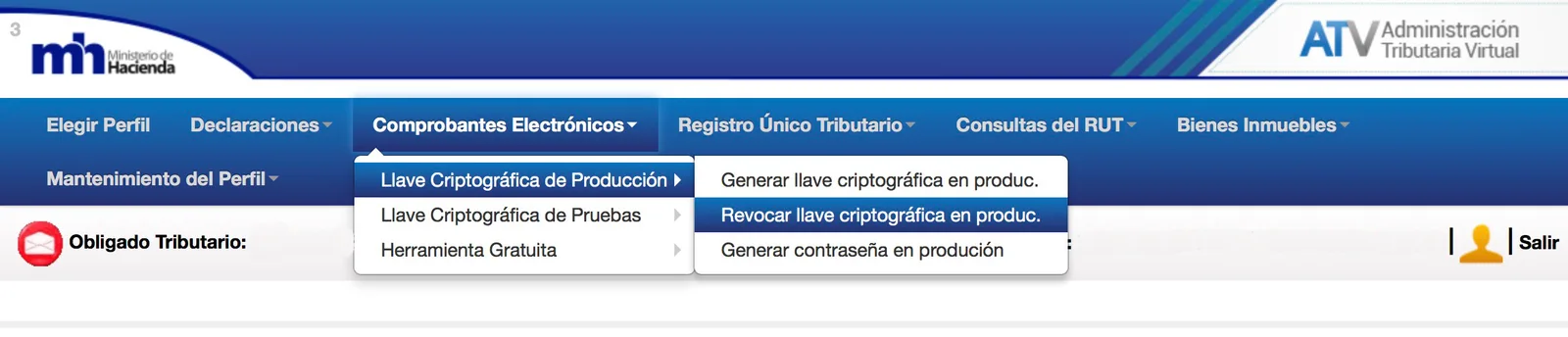
4. Once signed in, use the menu at the top of the screen to select the following options.
First revoke the existing cryptographic key; otherwise the system will not allow you to generate a new one.
Electronic Receipts → Production Cryptographic Key → Revoke Production Cryptographic Key
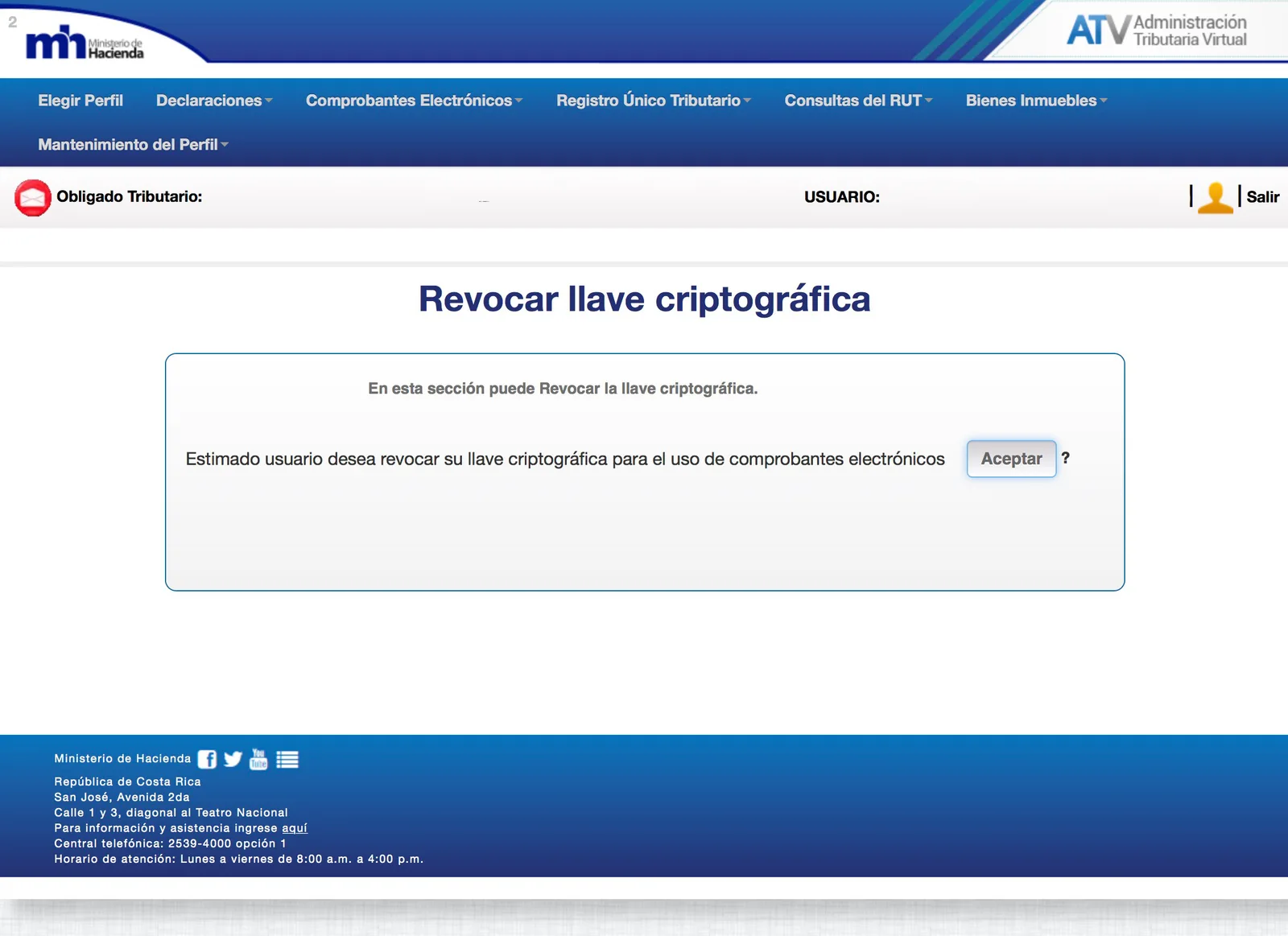
Confirm by clicking Accept.
5. In the top menu, now select:
Electronic Receipts → Production Cryptographic Key → Generate Production Cryptographic Key
In this option, enter a four-digit PIN. The original procedure instructs you to note it down and email it together with the cryptographic key.
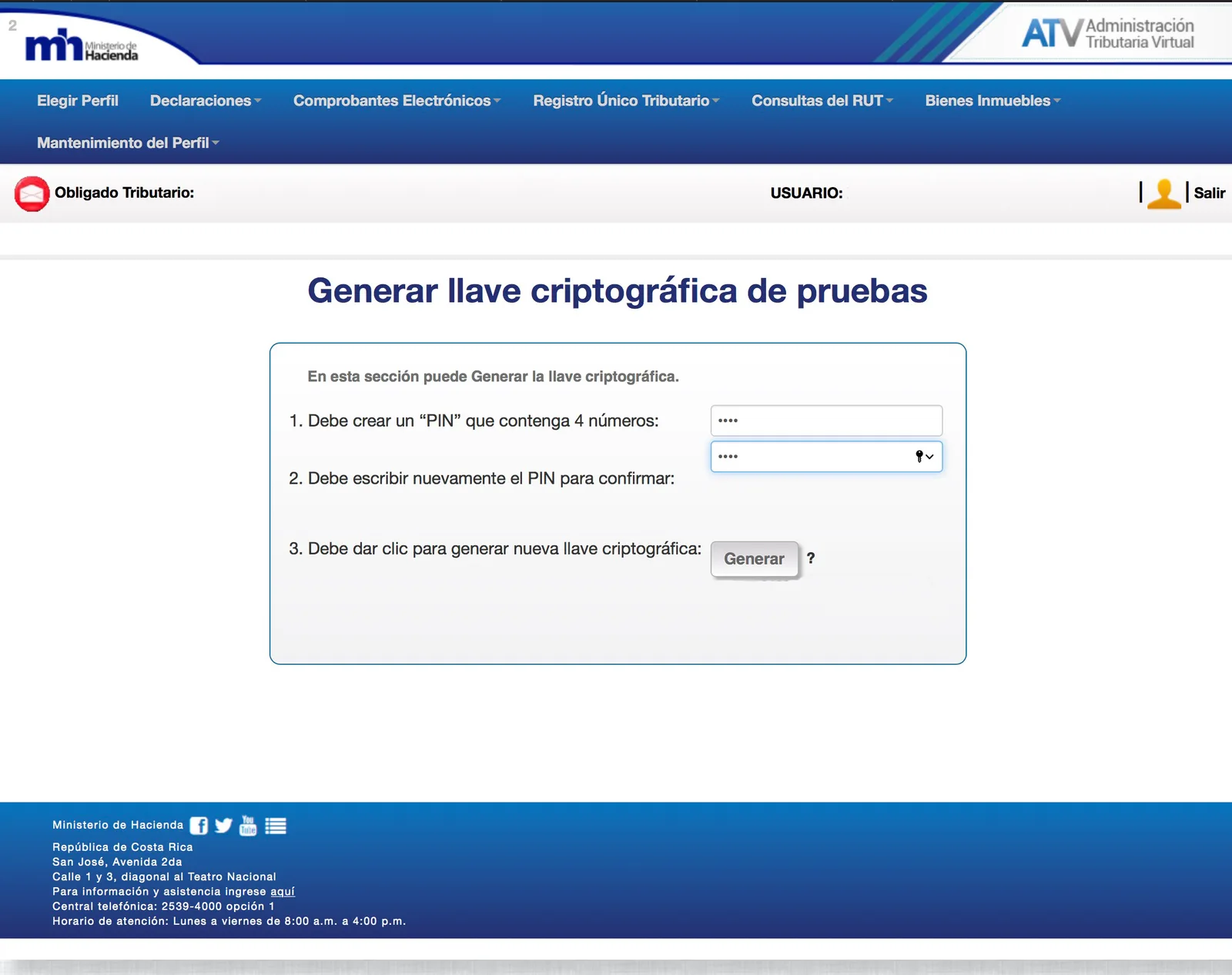
6. Once it is generated, the system asks you to download the certificate. Click Download.
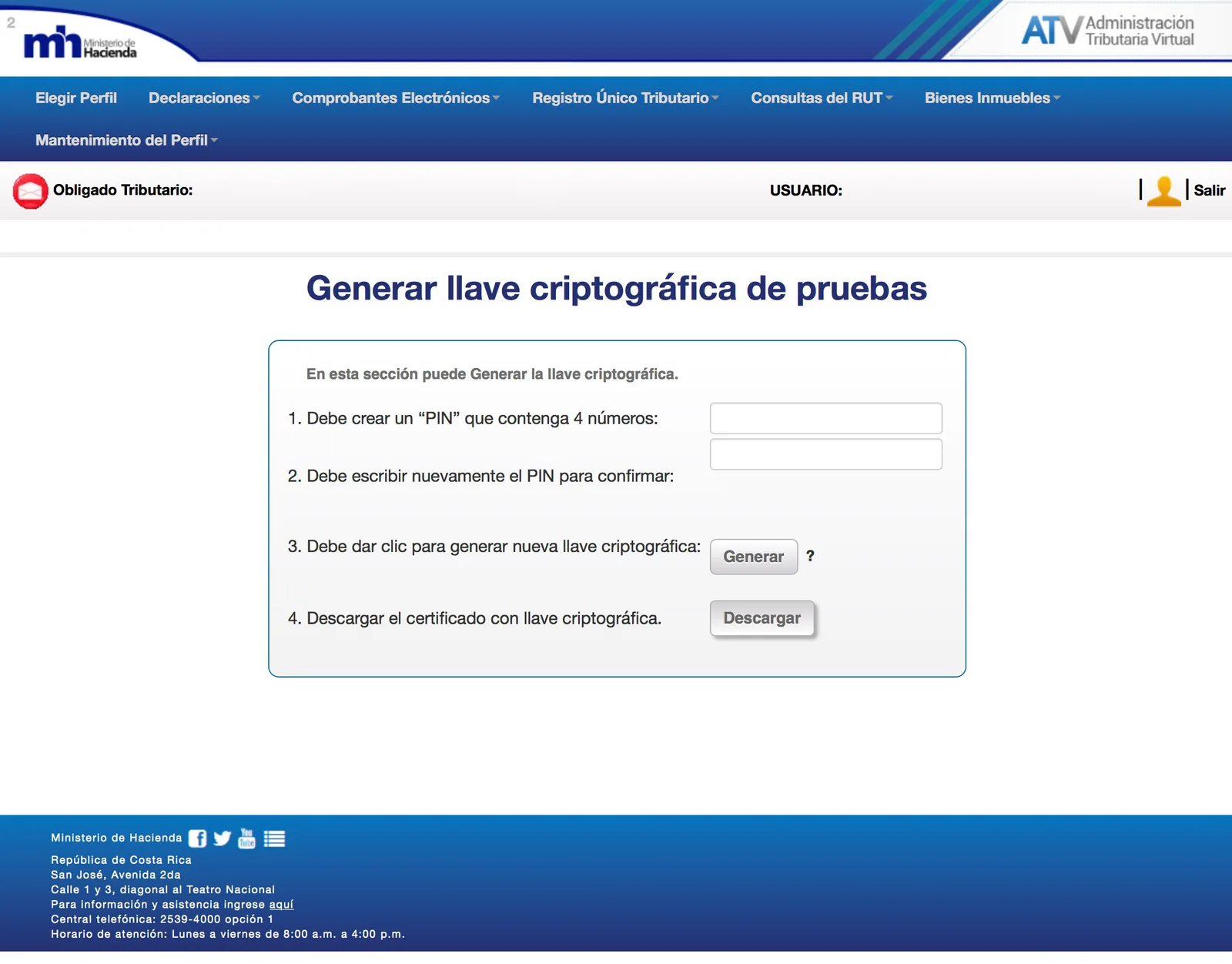
7. Repeat the previous steps for both production and testing.
8. The original procedure instructs you to email both production and test certificates, together with their respective passwords, to iGenius so they can be updated in your system.