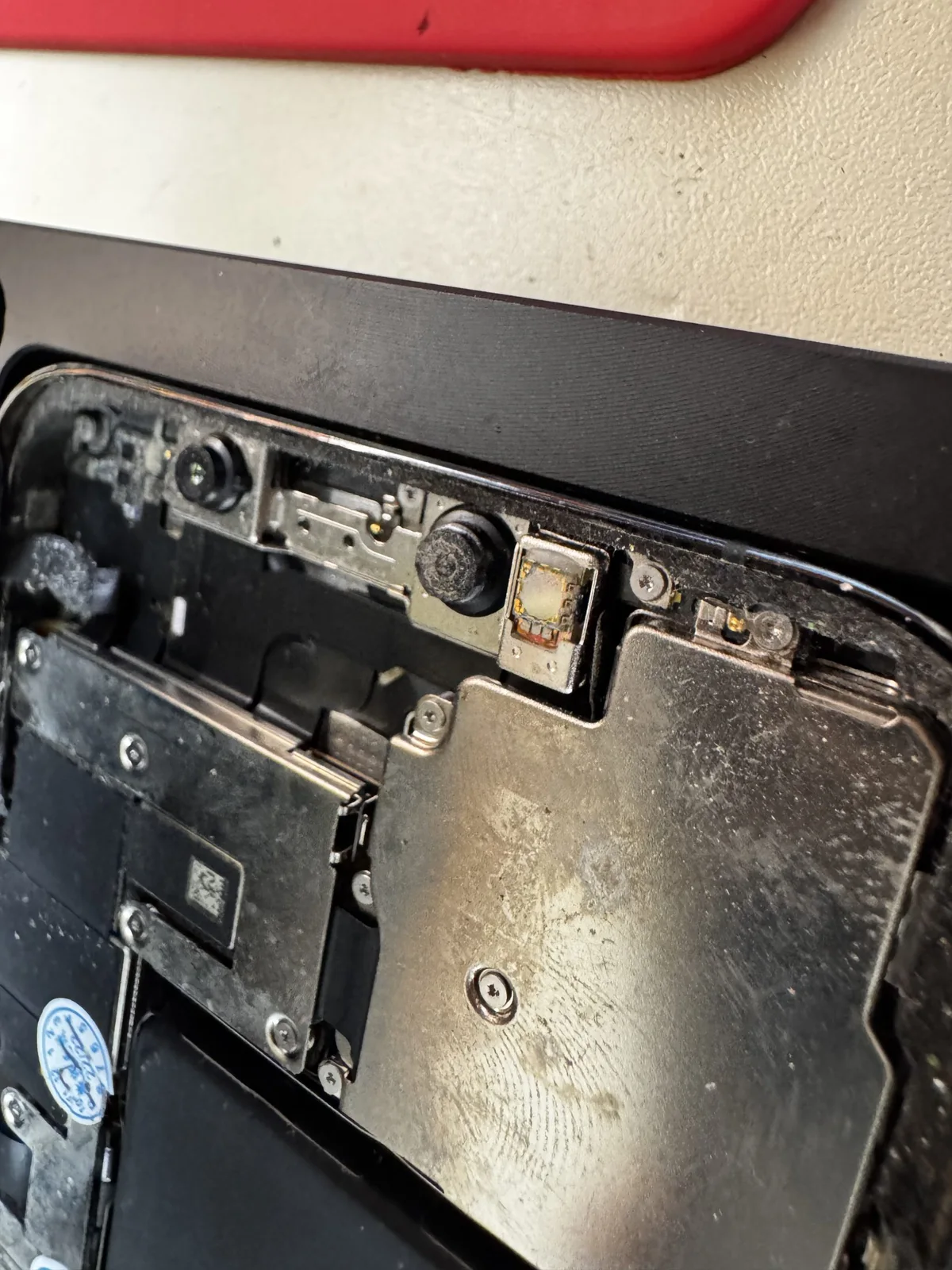
When several business Macs, iPhones or iPads need repair, a clear equipment and priority list helps organize the inquiry. A MacBook that will not turn on, a broken-screen iPhone and an iPad with charging problems need different inspections.
iGenius in Grecia, Costa Rica reports more than 15 years of Apple experience, from screen and battery replacement to electronic diagnosis and board-level repair. This guide explains what information to prepare when discussing service for an inventory.
1. Prepare a short list for each device
A technical report is unnecessary. A spreadsheet can include:
- An internal business identifier to distinguish similar devices.
- Type and model: MacBook Pro, MacBook Air, iMac, Mac mini, iPhone or iPad.
- Year or generation, if known.
- A fault description in the user's own words.
- Relevant impacts, liquid exposure or previous work.
- Operational priority and backup needs.
Knowing the quantity and symptoms helps plan inspection. The list also helps match each device to its diagnosis afterward.
2. Decide who coordinates and who authorizes
Before delivering devices, decide who receives workshop questions and who approves the work. If these are different people, explain that. A clear contact path avoids conflicting repair instructions.
Explain which devices are essential to operations. Ask about model-specific timing and parts availability: a screen replacement and an electronic fault may take different amounts of time. Do not assume one delivery date for the whole batch.
3. Agree how information will be handled
State which files must be preserved and what backup each device has. Ask what access is needed for diagnosis and coordinate with your business's technology lead.
Use internal identifiers in the first message. Avoid passwords, customer data or private documents in a general form. If a device will not turn on, mention file-related needs immediately: repair and information recovery require specific assessment.
4. Evaluate options per device
Diagnosis distinguishes a failed part from a logic-board fault. Component repair may be an alternative when damage allows it; suitability depends on the device's condition and model.
See our MacBook and iMac, iPhone and iPad services, logic-board repair and Apple services for businesses.
5. Confirm each repair's warranty
Coverage varies by repair. Read the published warranty conditions and confirm the coverage for each device. Keep the internal identifier linked to the authorized work and repair documentation.
Start on WhatsApp
Our WhatsApp inquiry form lets you select Business, enter the equipment quantity and describe models and faults. Fields are optional; you can write directly while still preparing the inventory.
The form prepares a message for review and sending through WhatsApp. The source says responses are faster there during opening hours. The workshop is listed as 175 meters east of Palí in Grecia, Alajuela.
Published October 7, 2026.