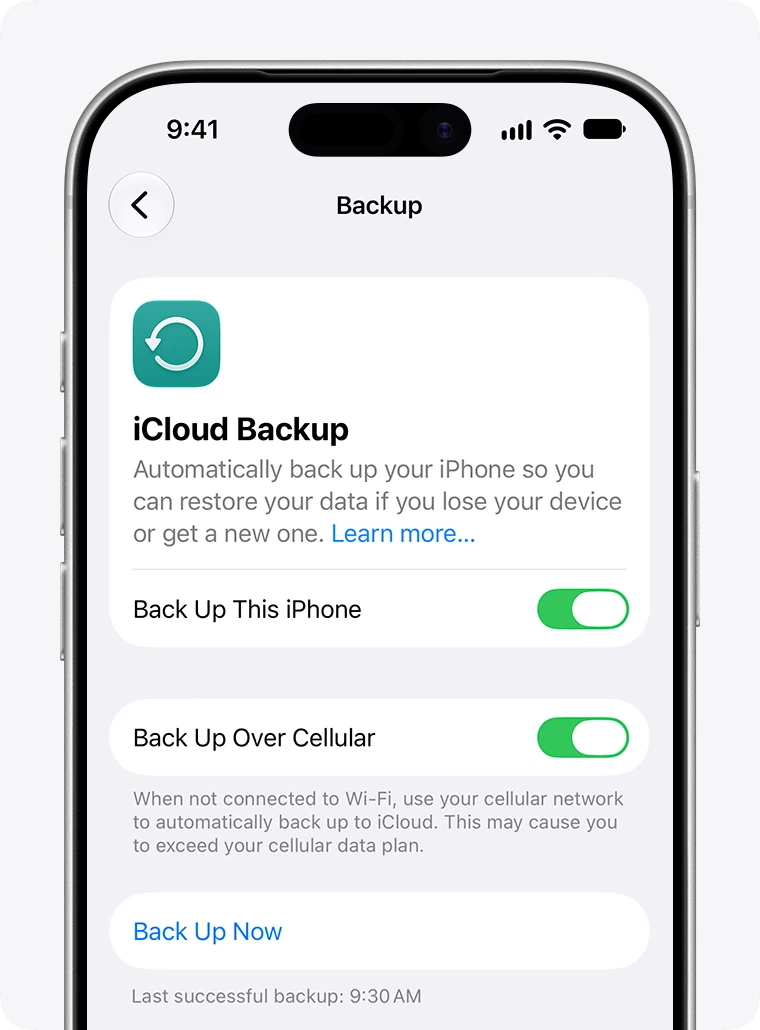
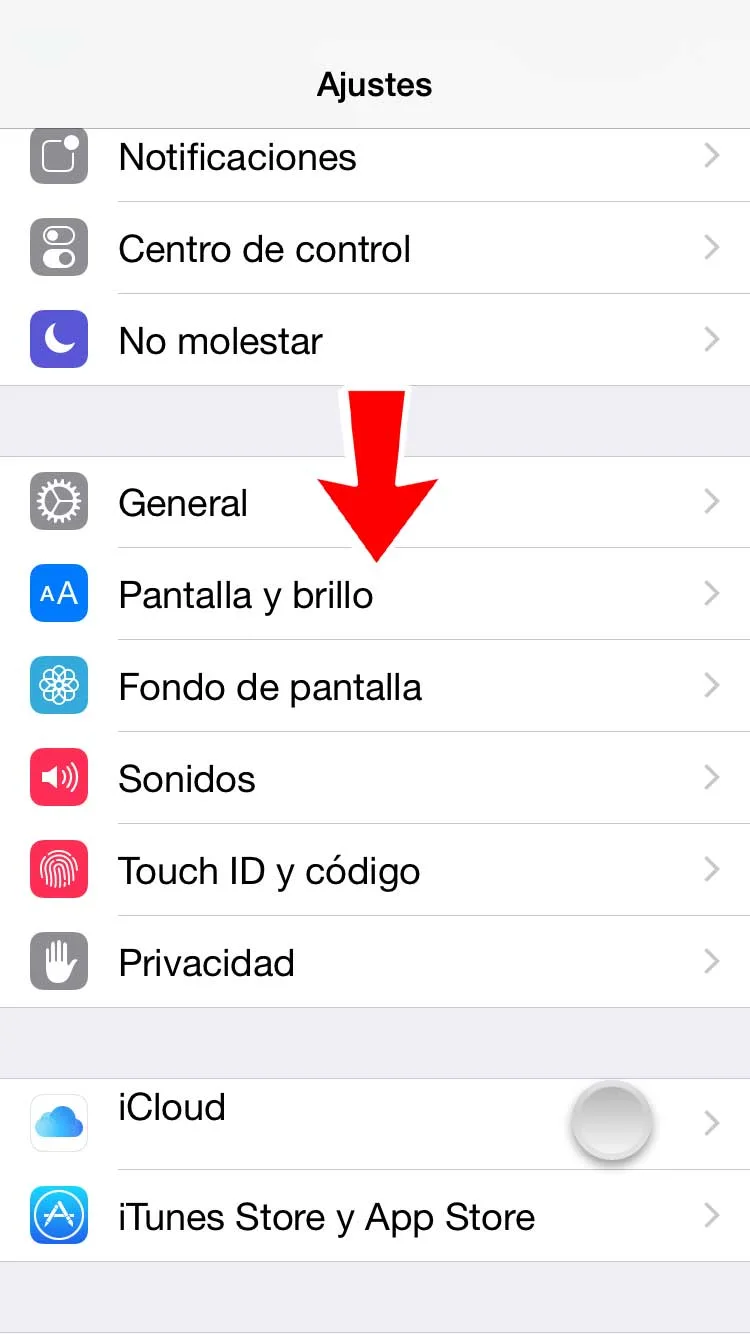
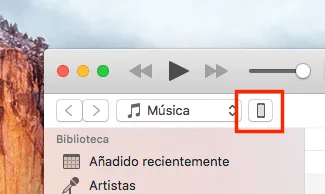
If you want to back up an iPhone, iPad or iPod touch and are unsure whether to use iCloud or iTunes, these tips can help you choose. For instructions, see our iCloud and iTunes backup tutorial.
An iCloud backup may suit you if:
- You prefer automatic backups when the device is connected to Wi-Fi and power.
- You want to restore data from almost anywhere with a broadband Wi-Fi connection.
- You do not often connect the iOS device to a Mac or PC.
- You do not own a Mac or PC.
- You want an automatic backup solution alongside iTunes backups.
Note: A device backup includes data and settings stored on the device, not information already stored in iCloud, such as:
- Bookmarks
- Contacts
- Calendars
- Documents saved in iCloud using iOS or Mac apps
- Notes
- iCloud Photo Library, then in beta, if enabled
- Photo Stream
An iCloud backup does not store music, movies or TV shows you didn't buy from the iTunes Store, or any podcasts, photos or audiobooks you originally synced from your computer. During a restore, the iCloud backup brings back your movies, songs and apps from the iTunes Store, App Store and Apple Books. Older purchases may not be available if they are no longer in the iTunes Store, App Store or Apple Books.
Use an iTunes backup if:
- You regularly use the computer holding your backups.
- You do not have or do not want to use an iCloud account.
- You want a manual or secondary backup alongside iCloud.
Note: The article states that an iTunes backup does not duplicate movies, music, podcasts or apps; on restoration, this media is synced from the main computer through iTunes.