GUIDES AND KNOWLEDGE

Paint-like tools in OS X Yosemite

This guide shows how to find the somewhat hidden Paint-like tools in OS X Yosemite. They are available in Preview.

First step:

Open an image in Preview. Usually you can double-click an image file. If another app opens images by default, launch Preview from Applications.

Second step:

Click the toolbox at the lower right to show the Markup toolbar.

Selection tools include rectangular, elliptical, lasso and smart lasso.

Original article image: Paint-like tools in OS X Yosemite

Instant Alpha lets you remove an image's background.

Original article image: Paint-like tools in OS X Yosemite

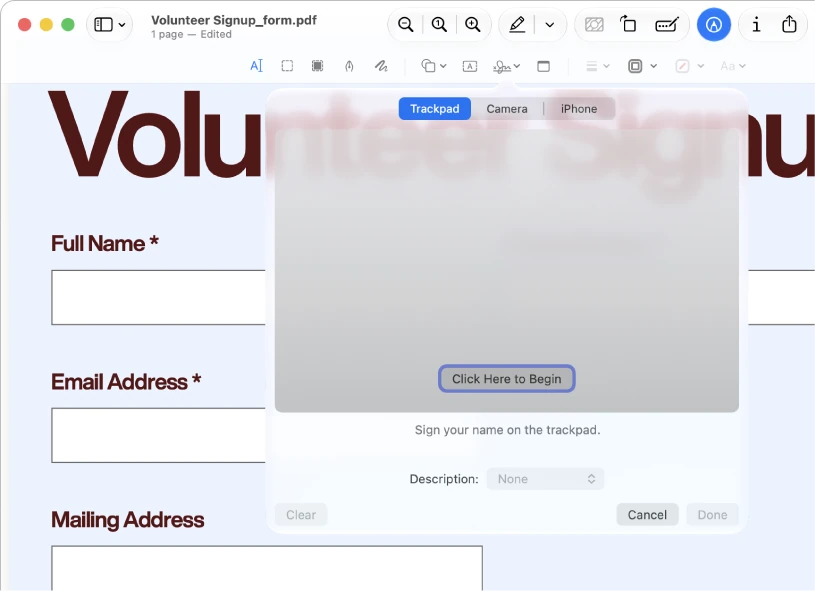
You can draw and add arrows, shapes, text, signatures and more.

Original article image: Paint-like tools in OS X Yosemite

You can also adjust image size and scale.
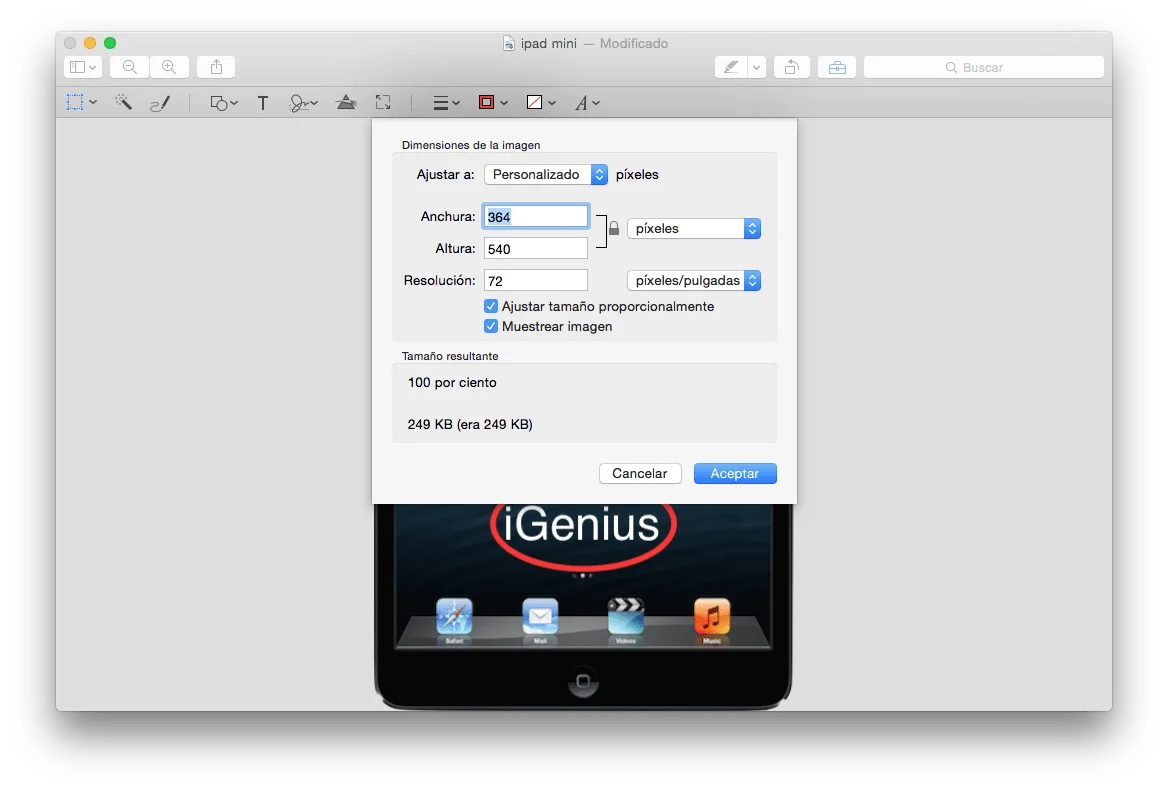
Original article image: Paint-like tools in OS X Yosemite

There are options for editing colors and levels.
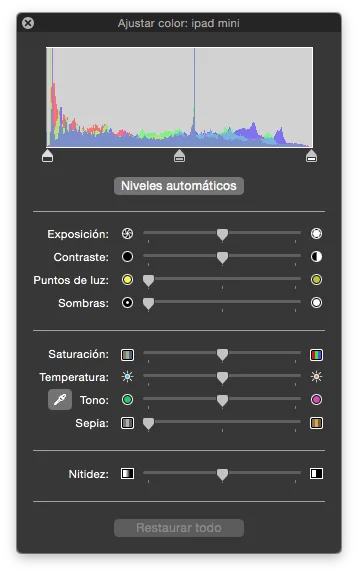
Original article image: Paint-like tools in OS X Yosemite

The tools are basic but useful for quick edits.
Keep reading

Let’s talk about your device.

Leave an available contact method, even if your phone isn’t working. You can send your inquiry from this site.

Repair my device

Your privacy,
your choice.

You can allow optional Google Analytics measurement to help us improve this page. We don't send your inquiry content, passwords or device details. You can browse without this measurement.

Read privacy policy
STEP 1 OF 51 of 5

REPAIR REQUEST

Which device needs repair?

Choose one. Next we ask for the model and the fault.

Choose your device