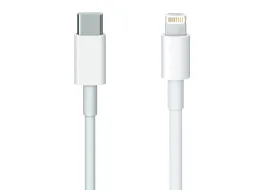
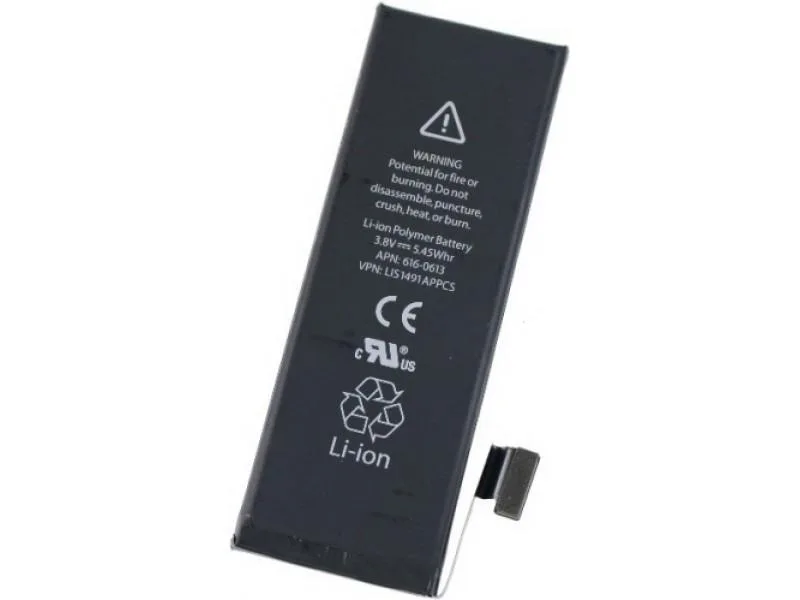
When an iPhone will not charge, describe exactly what happens: does it fail to recognize the cable, charge intermittently, show a liquid warning or stop turning on? Each symptom helps guide inspection but does not by itself prove that the battery or connector needs replacing.
iGenius in Grecia, Costa Rica handles iPhone screen and battery repairs, electronic diagnosis and logic-board work. The source reports more than 15 years of experience with Apple products.
If a liquid warning appears
Disconnect the cable. Apple explains that charging with a wet connector can damage its contacts. Leave the iPhone in a dry place with airflow and follow its liquid-detection warning guide. Drying can take up to 24 hours.
Do not use external heat or compressed air, put objects into the connector or place the device in rice. If the warning persists with a dry cable or returns, request an inspection.
Water resistance is not permanent and can decrease with use. See Apple's water and splash resistance information. If the phone was submerged or has other symptoms, describe what happened before trying to charge again.
Differences worth explaining to the workshop
- Cable not recognized: say whether this happens with one or several compatible accessories.
- Intermittent charging: explain when it stops and whether the connector seems damaged.
- It charges but battery life is short: describe runtime and any shutdowns during use.
- It will not turn on: mention falls, liquid, overheating or previous repair.
- Only one charging method fails: mention observed differences between wired and wireless charging where supported.
These details help prepare the inquiry. Inspection can assess accessories, battery, connector and charging circuits before deciding what work is appropriate.
Replace the battery or repair the logic board?
These are not interchangeable solutions. If an electronic component causes the fault, replacing a different part will not address it. If the battery needs replacement, the work and parts depend on the exact model.
See iPhone repair in Costa Rica and logic-board repair. We help evaluate options based on diagnosis; different damage does not always have the same solution.
Prepare your inquiry without sensitive information
Send the model, such as iPhone 13, 14 Pro or 15 Pro Max, the symptom and when it started. Mention any photos or documents that must be preserved and whether you have a backup. Do not put passwords, IMEI or serial numbers into the website form.
If your business has several iPhones, indicate how many and which need attention first. Read the warranty conditions; coverage depends on the work performed.
Need an inspection for an iPhone that will not charge? Prepare a WhatsApp inquiry. Device fields are optional, and you can send a direct message without completing the form.
Guide reviewed October 7, 2026. The source states that the liquid-related instructions were checked against the Apple sources linked in the article.