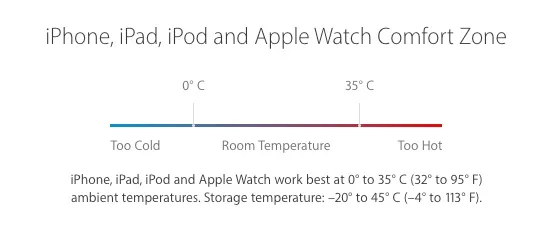
Batteries in electronic devices eventually fail whether used or not, often faster with daily use. Lithium-ion batteries, used in iPhones and most smartphones, have a useful life commonly described by charge/discharge cycles.
Other factors include operating temperature, sudden temperature changes, physical damage and liquid exposure. This article describes symptoms an iPhone battery may show when it needs replacement.
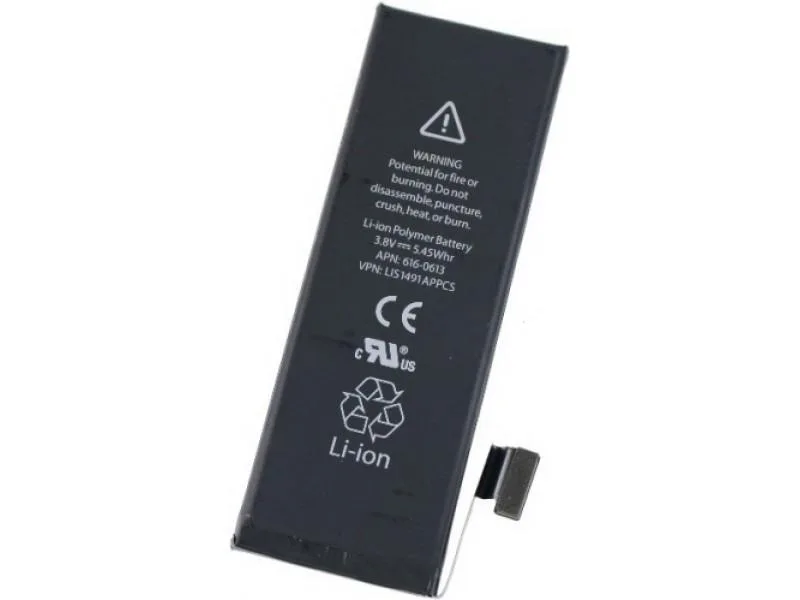
- The first sign of a battery with many charge cycles is shorter battery life. Apple designs iPhone batteries to keep 80 percent of their capacity, under ideal conditions, after 500 complete charge cycles (iPhone 14 and earlier) or 1,000 cycles (iPhone 15 and later). It is not an exact number: some batteries lose capacity sooner and others last longer.
- Internally connected cells: the source describes cells arranged alongside or on top of each other, and says loss of their structure can cause an abrupt reduction in capacity. It uses the example of an iPhone showing 20% and suddenly turning off, then turning off again soon after restart or dropping rapidly from 20% to 5%. This internal-cell explanation is preserved as a source claim requiring technical review.
- Complete failure: for one reason or a combination of the above, the battery loses almost all of its capacity and powers the iPhone for only a few minutes, or cannot turn it on at all. Sooner or later, with the passing years, this happens to most batteries.
Note: Sudden shutdowns or similar symptoms do not necessarily mean the battery is the cause. To rule out other possibilities, the original guide recommends restoring the iPhone after making a backup.
If the faults continue, contact iGenius. The source states that the workshop has professional equipment to examine battery cycles and replaces batteries with quality parts.