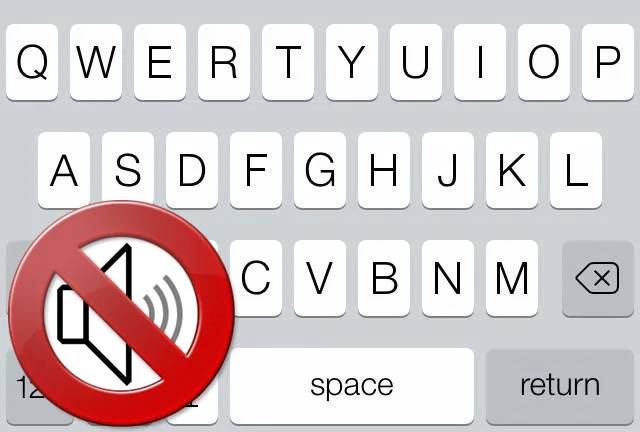
An iPhone or iPad makes a small click when you type a letter or number. Some users like the feedback and find the virtual keyboard easier to use, while others find it annoying. You can quickly disable the sound so the keys stay silent.
Follow these steps:
1. Open Settings on your iPhone or iPad, then Sounds.
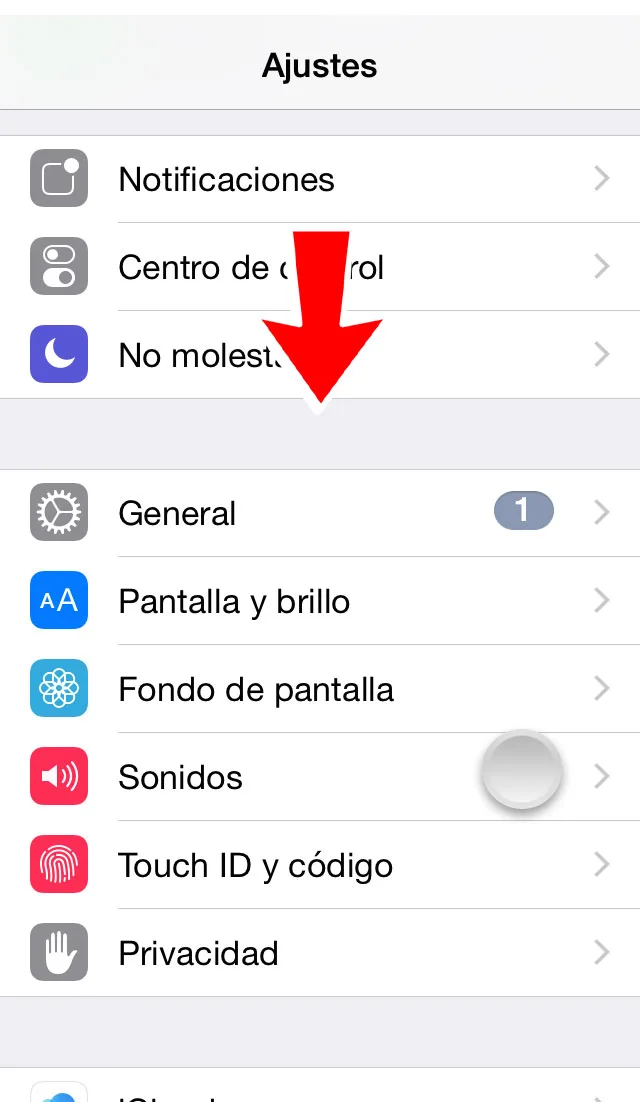
2. Scroll down to Keyboard Clicks and turn the option off.
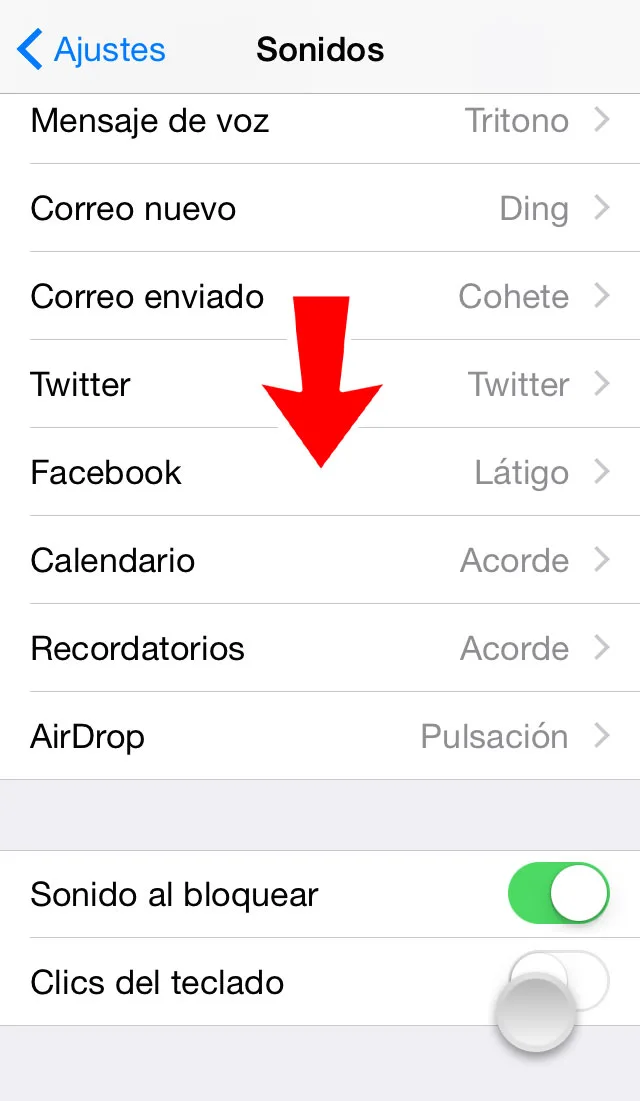
3. The change is immediate. Leave Settings and open any app where you can type to check that keyboard sounds are off.
To restore the click when typing, repeat the process and turn Keyboard Clicks on.