Cleaning and disinfecting are different processes, and should be done in that order.
Cleaning removes dirt and reduces the number of germs. Disinfecting kills many of the germs that remain after cleaning.
Turn Apple devices off and disconnect all cables before cleaning. For equipment with removable batteries, remove those as well. Then use a treated lint-free cloth or a soft, slightly damp, lint-free cloth to remove dirt.
Apple does not recommend compressed air because it can damage the device.
Before starting, take these precautions:
- Avoid abrasive cloths, towels, paper towels and similar cleaning materials.
- Avoid excessive wiping, which could damage the device.
- Keep liquids away from the device.
- Do not allow moisture into openings.
- Do not use aerosol sprays, bleach or abrasive liquids.
- Do not spray cleaners directly onto the device.
Wipes containing 70% isopropyl alcohol can be used on the devices' exterior surfaces.
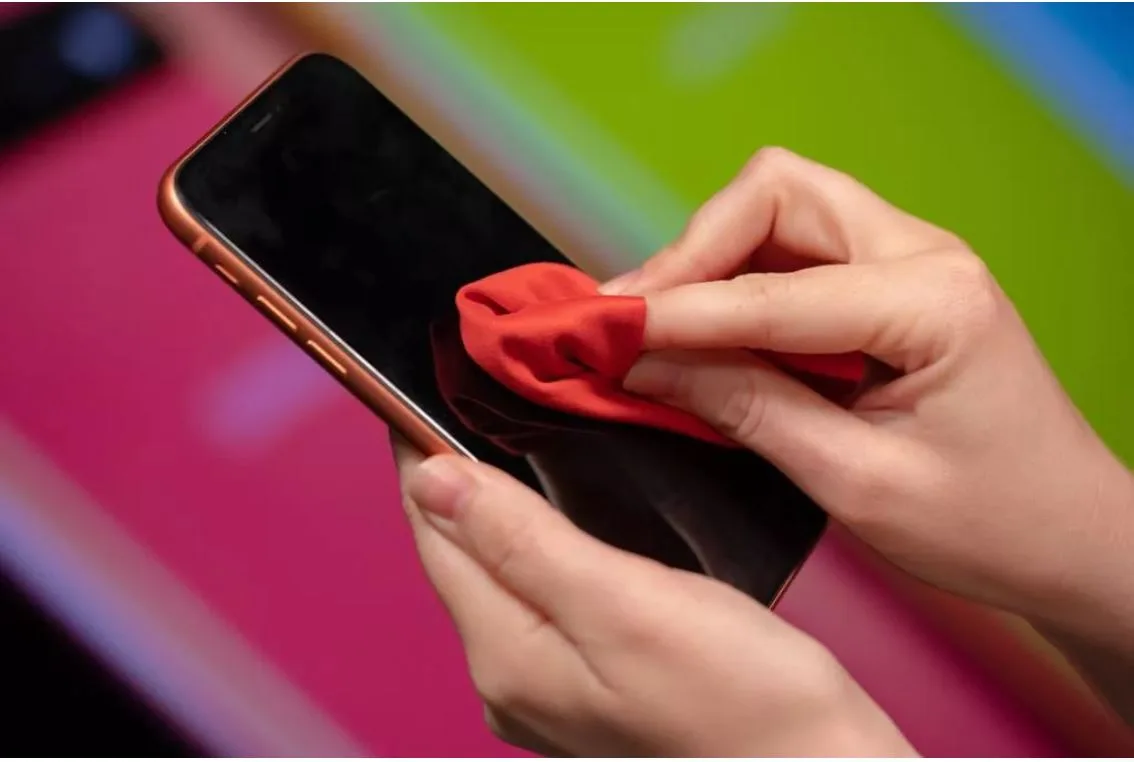
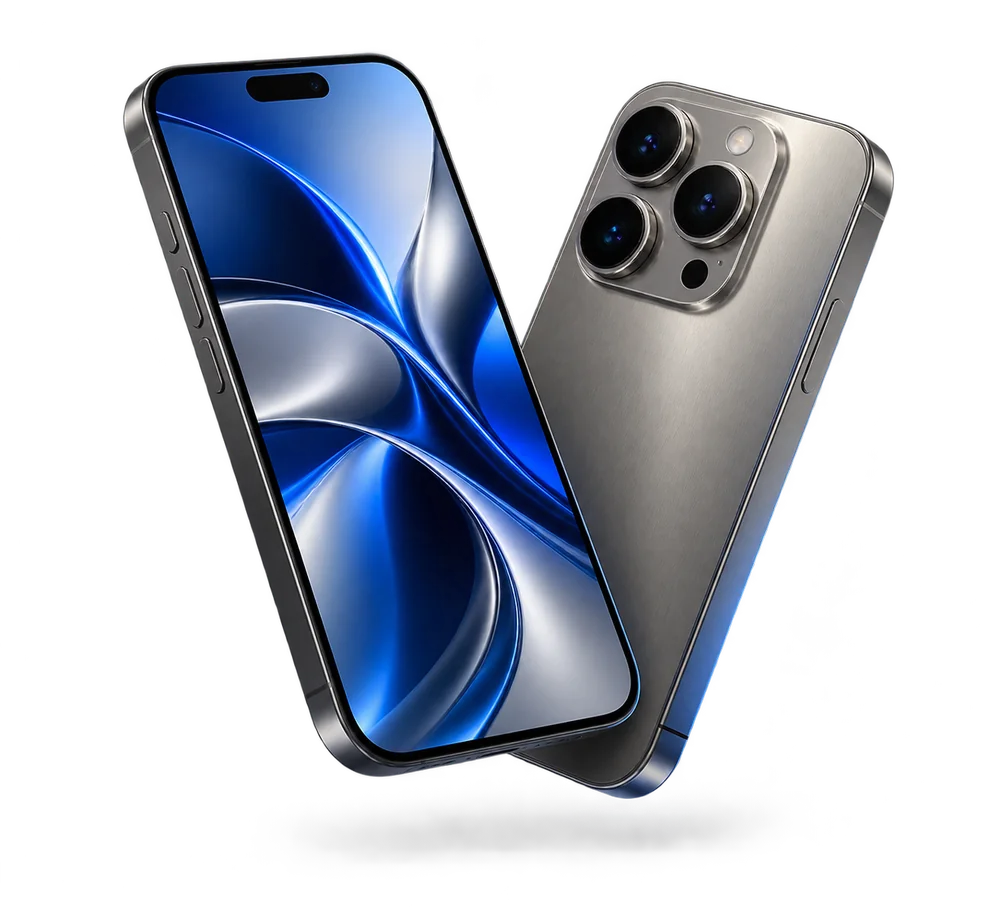
How to clean your iPhone
Clean the iPhone carefully to avoid scratches. A separately sold case or screen protector can provide additional protection. Disconnect all cables and turn it off before cleaning. Use a soft, slightly damp, lint-free cloth, and keep moisture out of openings. The screen has an oleophobic coating; a soft lint-free cloth is enough to remove fingerprints. To make cleaning easier and provide further disinfection, the article recommends lightly dampening the cloth with isopropyl alcohol.
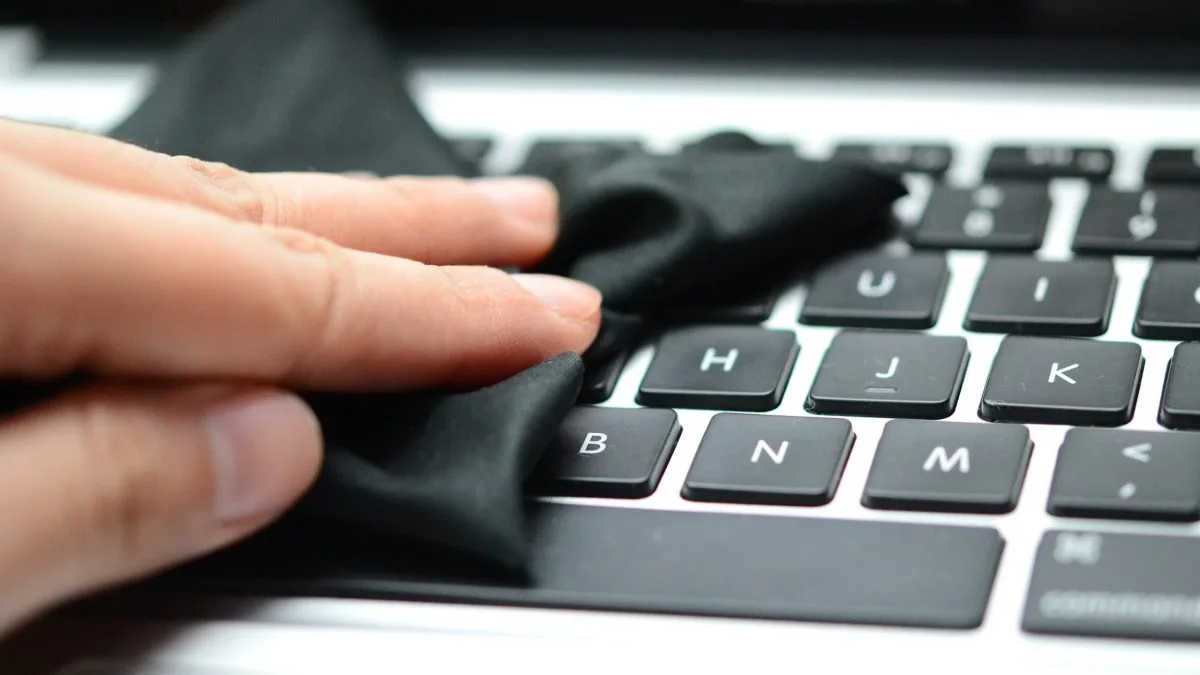
How to clean your Mac
To clean the outside of your Mac, first shut it down and unplug the power adapter. Use a soft, damp, lint-free cloth on the exterior. Keep liquids out of openings. Do NOT apply liquid directly to the keyboard: lightly dampen a cloth and use it to wipe the keyboard.