With iOS 5, Apple introduced changing an iOS device's name without iTunes. This helps users set up and manage devices without a computer.
To change the name:
1. Open Settings on the iOS device.
2. Go to General.
3. Tap About.
4. Tap Name.
The following screen appears:
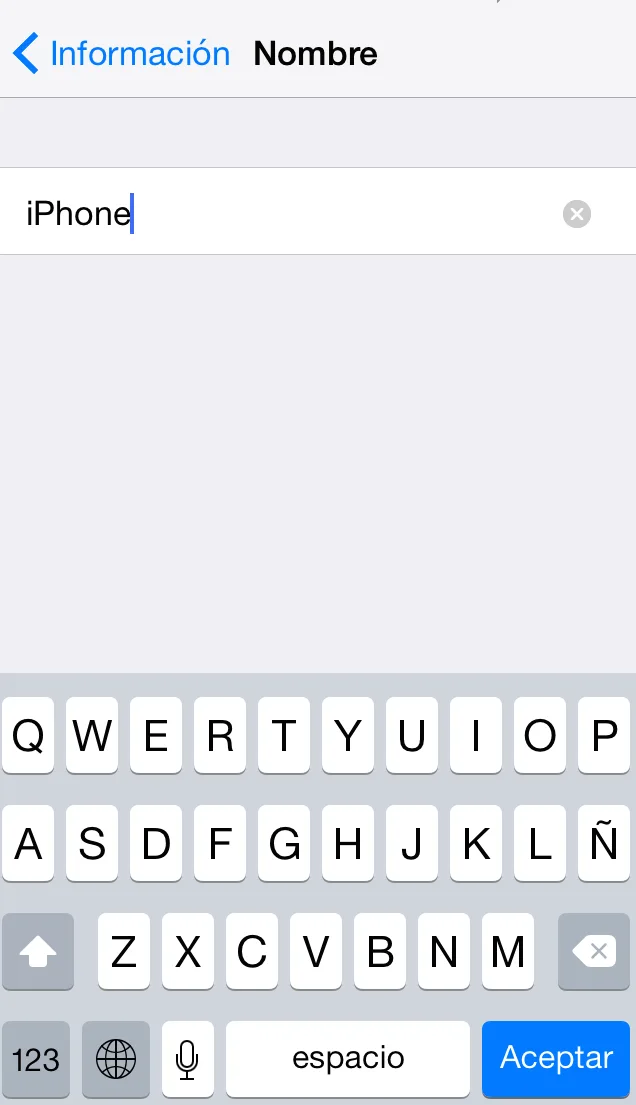
5. Enter the name you want, tap OK, and you are done.