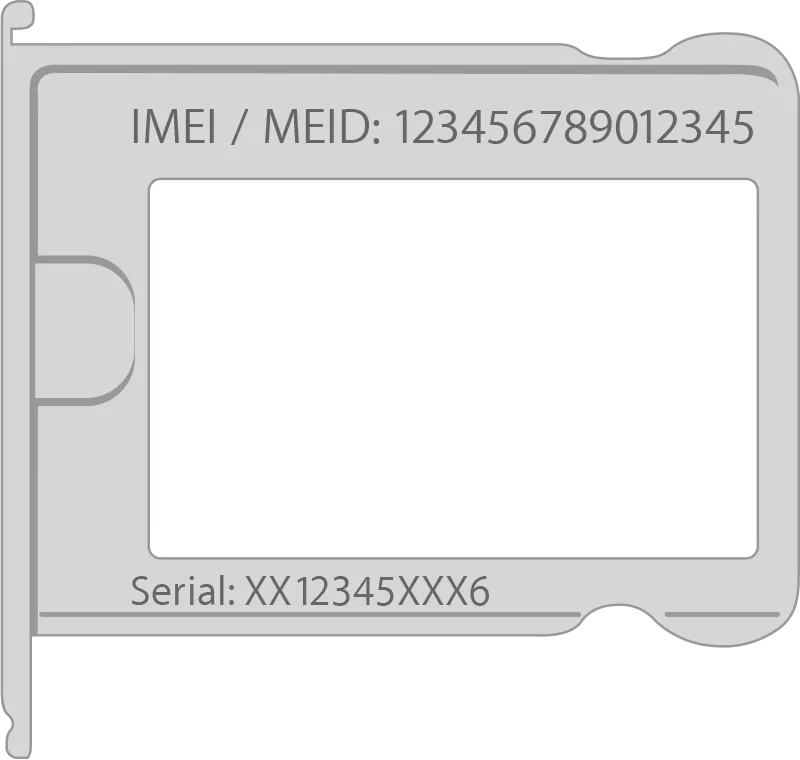
To service your Mac, iGenius asks for its serial number. This helps identify the correct part and estimate repair costs. Follow the guide below, or see how to find the serial number of an iPhone, iPad or iPod touch.
Follow these steps:
1. Choose About This Mac from the Apple menu.
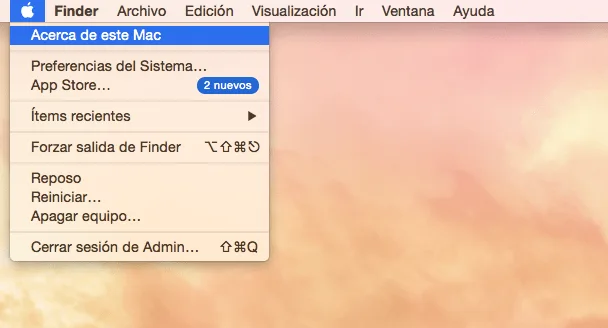
2. The serial number appears with other information about the Mac. In the source's instructions for OS X Yosemite and later, it appears immediately.
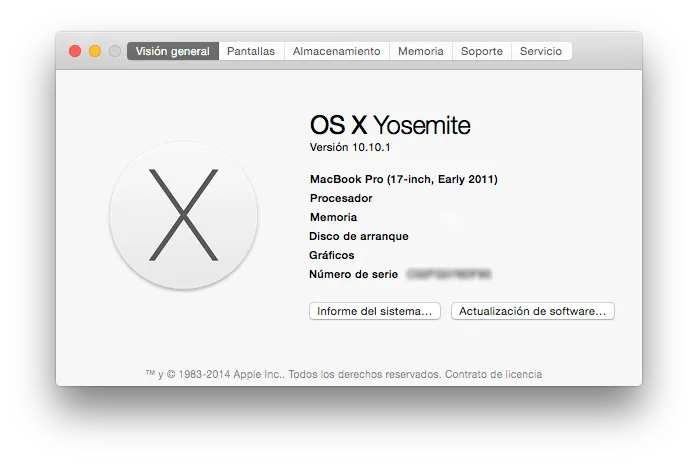
Note: If the window shown above does not display the serial number, the Mac may use an older operating system. In that case:
1. Double-click the version number, such as Version 10.4.
The Mac's serial number then appears where the operating-system version was displayed.
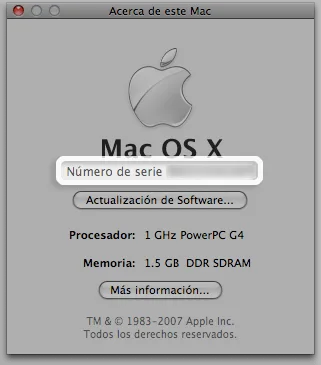
Note: Some older Mac OS X-compatible computers store the serial number differently and do not support this feature. Its absence does not itself indicate a software or hardware fault. Contact us if this applies.