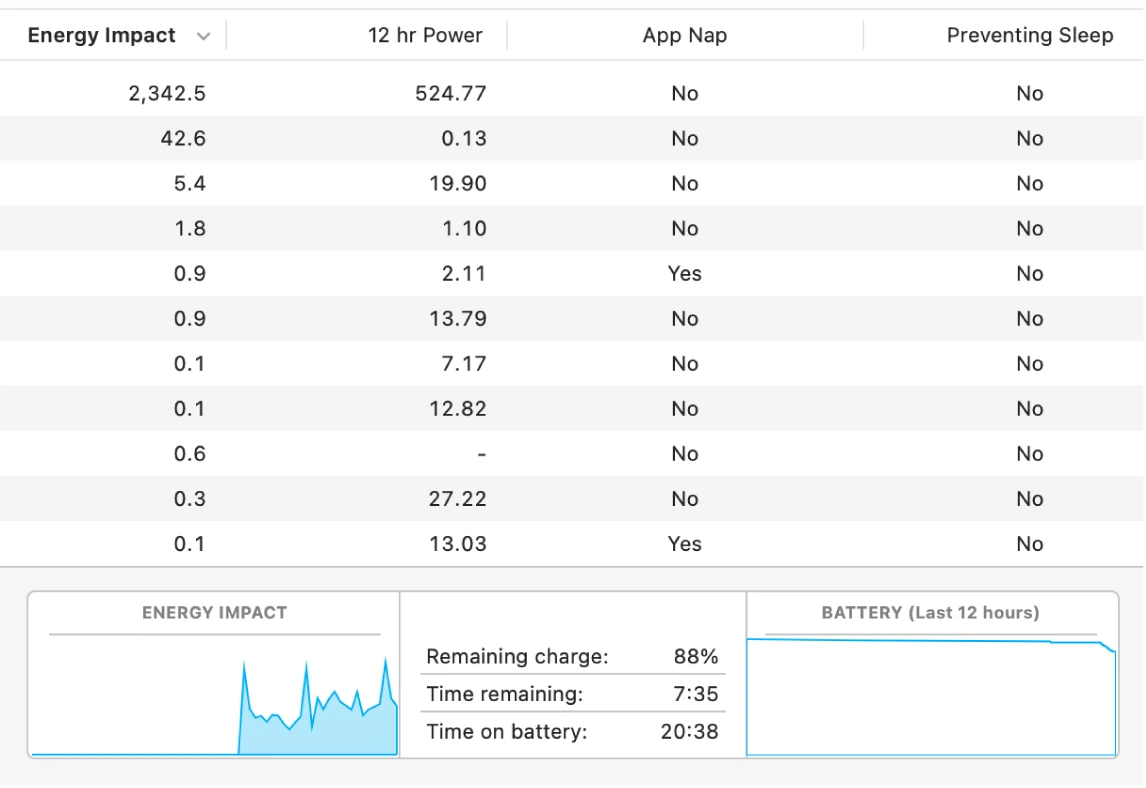
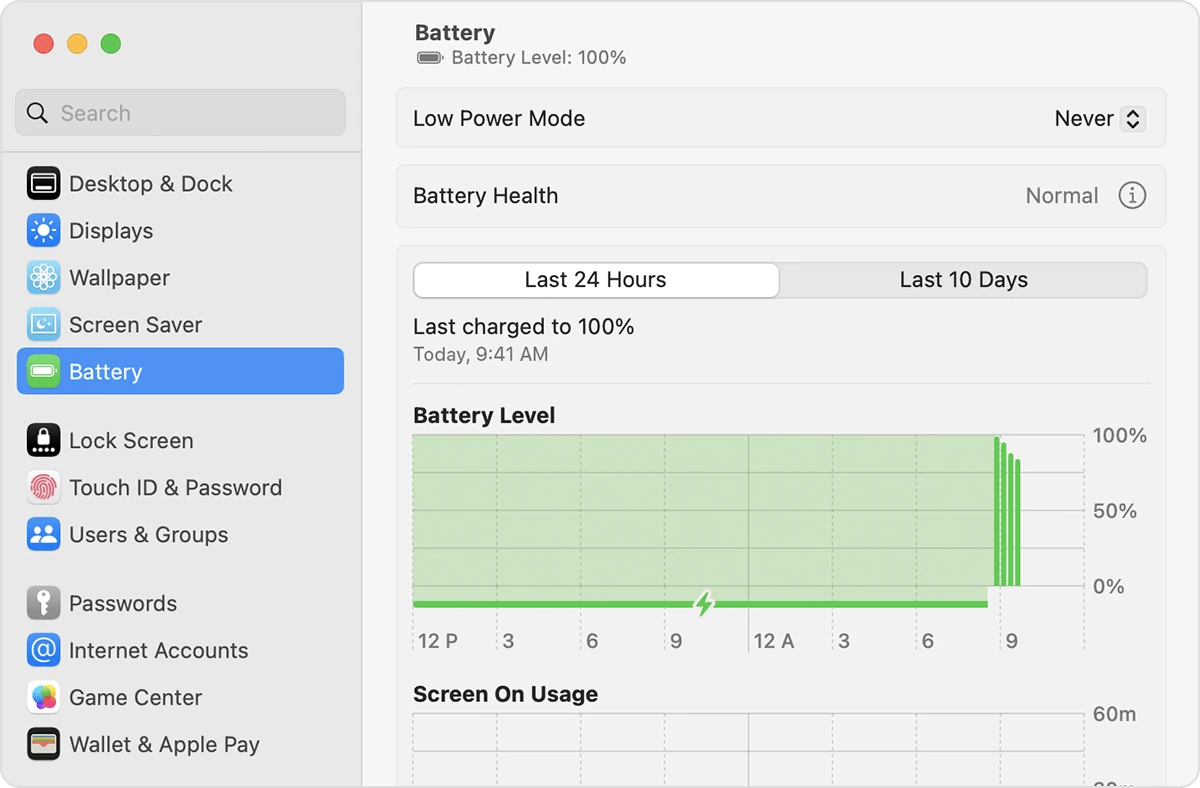
If you do not use a Mac often, closing applications may feel different from other operating systems. This article explains ways to quit or force quit an application that stops working correctly.
If clicking the small cross in a corner does not close the application, try one of these methods:
- Keyboard shortcut.
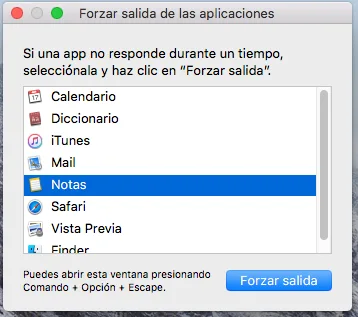
With the application selected, press Option, Command and Esc (Escape), as shown in the image.

- Using the Apple menu.
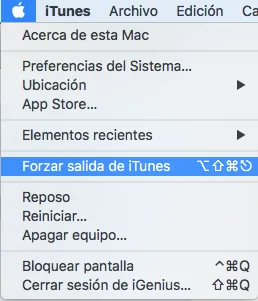
Open the Apple menu () in the upper-left corner and choose Force Quit. When the list of open applications appears, select the application and click Force Quit.
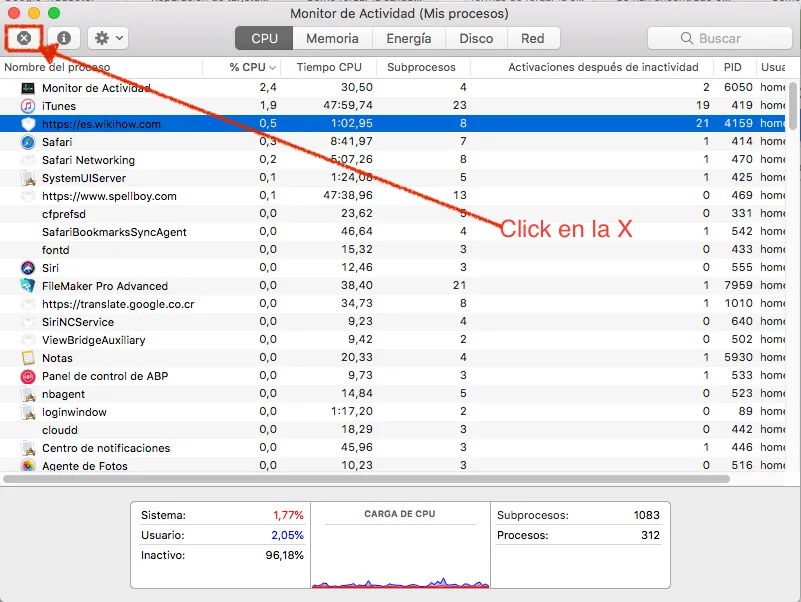
3. Using Activity Monitor
Click the magnifying glass in the upper-right corner and search for Activity Monitor. In its application window, select the application you want to close, then click Quit Process, as illustrated below.
You will find this and other shortcuts in our guide Mac keyboard shortcuts.