Customers often ask how to download and install earlier versions of macOS and OS X. If you need to return to an earlier macOS version, old versions may not appear in an App Store search, but direct Apple links can be used to download them.
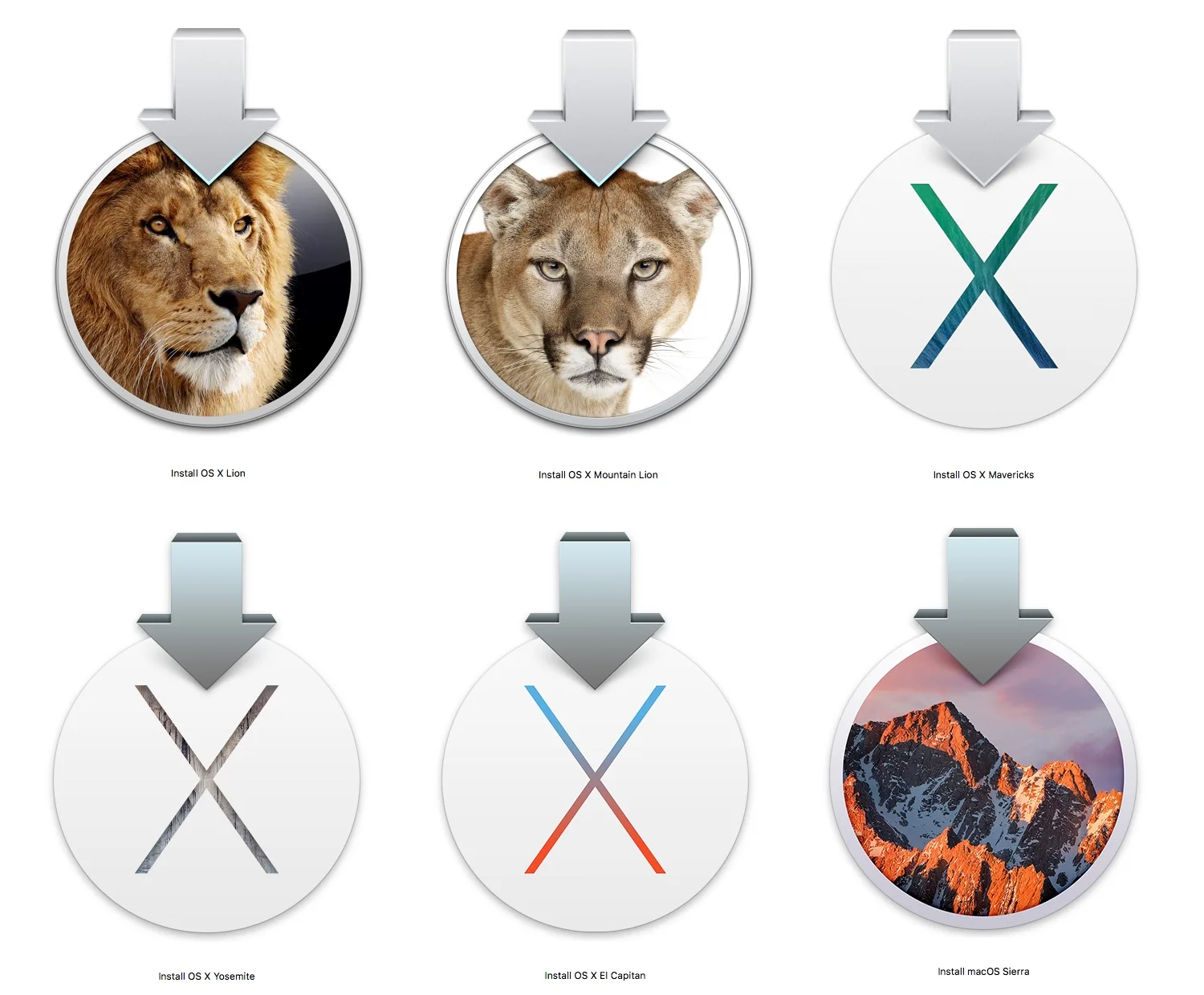
After an operating system upgrade, some apps often stop working properly. At iGenius we recommend that our customers always wait at least two months after a new macOS is released before upgrading, to avoid problems. If you need to go back to an older version of macOS, first download the version you want to install.
- 10.14, Mojave: https://itunes.apple.com/us/app/macos-mojave/id1398502828?mt=12
- 10.13, High Sierra: https://itunes.apple.com/us/app/macos-high-sierra/id1246284741?mt=12
- 10.12, Sierra: https://itunes.apple.com/us/app/macos-sierra/id1127487414?mt=12
- 10.11, El Capitan: https://itunes.apple.com/app/os-x-el-capitan/id1147835434?mt=12
- 10.10, Yosemite: https://itunes.apple.com/us/app/id675248567?mt=12
- 10.9, Mavericks: https://developer.apple.com/download/more/
- 10.8, Mountain Lion: https://www.apple.com/shop/product/D6377Z/A/os-x-mountain-lion
- 10.7, Lion: https://www.apple.com/shop/product/D6106Z/A/os-x-lion
- 10.6, Snow Leopard: https://www.apple.com/shop/product/MC573Z/A/mac-os-x-106-snow-leopard
Apple puts restrictions in place to stop older versions from being installed. One of them is an error saying the installer is damaged. You can get past it by setting the Mac's date back to a day after the release of the macOS version you want to install.
If you have tried the steps above and still cannot install an older version of macOS, contact us and one of our Apple-certified technicians will do it for you.