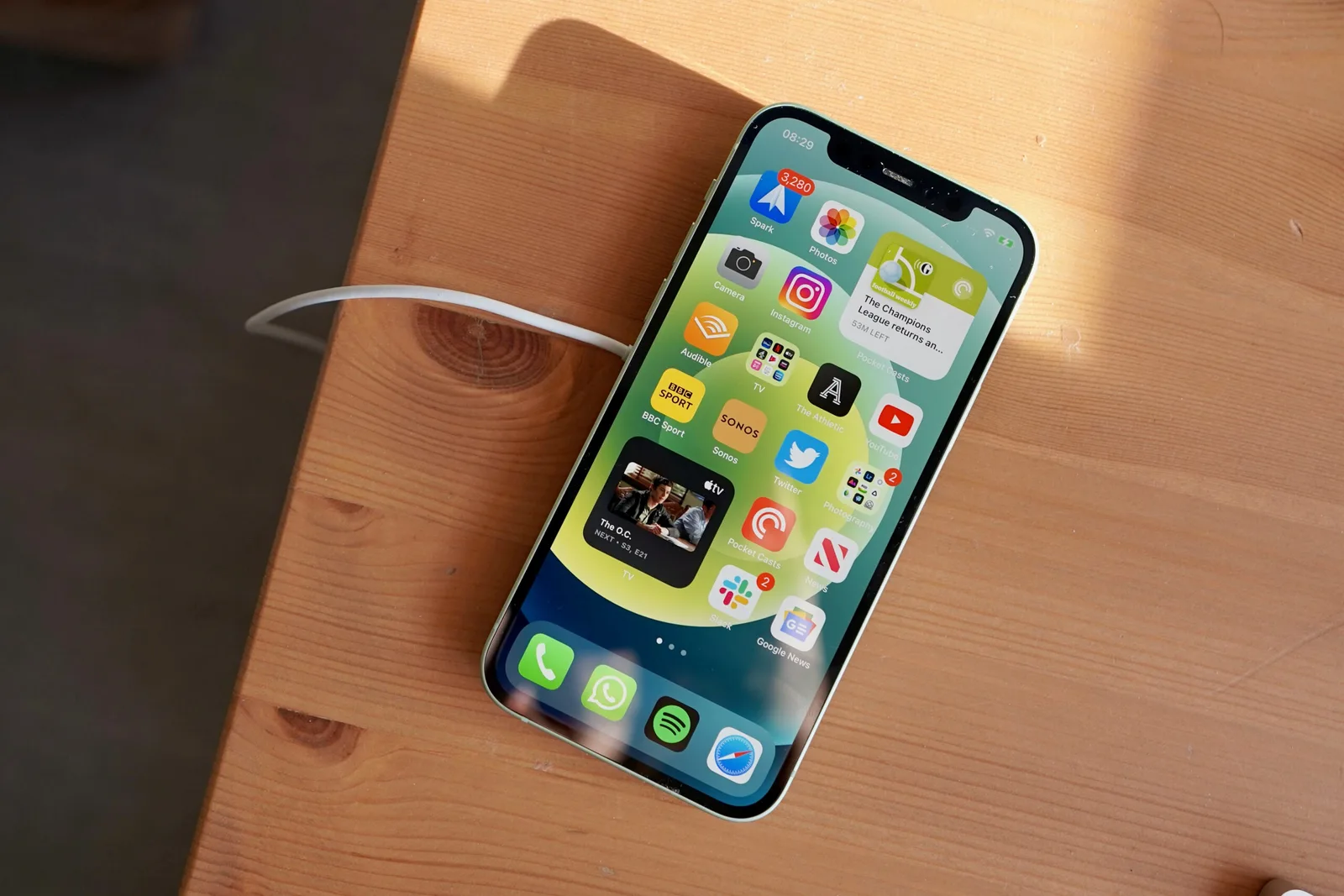
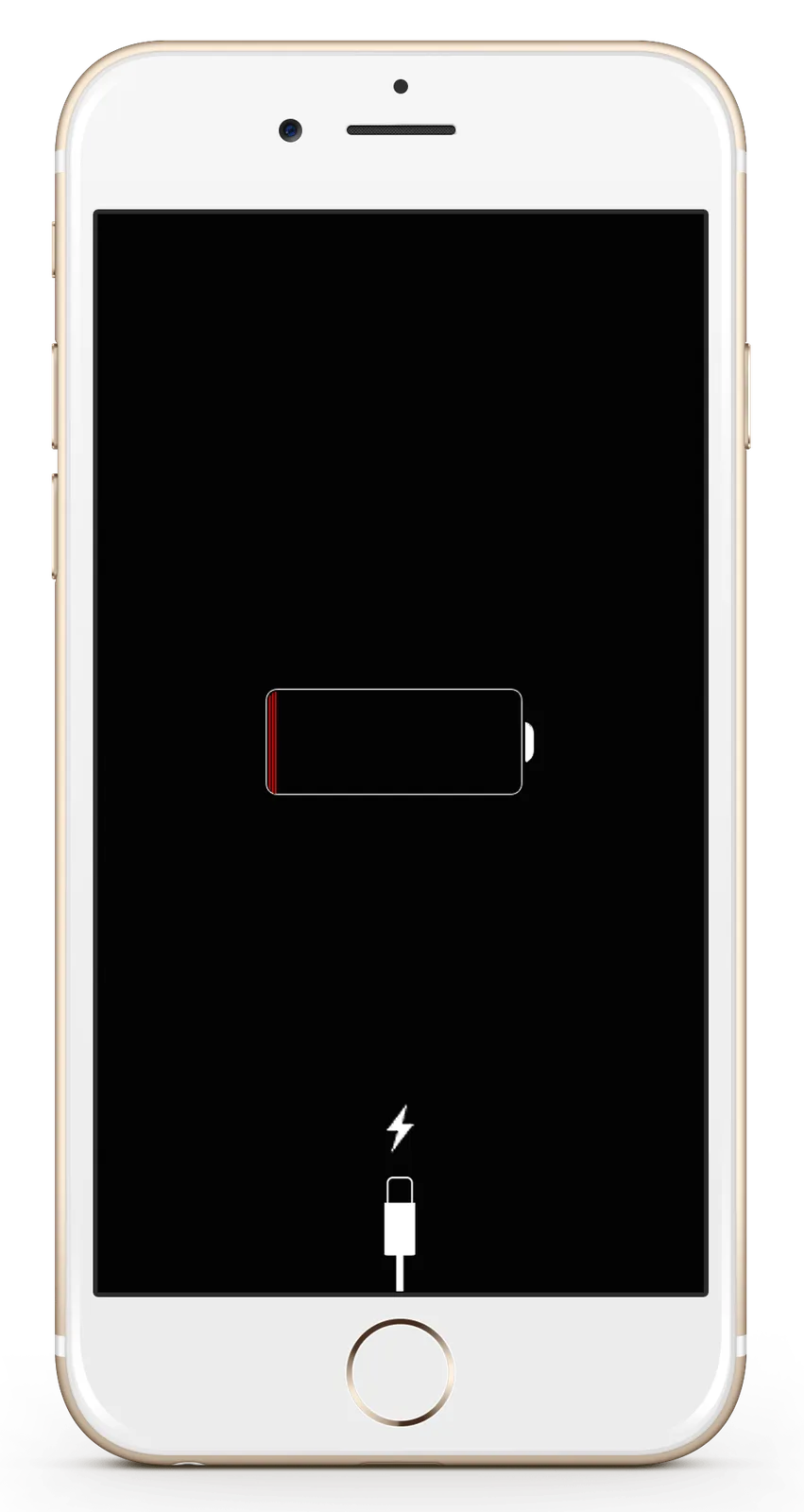
Whenever customers call iGenius for help with an iPhone, iPad or iPod, the first thing we recommend is restarting the device: it is as simple as turning it off and on again. If your device does not respond, we also show you how to force it to restart. As preventive maintenance, we recommend restarting these devices at least once a month, or whenever you notice a problem.
How to restart
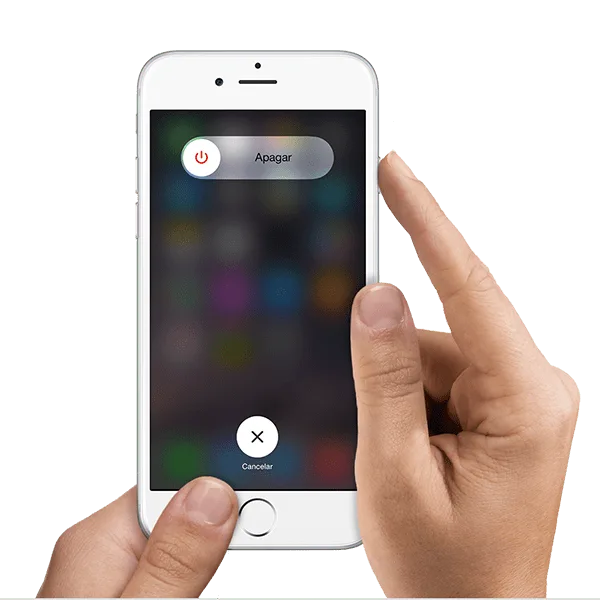
- Hold the power button until the Power Off slider appears.
- Drag the slider to the right to turn the device off completely.
- After it turns off, which may take up to one minute, hold the power button again until the Apple logo appears.
How to force restart
Use a force restart as a last resort, only if the iPhone, iPad or iPod touch is unresponsive. Hold Power and Home for ten seconds or until the Apple logo appears. These are the model-specific historical instructions from the source.

Still having problems?
If problems continue after restarting, contact us and we will be happy to arrange diagnosis or repair.