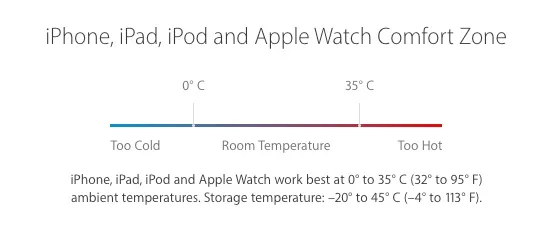
Do not panic if your iPhone suddenly turns off; electronic devices can develop faults.
This is not a very common problem on iPhone, but it can happen, and not everyone knows how to react. So here is what to do if your iPhone keeps shutting down suddenly when the battery is not low.
Restart the iPhone
First try turning it on again with the power button: on the top for iPhone 5s and earlier, or on the right for iPhone 6 and later in the source's model range. If it will not turn on, the original guide describes holding Power and Home for about ten seconds until the Apple logo appears. Force-restart steps vary by model.
Install the latest operating-system version
When troubleshooting an iPhone, installing a newer compatible operating-system version can help because software improvements may address the fault.
This may resolve software-related problems while keeping personal content such as contacts, photos, apps and music. Customized settings such as wallpaper and ringtones are reset. Follow this settings-reset guide.
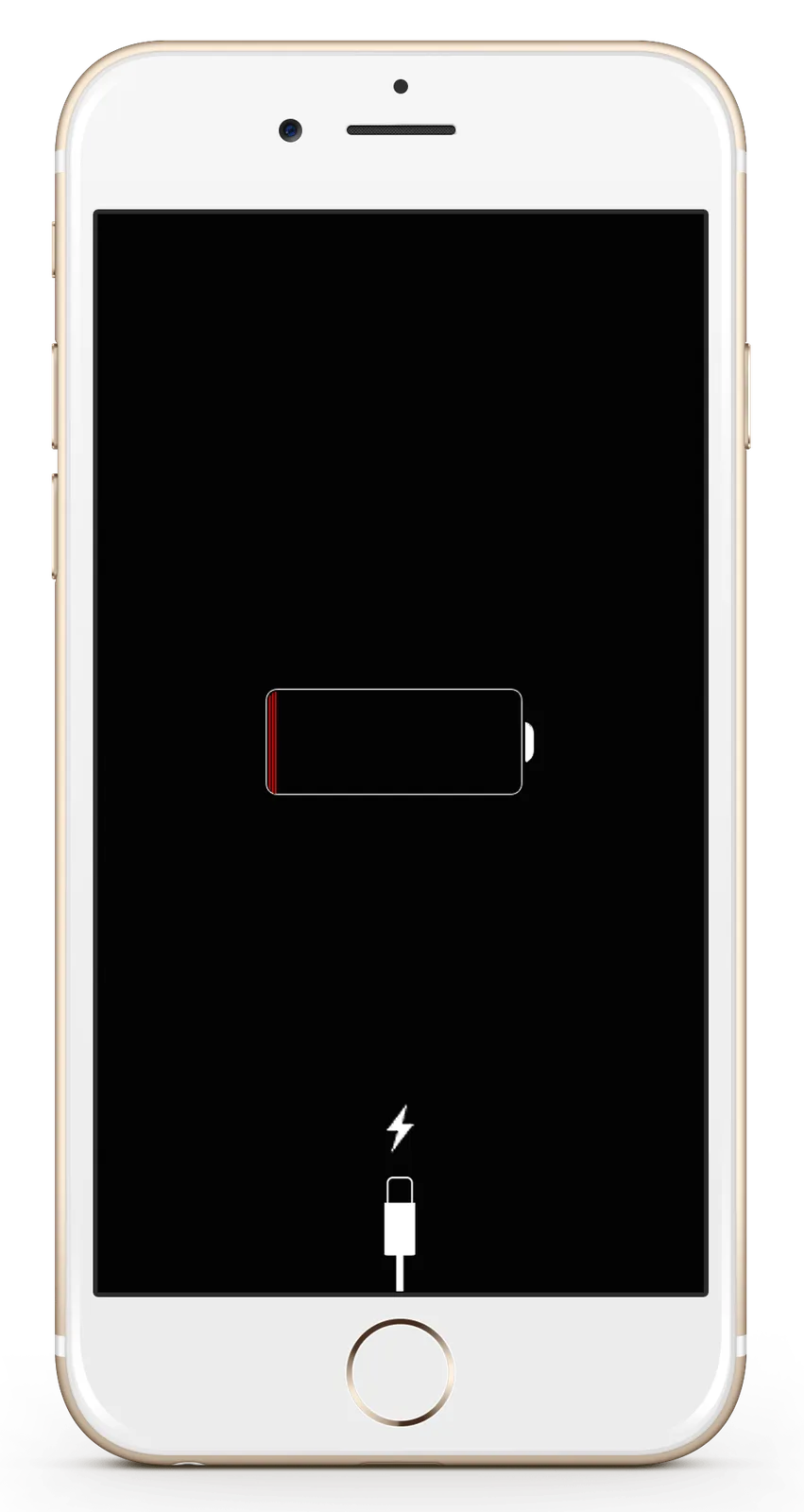
Connect the iPhone to its charger
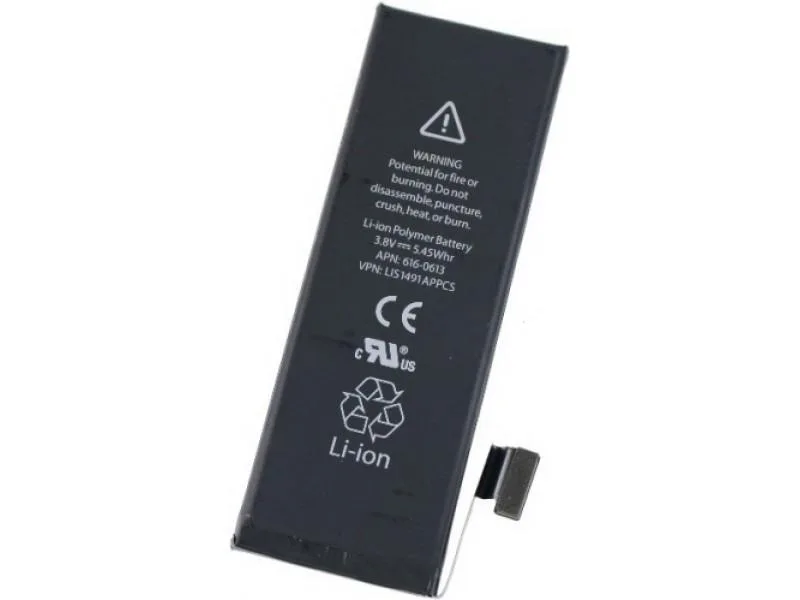
If the problem persists despite sufficient indicated battery charge, connect the usual charger. If it turns on, the source says the battery is a likely cause and invites a support call. It describes original parts and skilled repair; actual current sourcing must be verified separately. Before repair, it recommends a restore as a last resort, after making a backup.