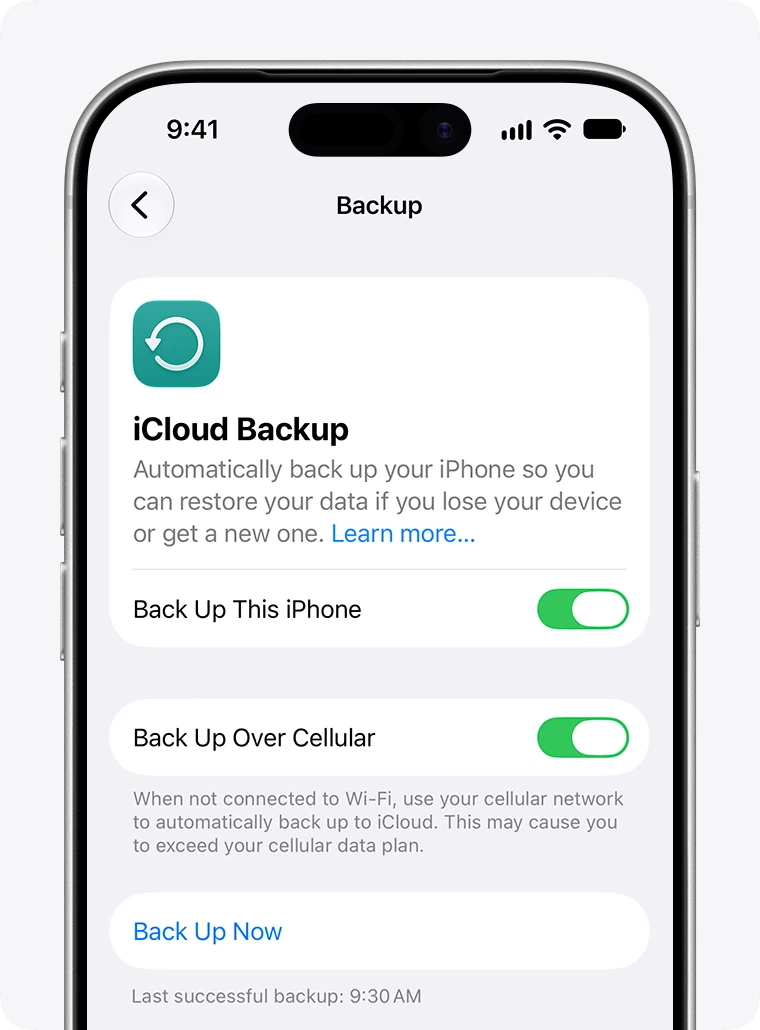
If you want to sell an iPhone, iPad or iPod touch, give it to someone, start activation again or erase ALL CONTENT, this guide explains resetting the device and removing settings, photos, music, passwords and other information so the recipient cannot access your data and can set it up as new. To preserve your data for another iPhone or simply keep a copy, make a backup before following the tutorial.
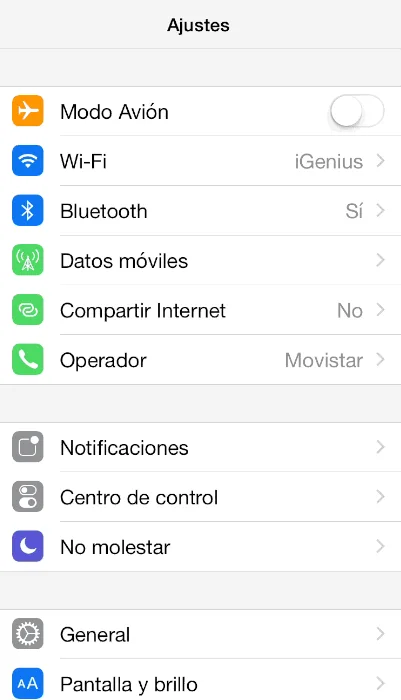
Follow these steps:
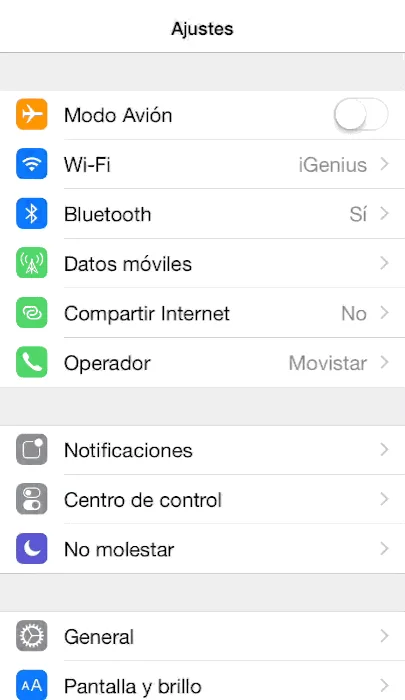
1. Open Settings.
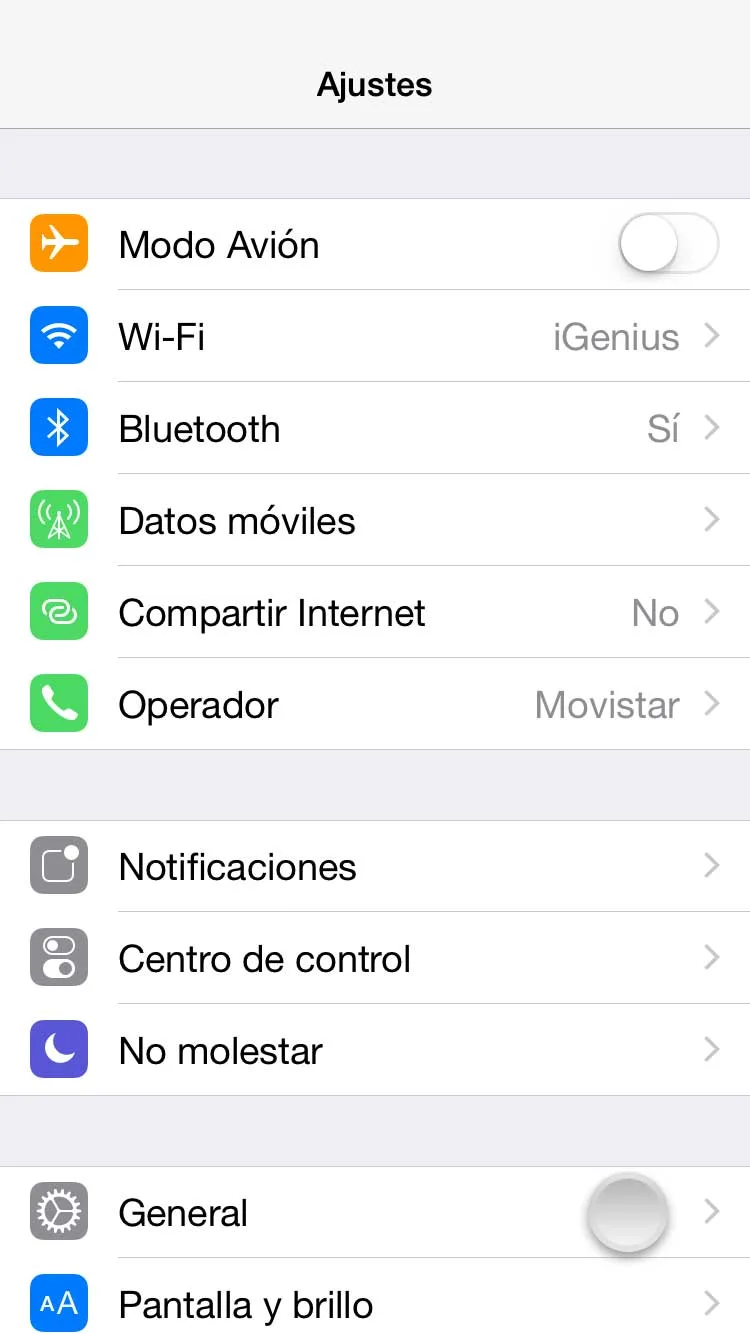
2. Select General.
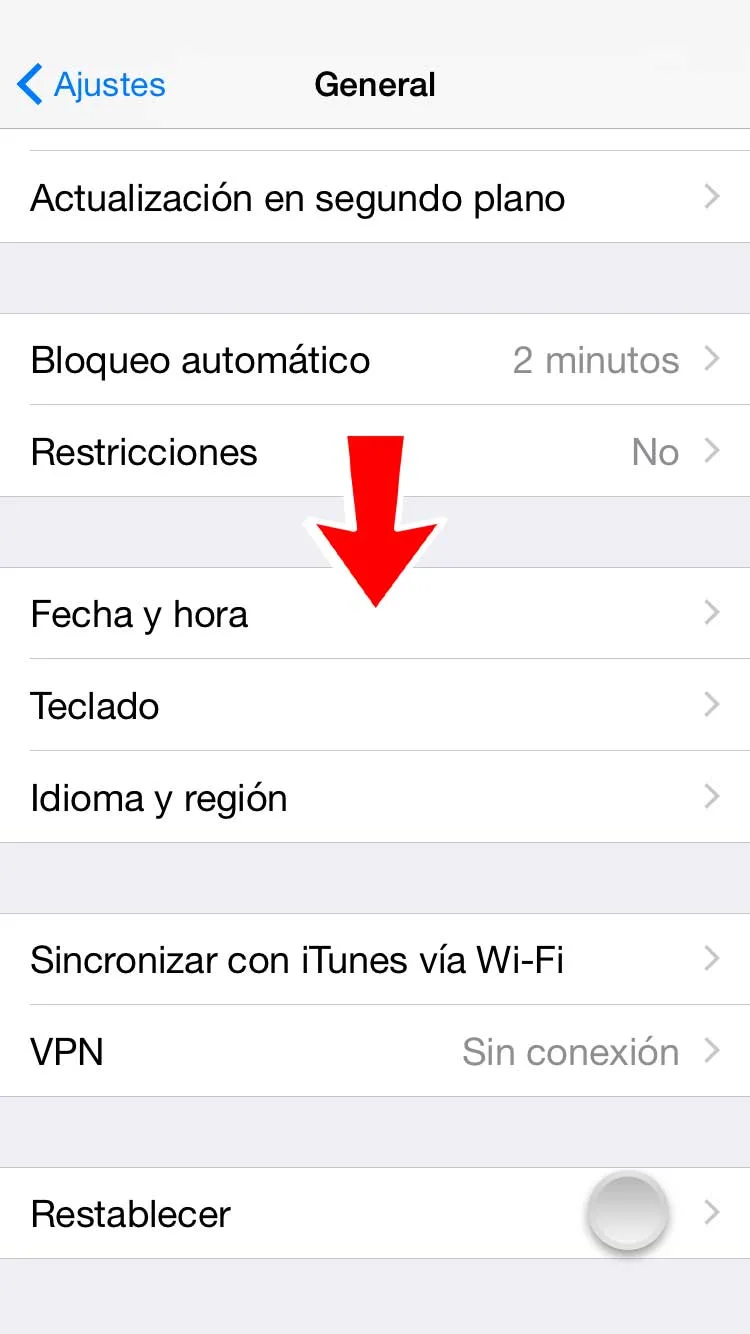
3. Scroll down and select Reset.
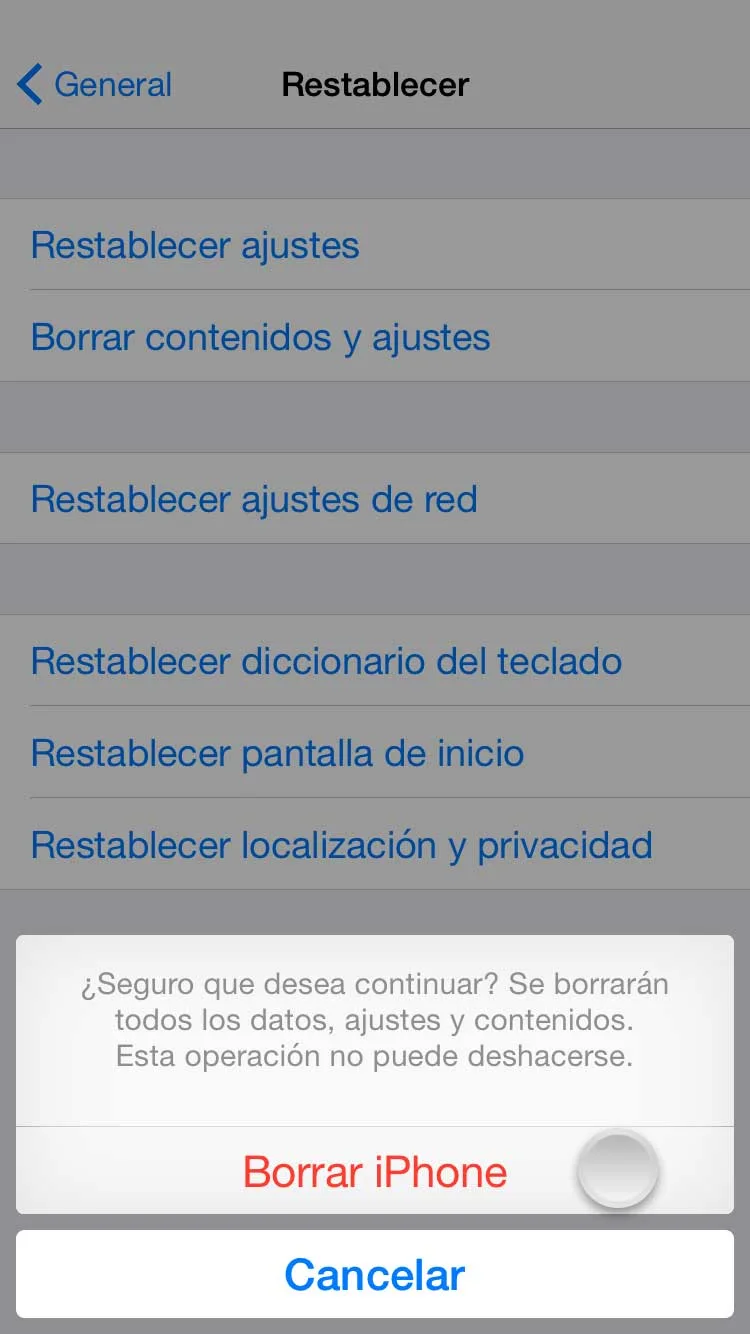
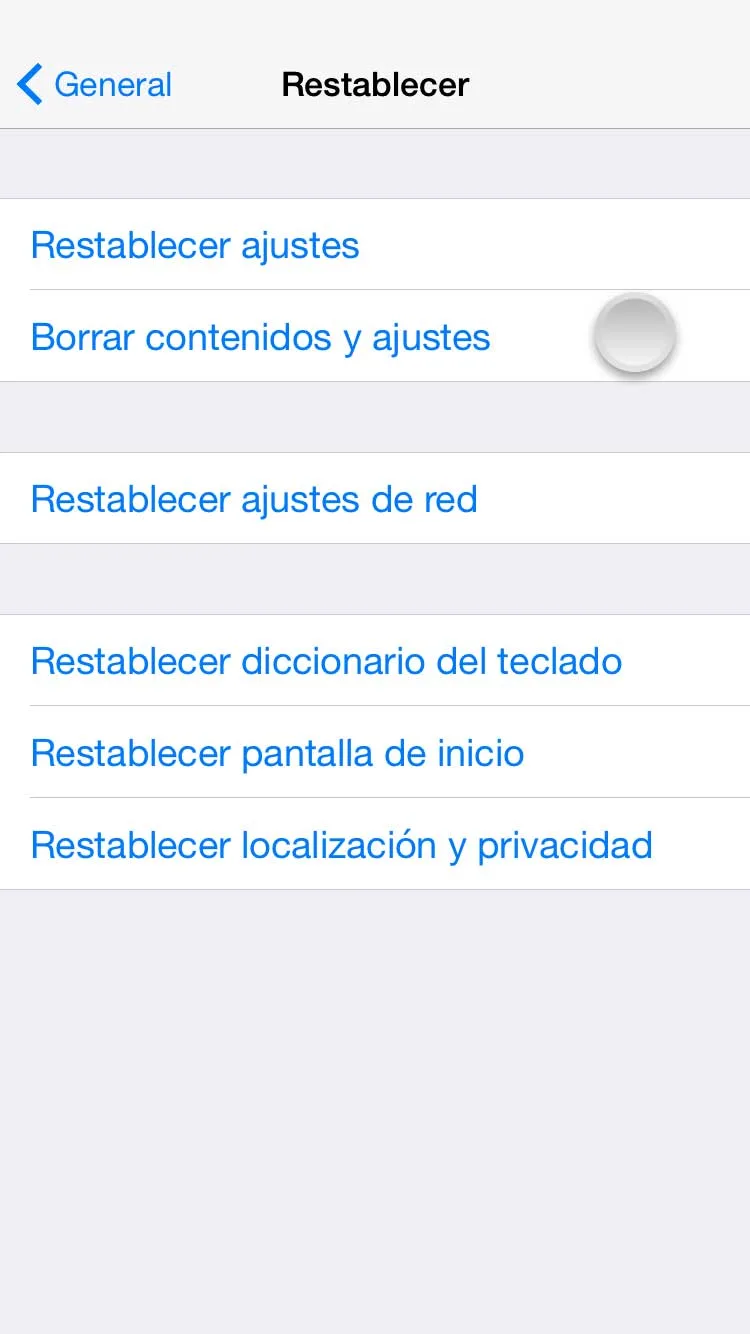
4. Select Erase All Content and Settings. Enter the screen-unlock passcode if one is configured.
5. Select Erase.
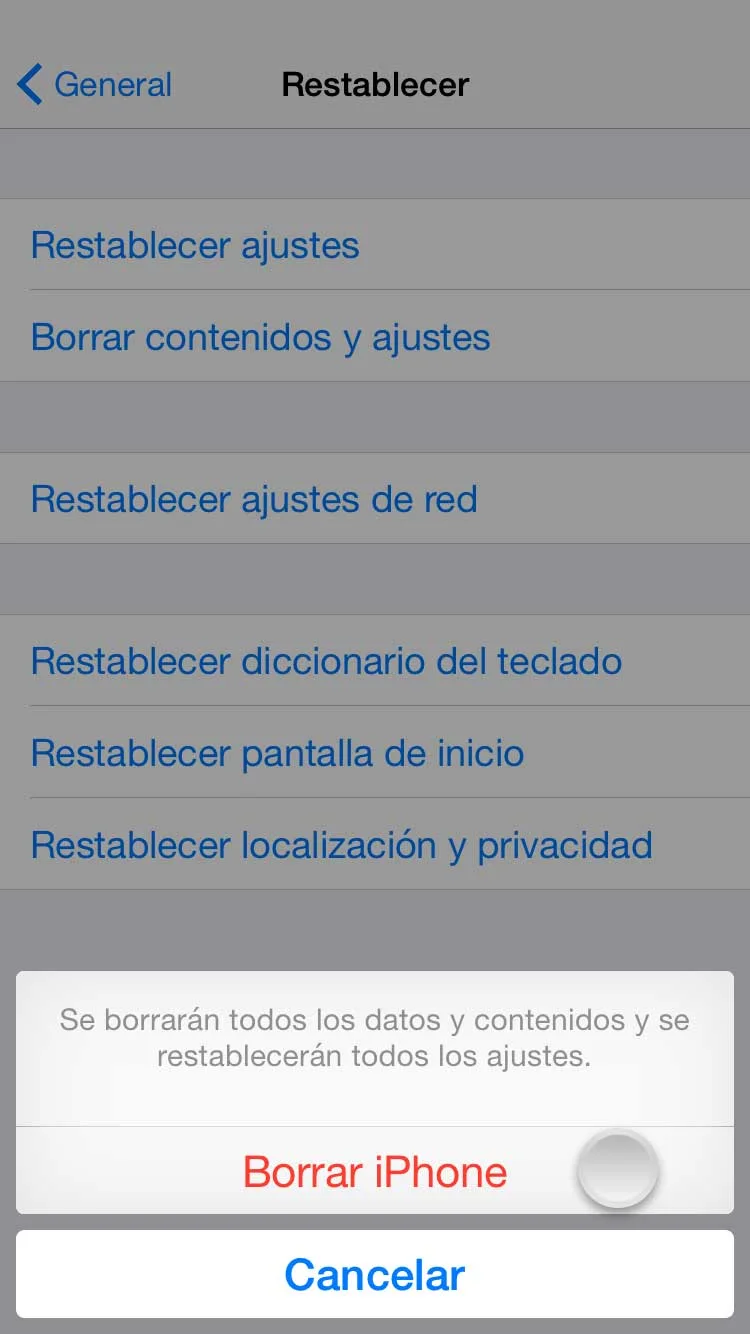
6. Select Erase again to confirm.