GUIDES AND KNOWLEDGE

What to do before selling or giving away your iPhone, iPad or iPod touch

Before selling or giving away a device, remove your personal information. Do not manually delete contacts, calendars, documents, reminders, photos or other iCloud data while signed in with your Apple ID. The source then states that the procedure below deletes content from iCloud servers and connected devices; this wording conflicts with the distinction between manual cloud deletion and correctly erasing a signed-out device and must be reviewed before use.
Original article image: What to do before selling or giving away your iPhone, iPad or iPod touch

Follow these steps:

1. Back up the iOS device. If you do not know how, click here.

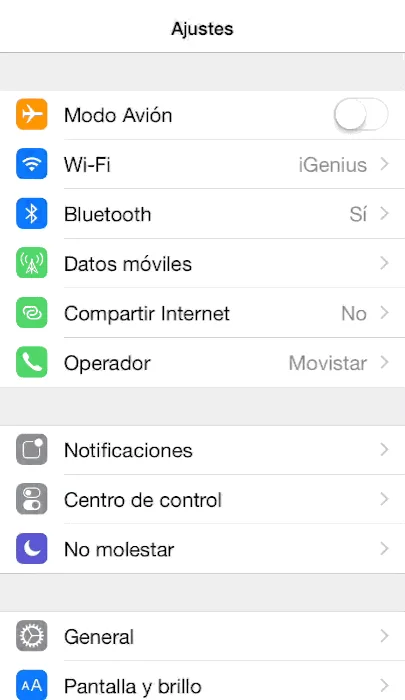
2. Open Settings on the device and tap iCloud. Scroll down and tap Sign Out. On iOS 7 or earlier, tap Delete Account.
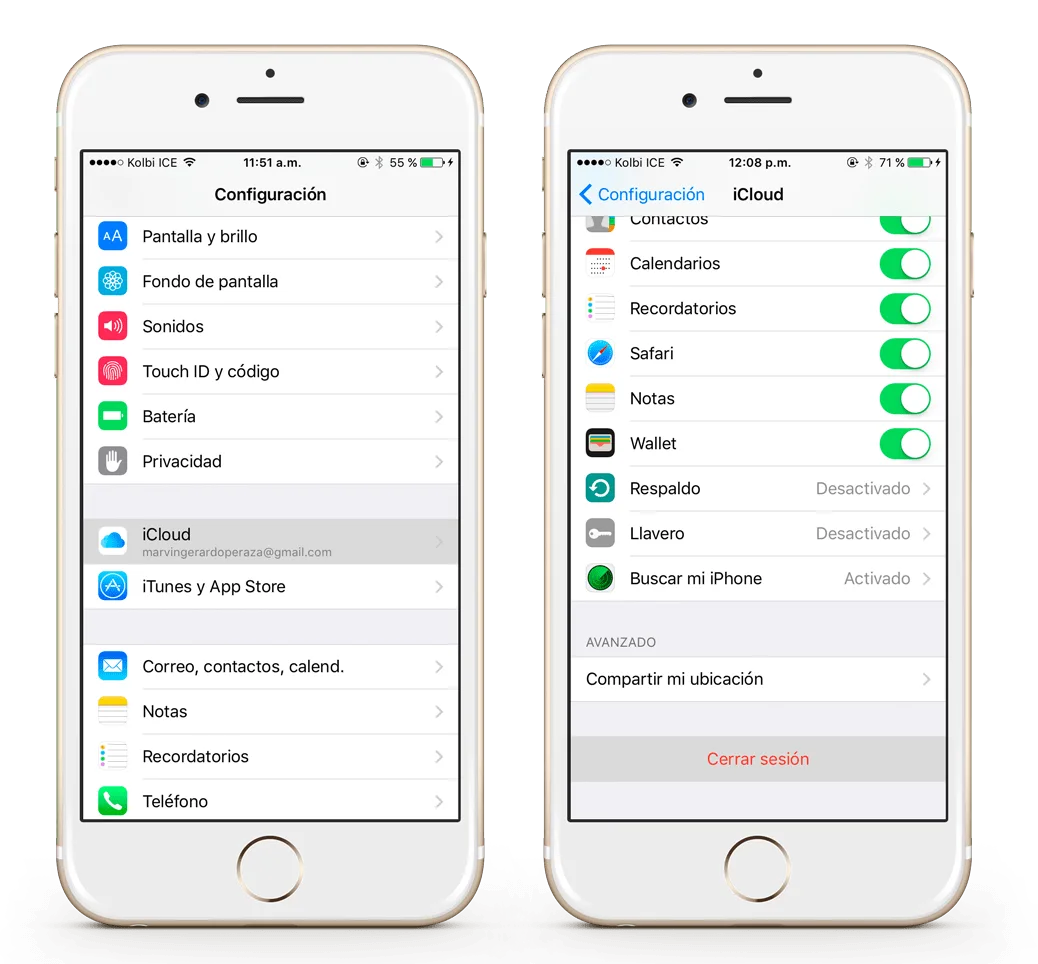
Original article image: What to do before selling or giving away your iPhone, iPad or iPod touch

3. Tap Sign Out again, then Delete from iPhone, and enter the password.
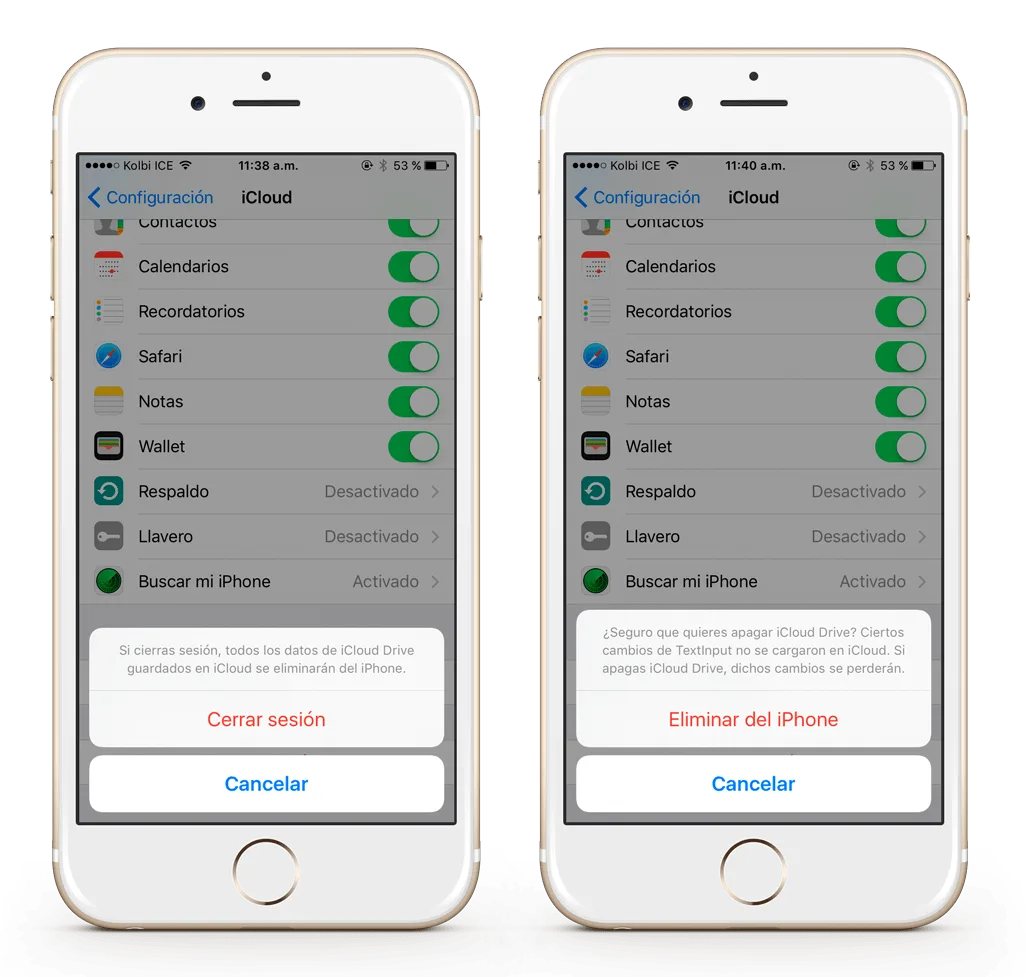
Original article image: What to do before selling or giving away your iPhone, iPad or iPod touch

4. Return to Settings, then General, Reset, Erase All Content and Settings. If Find My iPhone is enabled, you may need to enter your Apple ID and password.
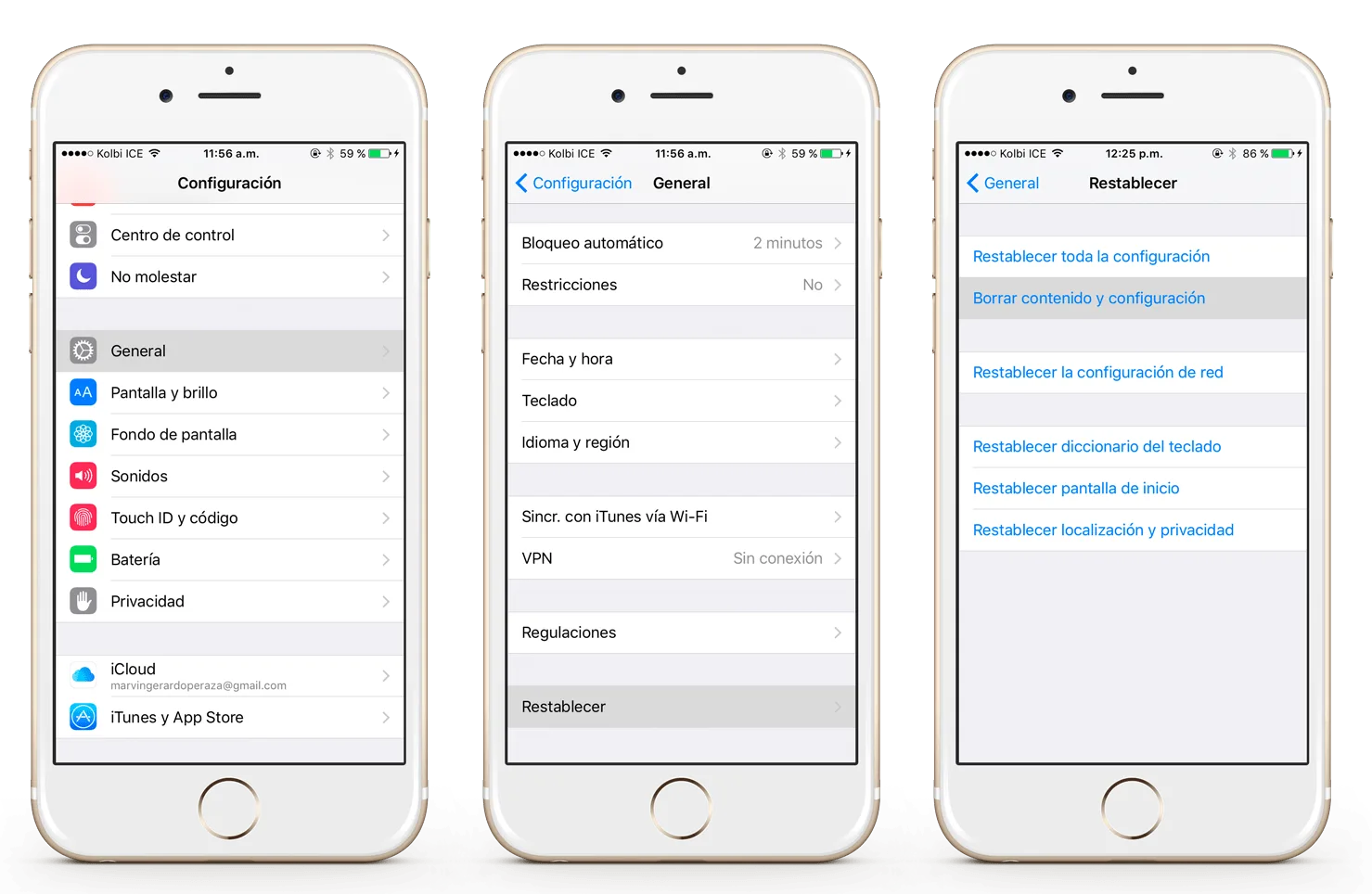
Original article image: What to do before selling or giving away your iPhone, iPad or iPod touch

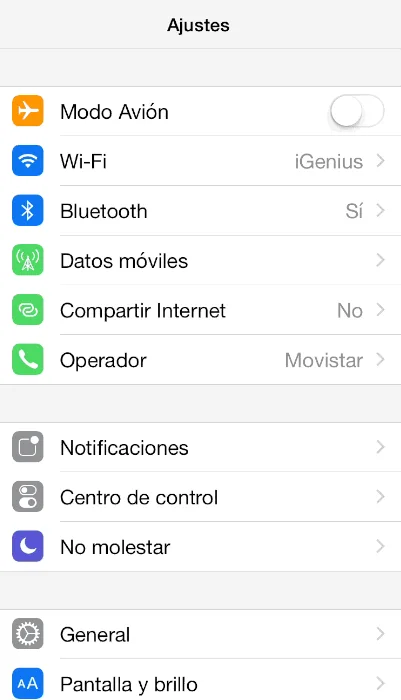
5. If prompted for the device or Restrictions passcode, enter it, then tap Erase.
Keep reading

Let’s talk about your device.

Leave an available contact method, even if your phone isn’t working. You can send your inquiry from this site.

iPhone repair at iGenius

Repair my device

Your privacy,
your choice.

You can allow optional Google Analytics measurement to help us improve this page. We don't send your inquiry content, passwords or device details. You can browse without this measurement.

Read privacy policy
STEP 1 OF 51 of 5

REPAIR REQUEST

Which device needs repair?

Choose one. Next we ask for the model and the fault.

Choose your device