
Before buying a used iPhone, iPad or iPod touch, make sure its data has been erased and it is no longer linked to the previous owner's iCloud account. Starting with iOS 7, Apple introduced Activation Lock to prevent others using a lost or stolen device. If enabled, the previous owner's Apple ID and password are required to activate it even after its contents and settings are erased. Without that information, the article explains that you cannot activate or use the device.
To check, follow these steps:
1. Turn on the device and slide to unlock.
2. If a passcode appears, the contents and settings have not been erased. Ask the previous owner to erase them. If needed, see this guide.
3. Begin device setup.
4. After choosing a language and country and connecting to a network, activation begins. If the previous owner's Apple ID and password are requested, it is still linked to their account. Return it to the seller and ask them to enter their password. An absent owner can remove it from their account using this guide. Do not buy a used iPhone, iPad or iPod touch until it has been removed from the former owner's account, or you will not be able to use it.
Keep reading
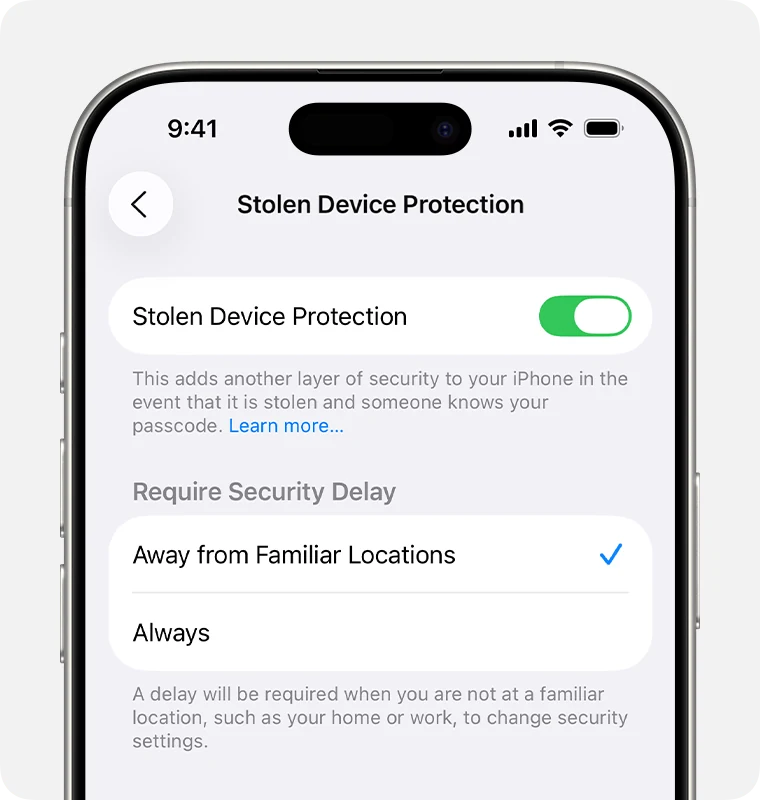 iGenius guideiPhone Stolen Device Protection: what it is and why to turn it off before a repair
 iGenius guideRemove an iOS device from Find My in iCloud
 iGenius guideWhat to do before selling or giving away your iPhone, iPad or iPod touch
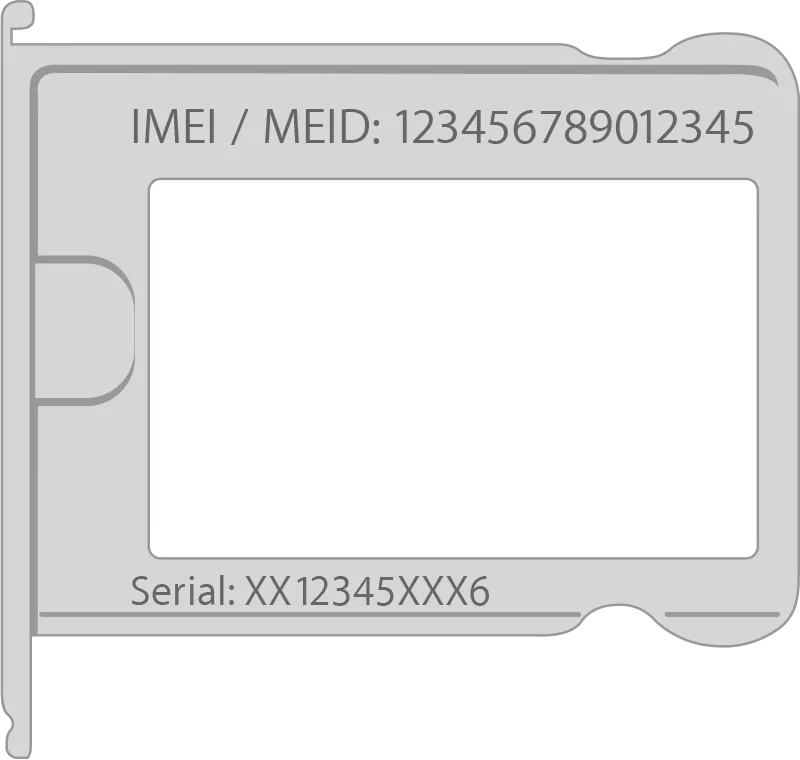 iGenius guideFind the serial number or IMEI of an iPhone, iPad or iPod touch